LASER UNIT
A229 5-34 SM
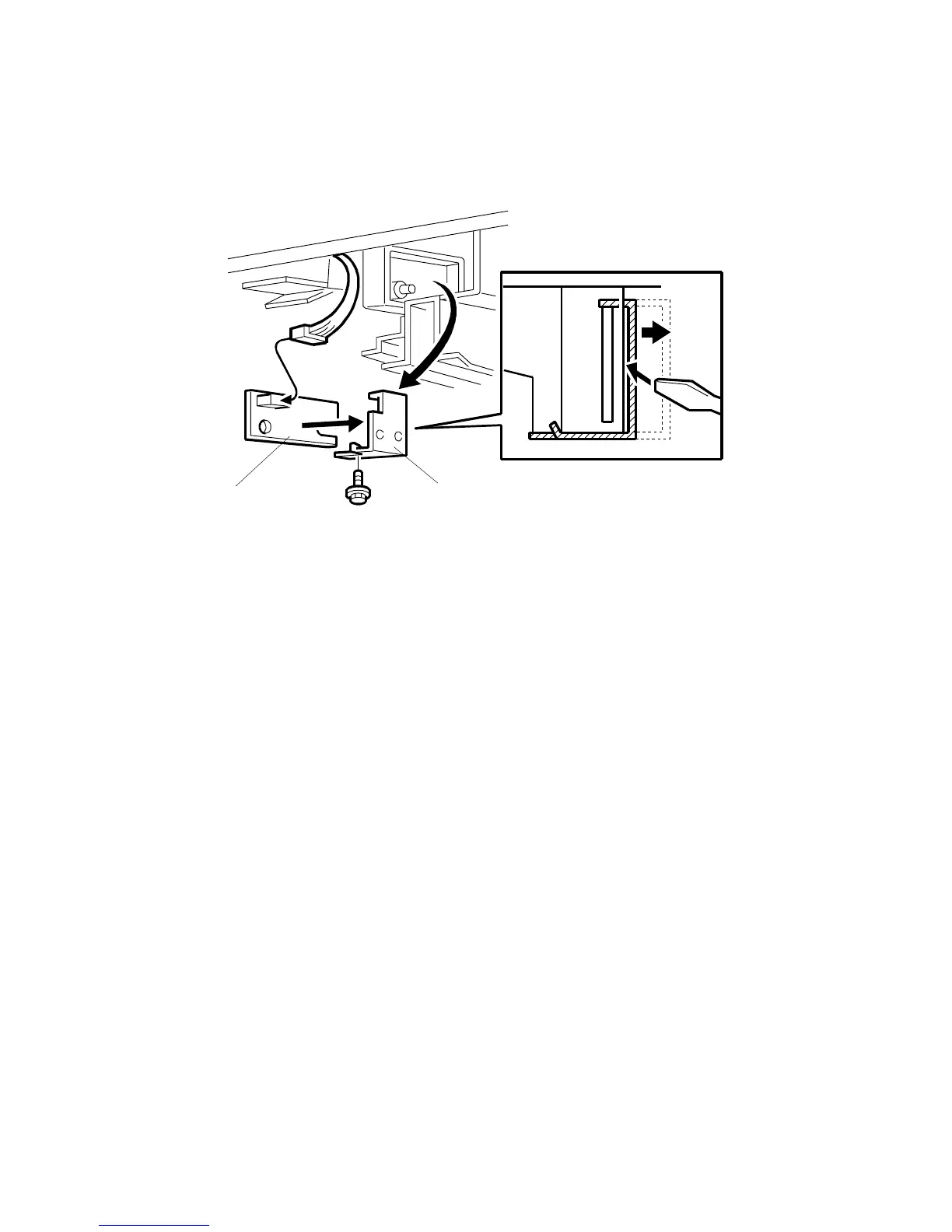
5.4.5 LASER SYNCHRONIZATION DETECTOR REPLACEMENT
1. Turn off the main power switch and unplug the machine.
2. Remove the drum unit. (See Drum Unit Removal.)
3. Remove the laser synchronization detector securing plate [A] using a small
screwdriver (1 screw).
4. Replace the laser synchronization detector [B] (1 connector).
NOTE:
When reinstalling the securing plate, make sure to screw it in only after a
clicking sound is heard, which ensures that it is installed in the correct
position.
A229R502.WMF
[A]
[B]









 To Next Page