DEVELOPMENT AND TONER SUPPLY
SM 5-49 A229
Replacement
and
Adjustmen
t
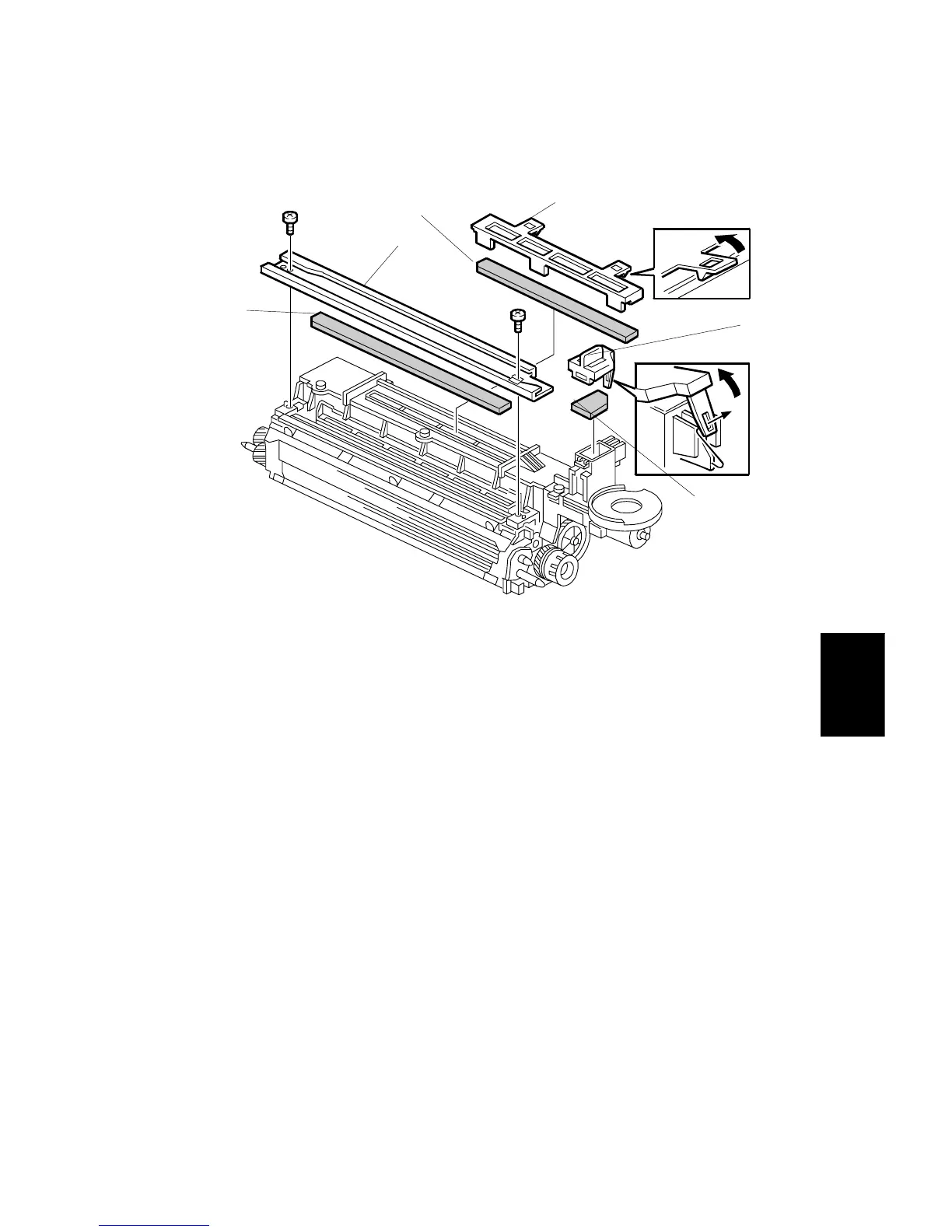
5.6.2 DEVELOPMENT AND AIR DUST FILTER REPLACEMENT
1. Take out the development unit. (Refer to Development Unit Removal.)
2. Remove the development guide rail [A] (two screws).
3. Replace the development filter [B].
4. Remove the front air dust filter cover [C] (1 hook).
5. Replace the front air dust filter [D].
6. Remove the central air dust filter cover [E].
7. Replace the central air dust filter [F].
A229R540.WMF
[A]
[B]
[C]
[D]
[E]
[F]









 To Next Page