SERVICE PROGRAM MODE
4-5
SM A229
Service
Tables
4.2 SERVICE PROGRAM MODE
4.2.1 SERVICE PROGRAM MODE OPERATION
The service program (SP) mode is used to check electrical data, change modes,
and adjust values.
Service Program Access Procedure
Entering SP mode
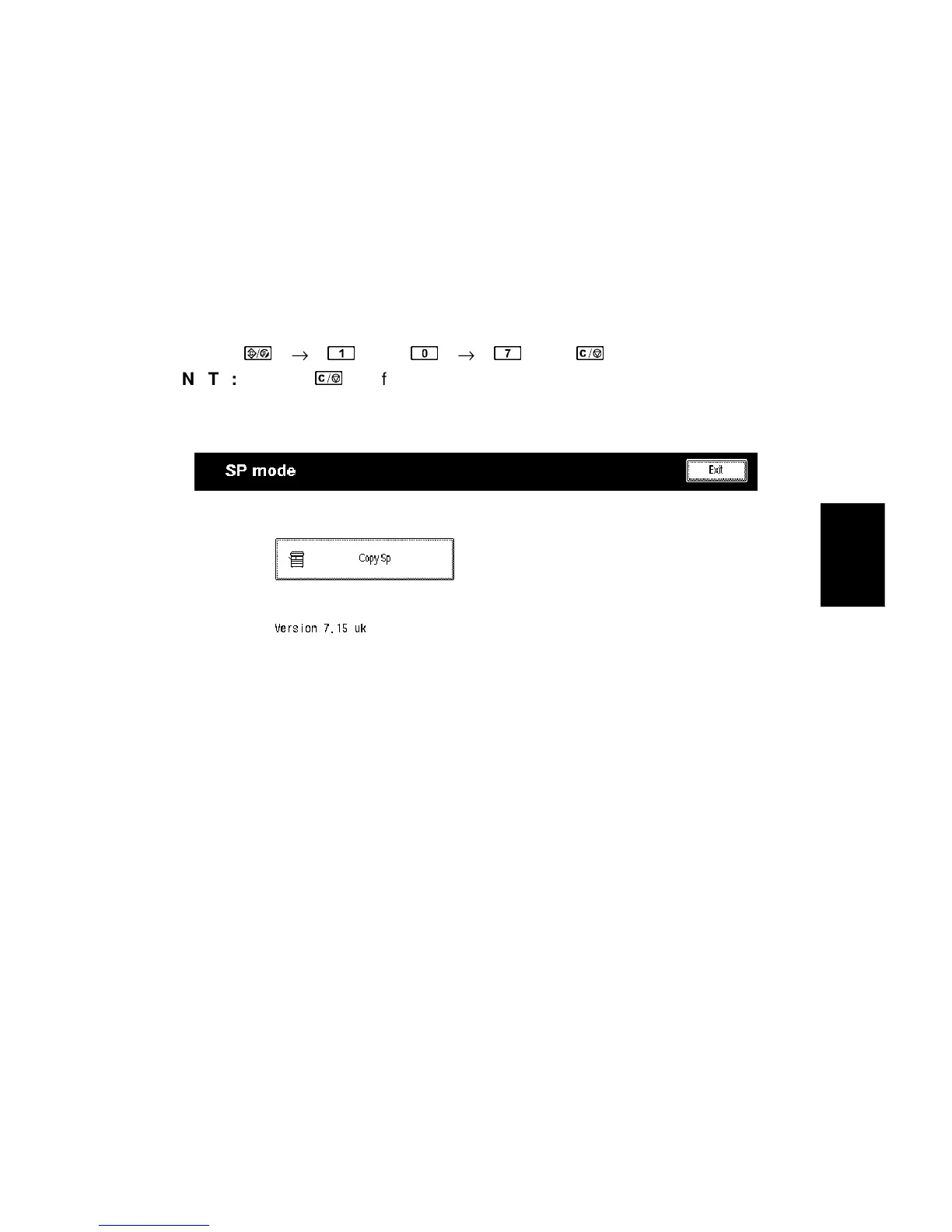
1) Press the following keys in sequence.
→
→
→
→
NOTE:
Hold the
key for more than 3 seconds.
2) A menu of SP modes is displayed on the LCD.
NOTE:
1) The installed applications appear as Copy SP and Printer SP. If the
printer application is not installed, its name does not appear.
2) The meaning of the bottom line is as follows.
•
“Ver 7.15 uk” is the SBICU board software version.
A229M500.TIF









 To Next Page