SCANNER UNIT
A229 5-16 SM
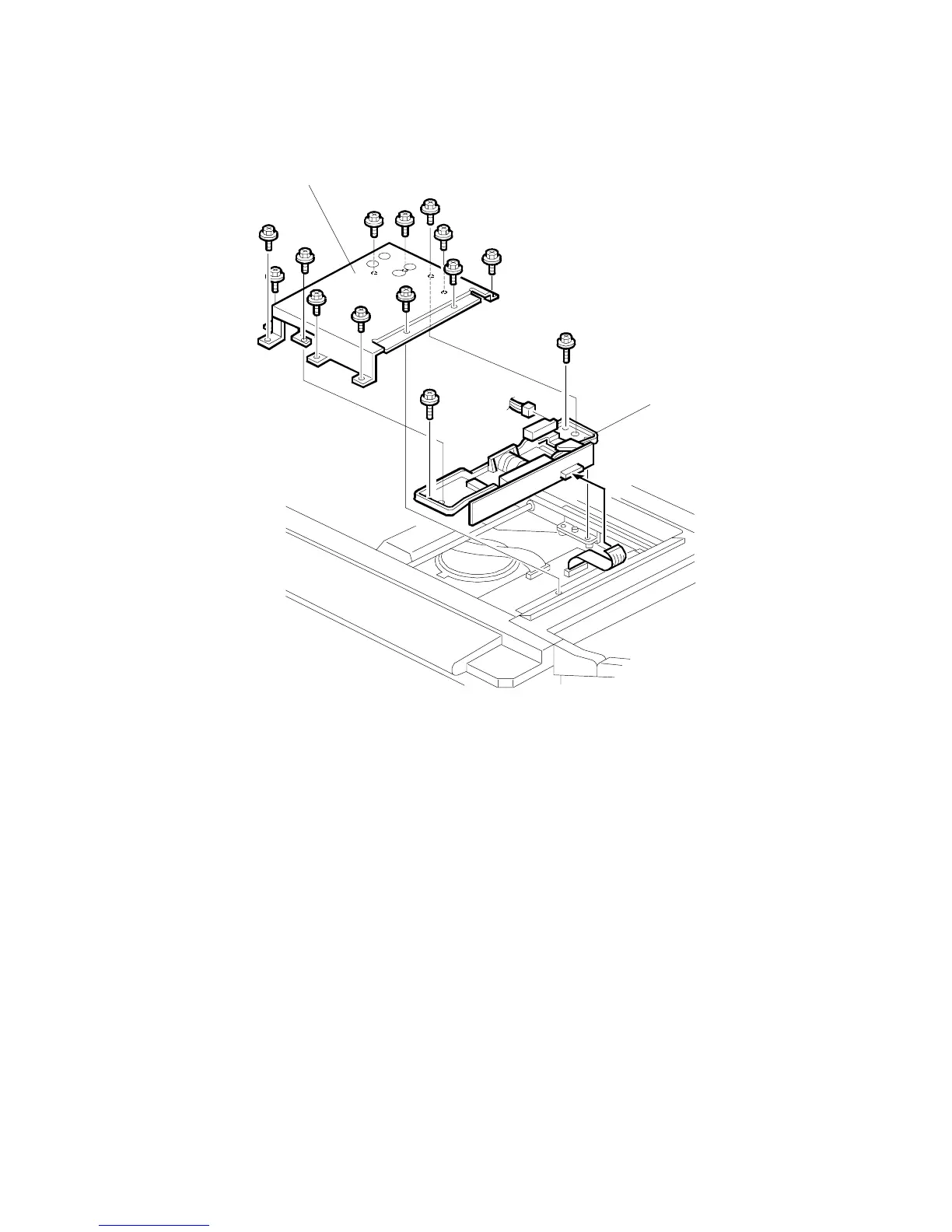
5.3.3 LENS BLOCK
1. Remove the exposure glass. (See Exposure Glass.)
2. Remove the lens cover [A] (12 screws).
3. Replace the lens block assembly [B] (2 screws, 3 connectors).
4. Do the scanner and printer copy adjustments. (See Replacement and
Adjustment – Copy Image Adjustments.)
NOTE:
When putting back the lens cover, take care not to pinch the operation
panel cable.
A229R659.WMF
[A]
[B]









 To Next Page