TRANSFER BELT UNIT
SM 5-57 A229
Replacement
and
Adjustmen
t
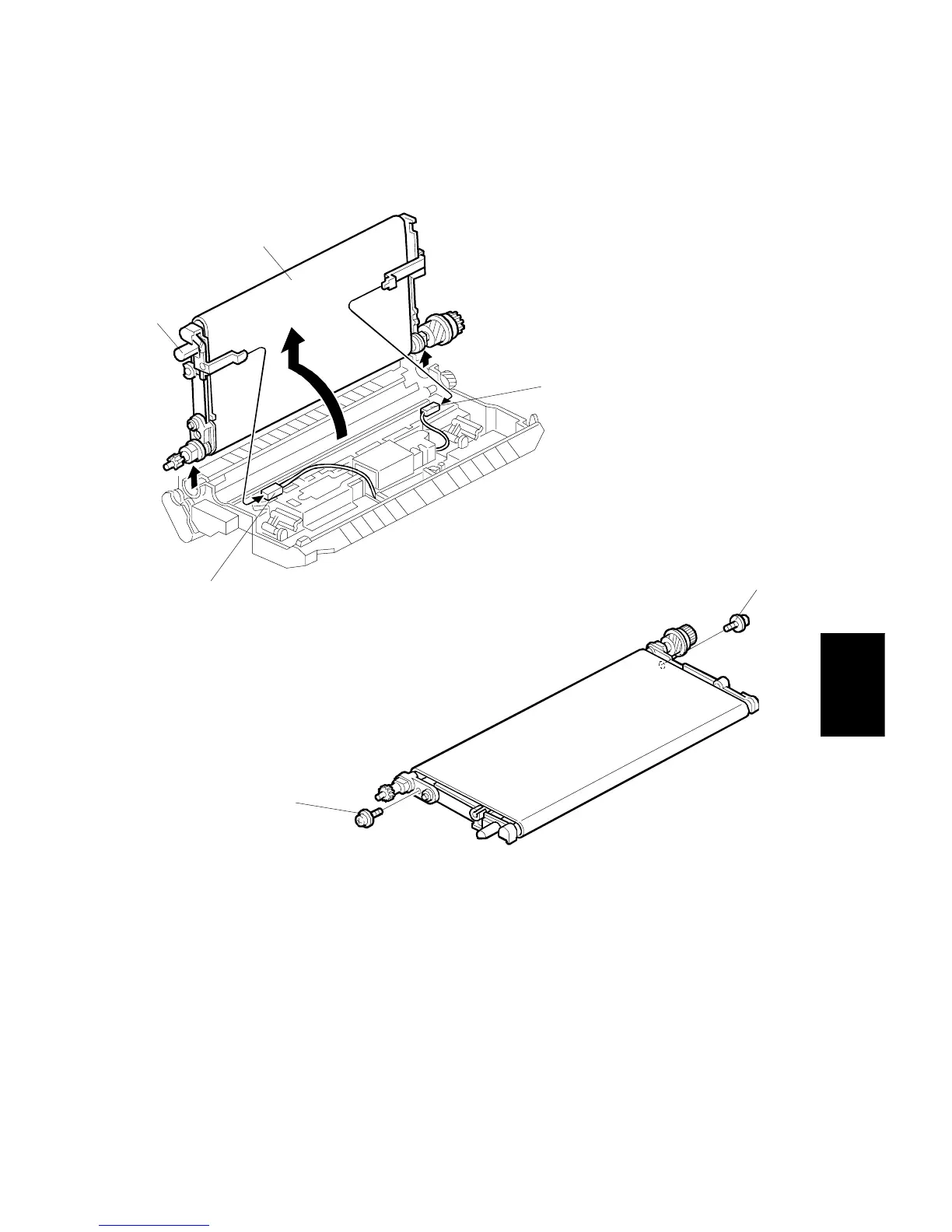
5.7.2 TRANSFER BELT REPLACEMENT
1. Take out the transfer belt unit. (Refer to Transfer Belt Unit Removal.)
2. While raising the knob [A], disconnect the two connectors [B].
3. Turn the transfer belt upper unit [C] 90 degrees counterclockwise, then raise
and remove it.
4. Remove the screws [D].
A229R521.WMF
A229R522.WMF
[A]
[B]
[C]
[B]
[D]
[D]









 To Next Page