IMAGE PROCESSING
2-24
A229 SM
2.3.5 IMAGE PROCESSING STEPS AND RELATED SP MODES
The following tables show the image processing path and the related SP modes
used for each image processing mode.
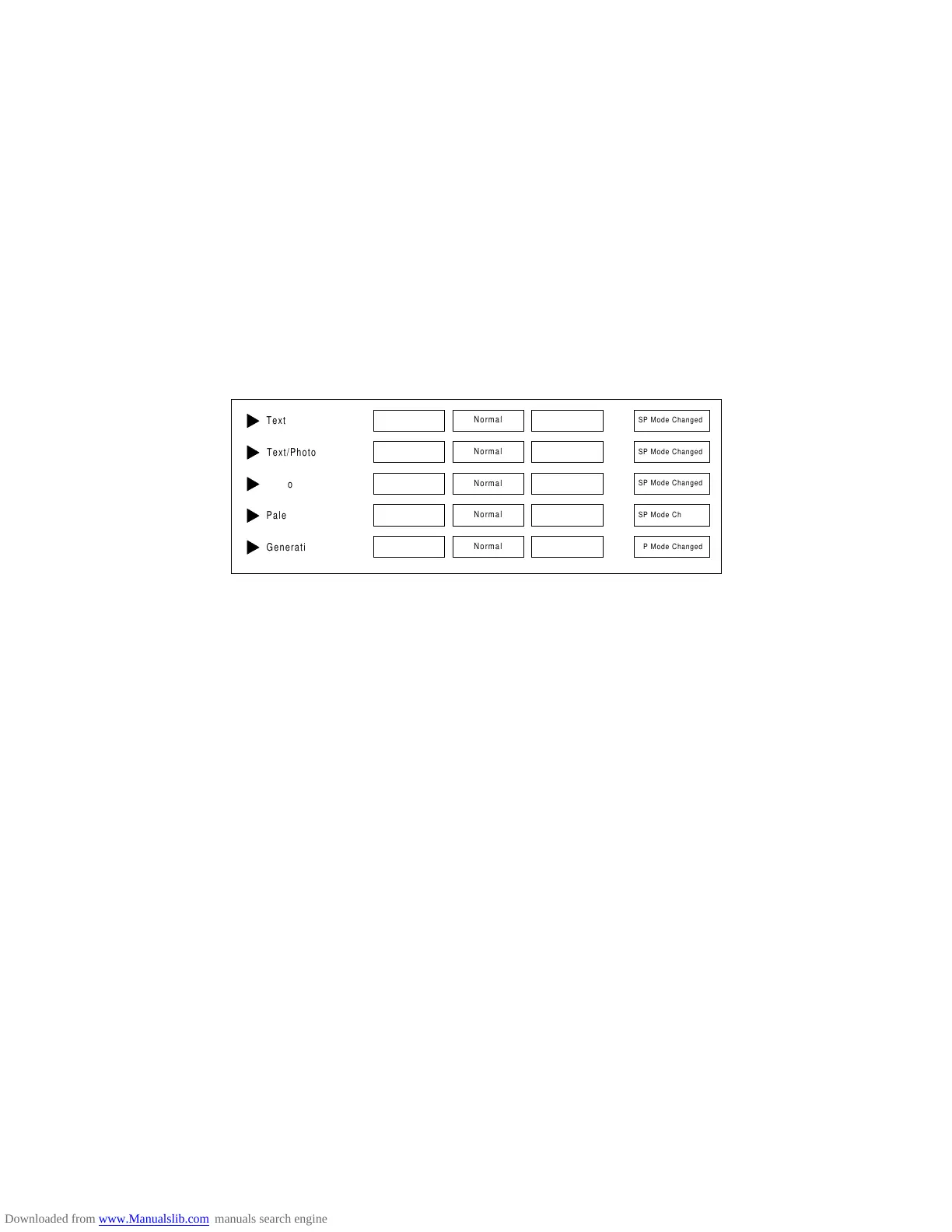
The user can adjust many of the image processing parameters with a UP mode
(Copy Features – General Features – Original Mode Quality Level), using fixed
settings such as Sharp, Normal, and Soft. Each of these fixed settings has different
parameter settings. The user’s changes do not affect the SP mode settings.
If the user is not satisfied with any of the available settings for this UP mode, the
technician can adjust the SP modes. However, the SP mode settings are not used
unless the user selects ‘SP Mode Changed’ with the UP Mode.
For more details about the settings available for the user, see Service Tables –
Image Quality Setting by UP Mode.
Soft
Photo Mode
Screened Printed
Soft
Soft
Sharp
Text Mode
Continuous Tone
Sharp
Sharp









 To Next Page