IMAGE PROCESSING
2-25
SM A229
Detailed
Descriptions
Text Mode
In text mode, there is no text/image separation, and the entire image is processed
as a text area. The MTF filtering coefficient and strength can be adjusted
individually for both main and sub scan. Low density originals are produced better
when a stronger MTF filter is selected, but in this case, moiré tends to appear.
With UP Mode (Copy Features – General Features – Original Mode Quality Level),
the user can select ‘Soft’, ‘Normal’, ‘Sharp’, and ‘SP Mode Changed’. The settings
of the SP modes indicated with an asterisk ( * ) are not used unless the user
selects ‘SP Mode Changed’.
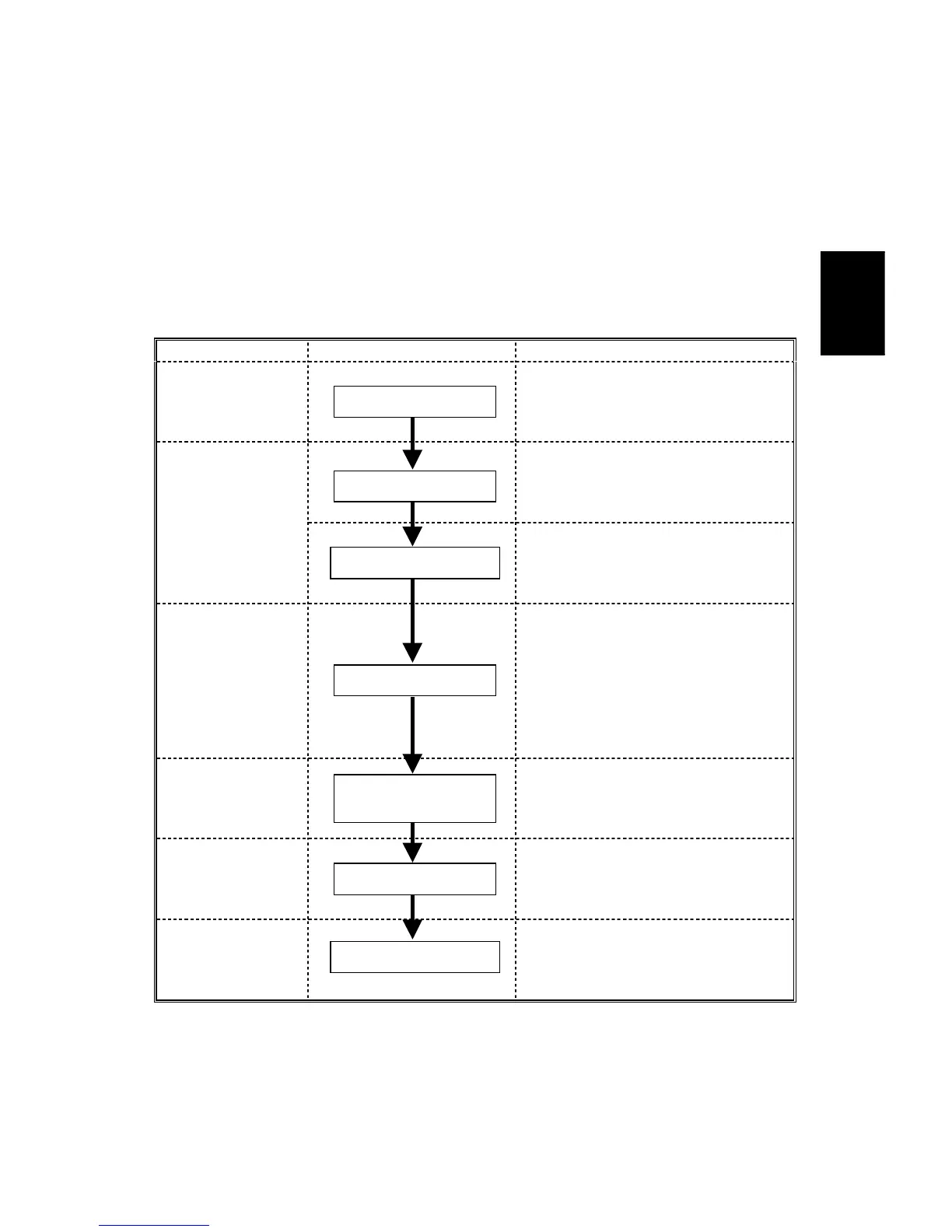
Image Processing Steps Related SP Modes
Input
Correction 1
SP4903-033 *
(Background Erase Level)
Input
Correction 2
SP4903-028
(Independent Dot Erase Level)
Filtering
SP4903-011 to 014 *
(MTF Filter Coefficient – Main Scan)
SP4903-020 to 023 *
(MTF Filter Strength – Main Scan)
SP4903-041 to 044 *
(MTF Filter Coefficient – Sub Scan)
SP4903-050 to 053 *
(MTF Filter Strength – Sub Scan)
Magnification
SP2909-001
(Main Scan Magnification)
ID Control
Gradation
Auto Shading
Background Erase
Independent Dot Erase
MTF
Main Scan
Magnification
γ Correction
Grayscale Processing









 To Next Page