EXTERIOR
A229 5-2 SM
5.1.2 RIGHT
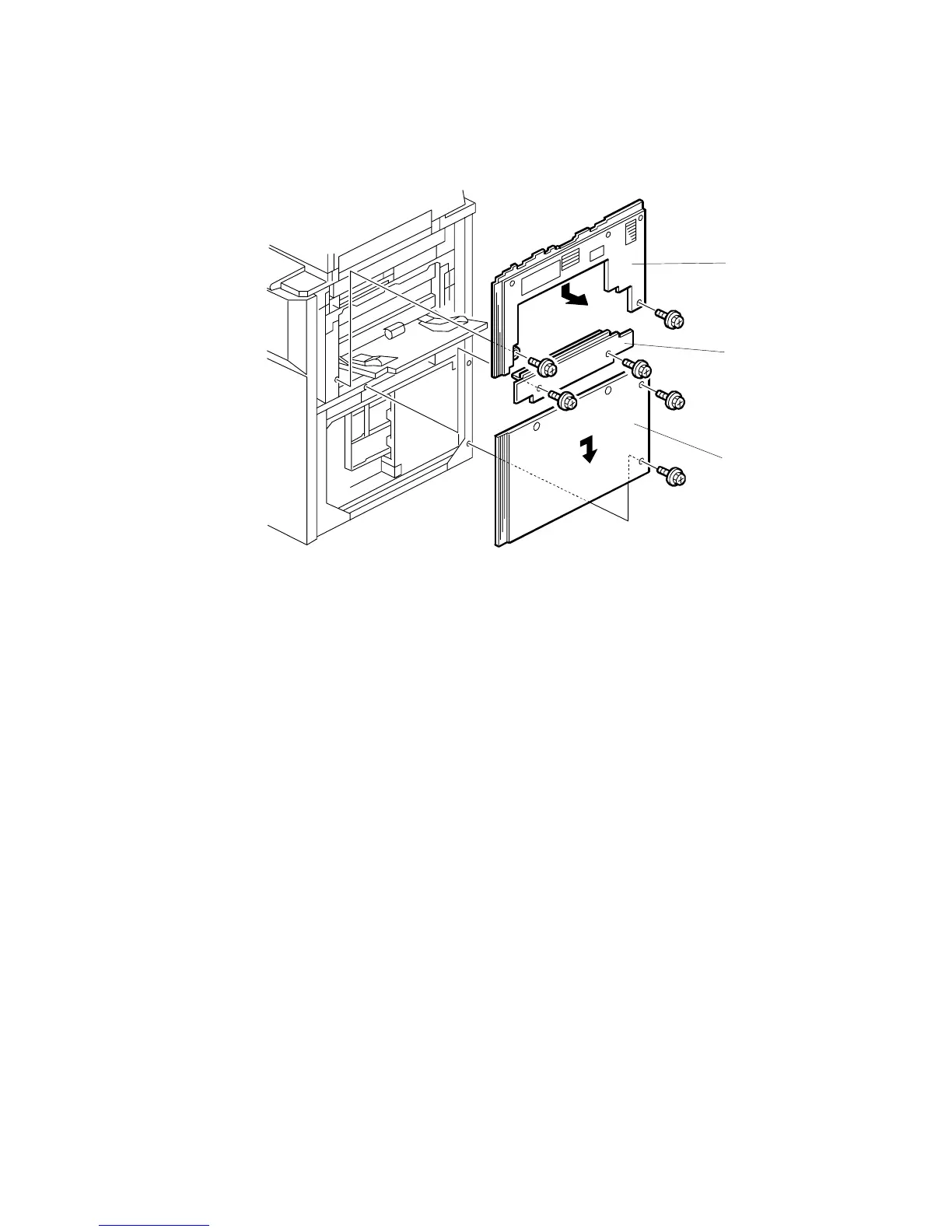
Paper Feed Cover
1. Remove the paper feed cover [A] (2 screws).
Upper Right Cover
1. Remove the paper feed cover [A] (2 screws).
2. Remove the upper right cover [B] (2 screws).
Lower Right Cover
1. Remove the paper feed cover [A] (2 screws).
16. Remove the lower right cover [C] (2 screws).
NOTE:
When re-installing the upper and lower right cover, put the hooks in the
holes in the frame.
A229R639.WMF
[A]
[B]
[C]









 To Next Page