SERVICE PROGRAM MODE
4-52
A229 SM
4.2.4 INPUT CHECK
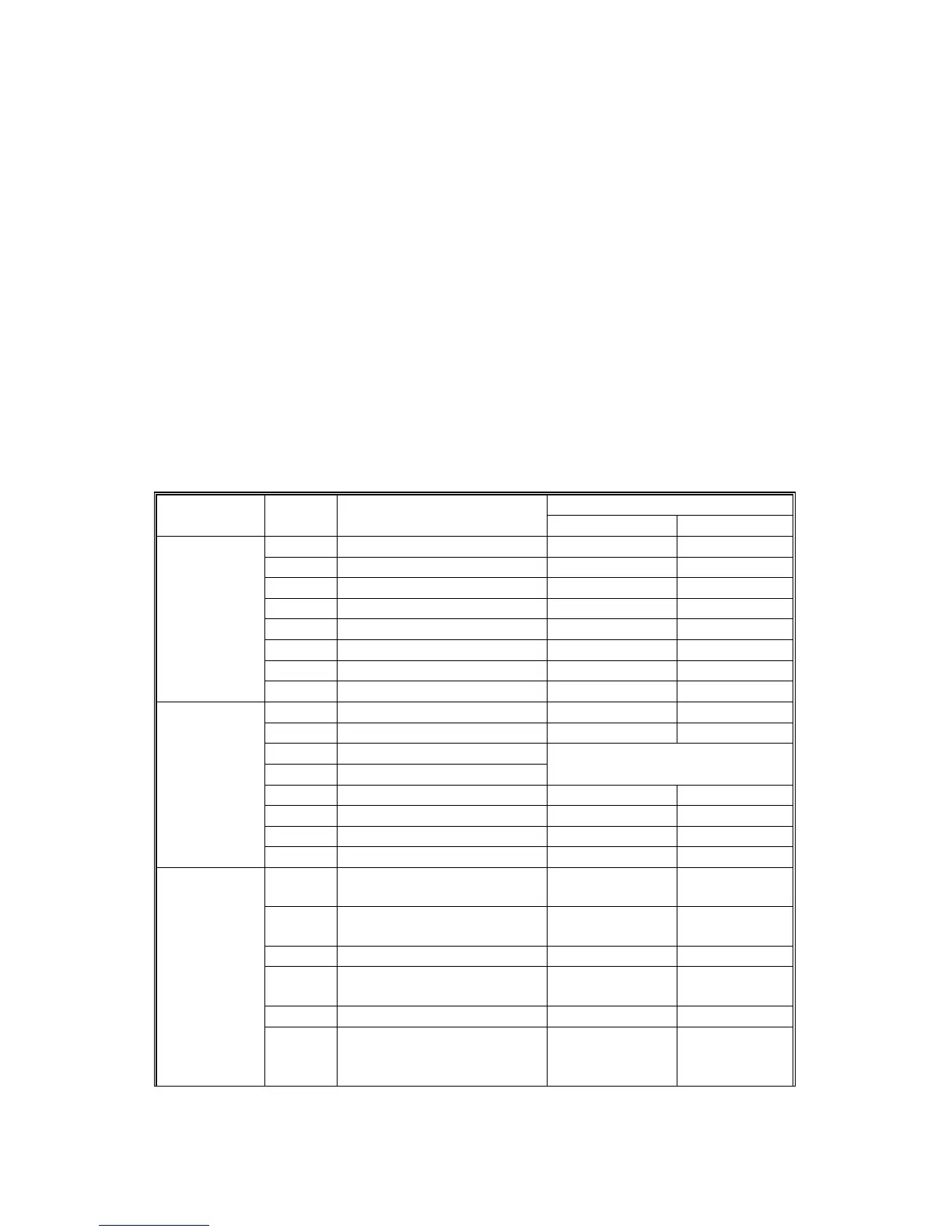
Main Machine Input Check (SP5-803)
1. Access SP mode.
2. Select the class 3 SP number which will access the switch or sensor you wish
to check. (See the table below)
3. Check the status of the sensor or switch.
NOTE:
If you wish to change to another class 3 level, press the “Next” or
“Prev.” key.
4. The reading (“0” or “1”) will be displayed. The meaning of the display is as
follows.
Bit 7 Bit 6 Bit 5 Bit 4 Bit 3 Bit 2 Bit 1 Bit 0
||||||||
00000000
Reading
Class 3 no. Bit no. Description
01
7 Paper Size 1 Switch On Off
6 Paper Size 2 Switch On Off
1
(Paper Feed
1)
5 Paper Size 3 Switch On Off
4 Paper Size 4 Switch On Off
3 Paper Size 5 Switch On Off
2 2nd Near End Sensor Not detected Near end
1Not Used
0 1st Near End Sensor Not detected Near end
7 Not used
6 Not used
2
(Paper Feed
2)
5 Tray Construction 1
4 Tray Construction 2
4 : 0 , 5 : 1 Export
4 : 1 , 5 : 1 Japan
3Not Used
2Not Used
1 3rd Tray Set Detection Set Not Set
0 3rd Near End Sensor Not Detected Near end
7
Left Tandem Tray Set
Detection 2 (Connector)
Set Not set
3
(Paper Feed
3)
6 Side Fence Positioning
Sensor
Not Detected Fence
Detected
5 Base Plate Down Sensor Not Detected Detected
4 Rear Fence HP Sensor Not Detected At home
Position
3 Side Fence Close Sensor Open Closed
2 Rear Fence Return Sensor Not detected Return
position









 To Next Page