LCT (A698)
A229 3-22 SM
3.4.2 INSTALLATION PROCEDURE
CAUTION
Unplug the copier power cord before starting the following procedure.
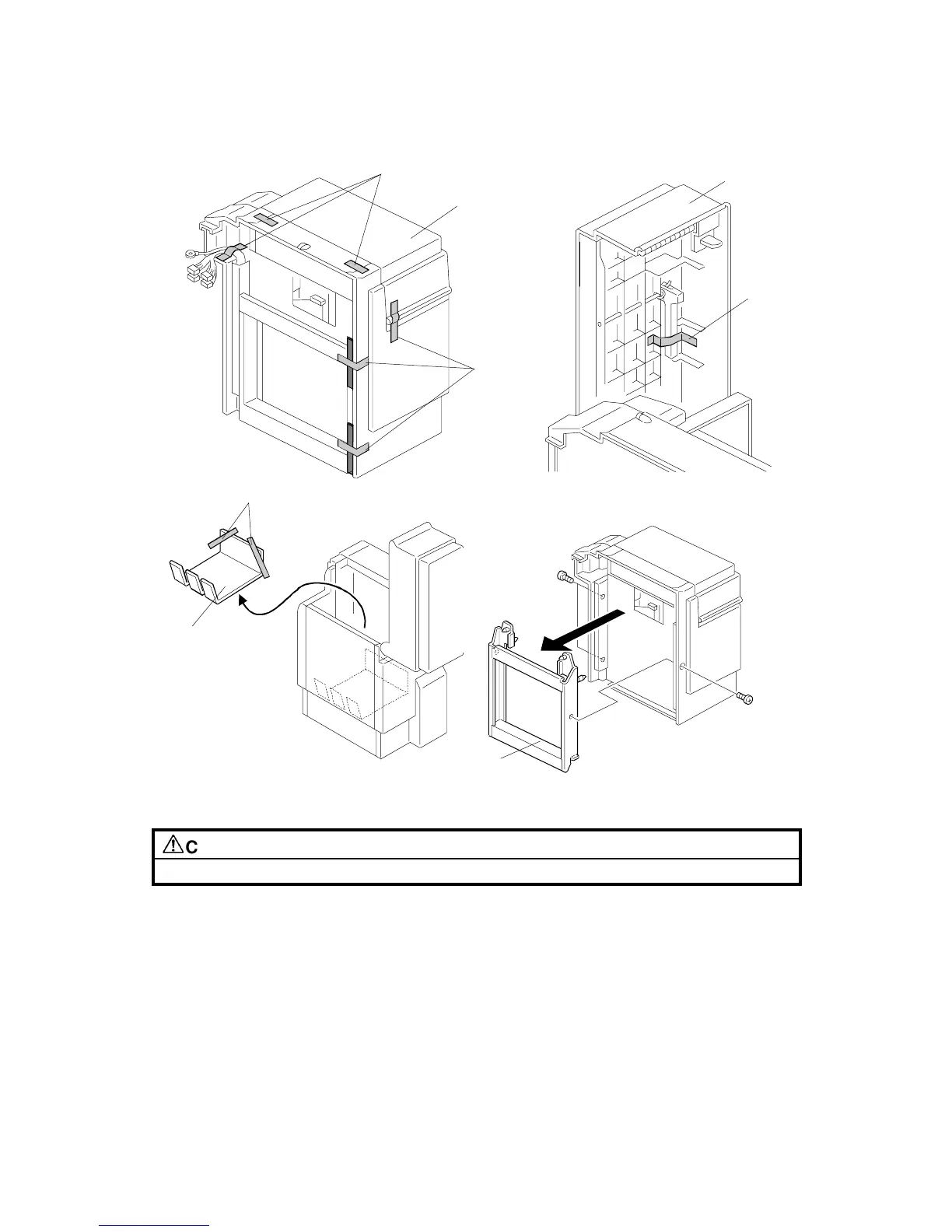
1. Remove the strips of tape [A].
2. Open the LCT cover [B] and remove the tape [C] that holds the paper trailing
edge stopper.
3. Remove the tray cushion [D] and the strips of tape [E].
4. Remove the LCT connector [F] (3 screws).
A698I500.WMF
A698I501.WMF
A698I503.WMF
A698I502.WMF
[B]
[B]
[C]
[A]
[D]
[E]
[F]
[A]









 To Next Page