IMAGE PROCESSING
2-42
A229 SM
Compression
After image processing, the image data from the IPU first goes to the FIFO block.
This block consists of 14 FIFO memories (7 for data input, 7 for data output).
FIFOs are used because four scan lines are compressed at the same time to
improve the image compression speed.
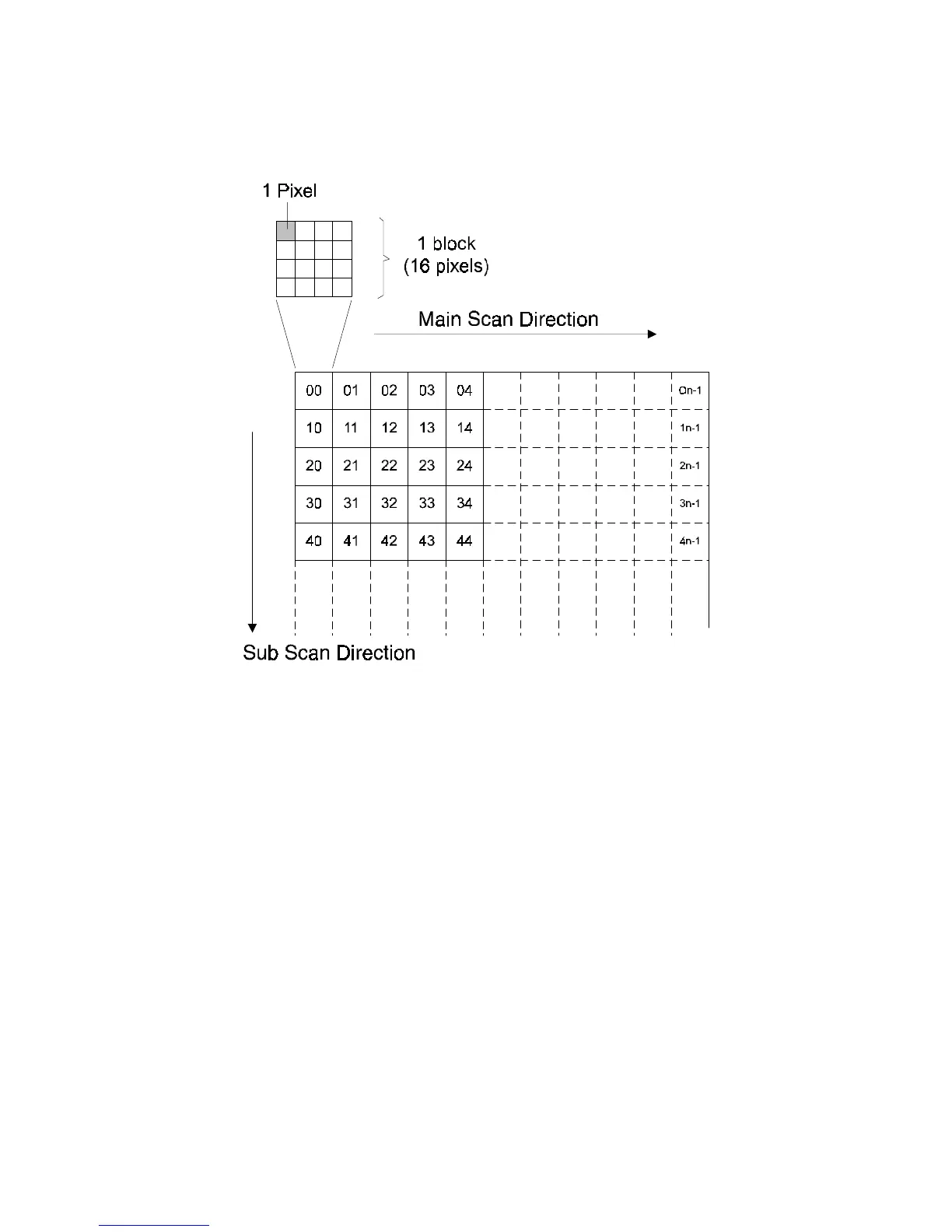
The image data then goes to the GA1 IC, where the image data for a whole page is
divided into many blocks (the block size is 4 x 4 pixels) as shown above left. Then,
each block is compressed and sent to DRAM through GA2 to store the data.
When the HDD is ready to receive the data, the data passes to GA2 where it is
compressed some more, and sent to the HDD.
When it is time to output the data, the data flow is reversed, and the data is
decompressed. The decompressed data goes back to the FIFO block.
Image Rotation
This copier contains 12 MB of DRAM. This is enough to hold two A4 (LT) size
images (this allows the user to scan one original while printing another).
A229D627.WMF









 To Next Page