USER PROGRAM MODE
4-70
A229 SM
Magnification Ratio: 32 – 109 % (Photo areas, and all areas when the user selects
Photo Mode)
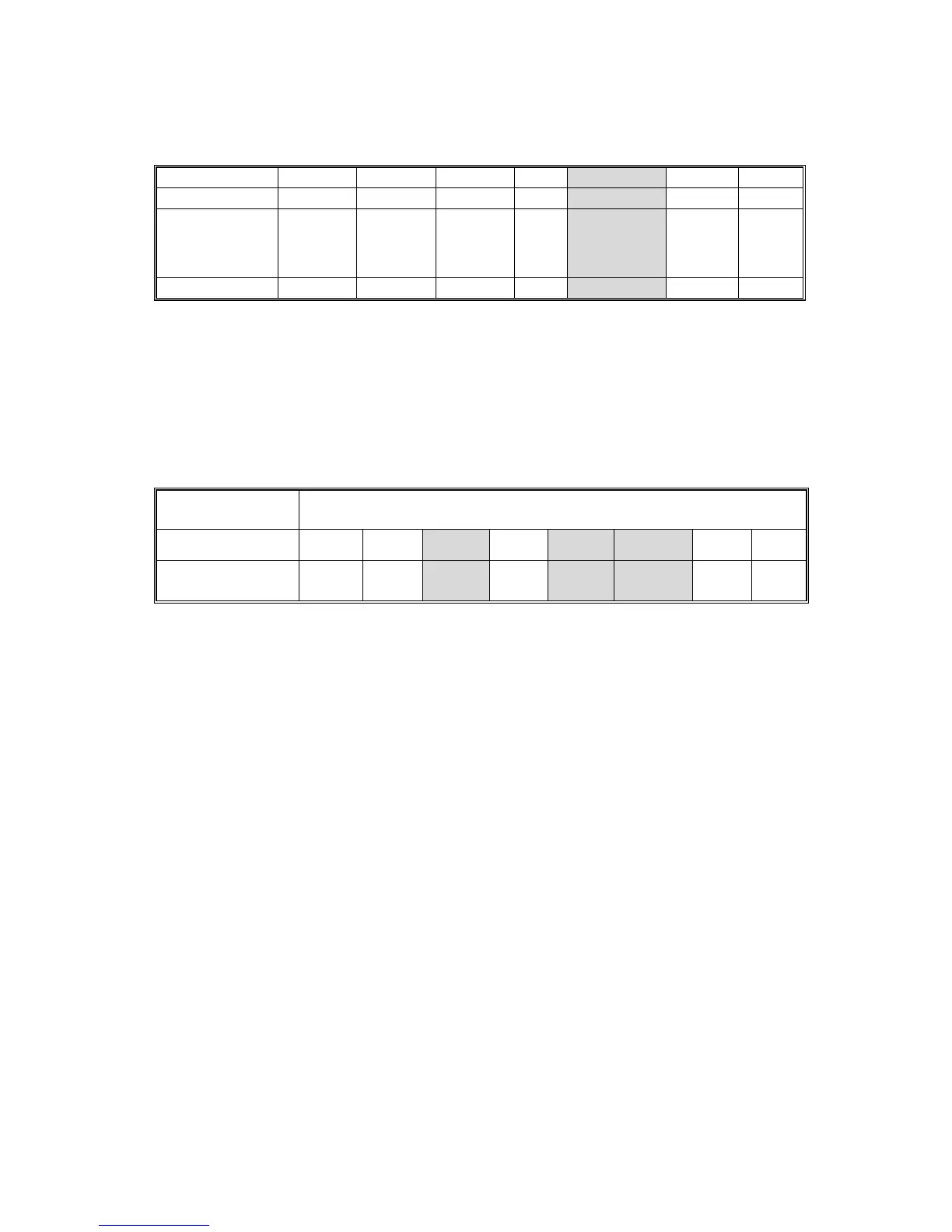
Filter Type
Smoothing Smoothing Smoothing
none
MTF MTF MTF
Filter Strength
Strong Medium Weak Strong Medium Weak
UP Mode
•
Normal
•
Text mode
•
Photo mode
(all areas)
SP4-903-047 6 5 4 3 210
Photo Mode
The smoothing filter is always used in this mode, whether the user selects
”Continuous Tone”, “Normal”, or “Screen Printed”.
When a stronger setting is selected, the reproduction of graduations is improved.
However, the image tends to go out of focus.
Smoothing Filter
Strength
Strong Weak
UP Mode
Screened
Printed
Normal
Continuous
Tone
Coefficient Level
SP4-903-016 7 6
5 4 3 2 10
If the user selects “SP Mode Changed” to use another smoothing filter setting,
SP4-904-003 (Filter Type Selection in Photo Mode) should be “1: Smoothing”.
If the user selects “SP Mode Changed” to use an MTF filter setting for photo mode,
SP4-904-003 (Filter Type Selection in Photo Mode) should be “0: MTF”.









 To Next Page