IMAGE PROCESSING
2-26
A229 SM
Photo Mode
There is no text/image separation, and the entire image is processed as a photo
area.
With UP Mode (Copy Features – General Features – Original Mode Quality Level),
the user can select ‘Screen Printed’, ‘Normal’, ‘Continuous Tone’, and ‘SP Mode
Changed’. The settings of the SP modes indicated with an asterisk ( * ) are not
used unless the user selects ‘SP Mode Changed’.
When the user selects “Normal or “Continuous Tone”, error diffusion is used for the
gradation process. However, if the user selects “Screen Printed”, dither processing
is used.
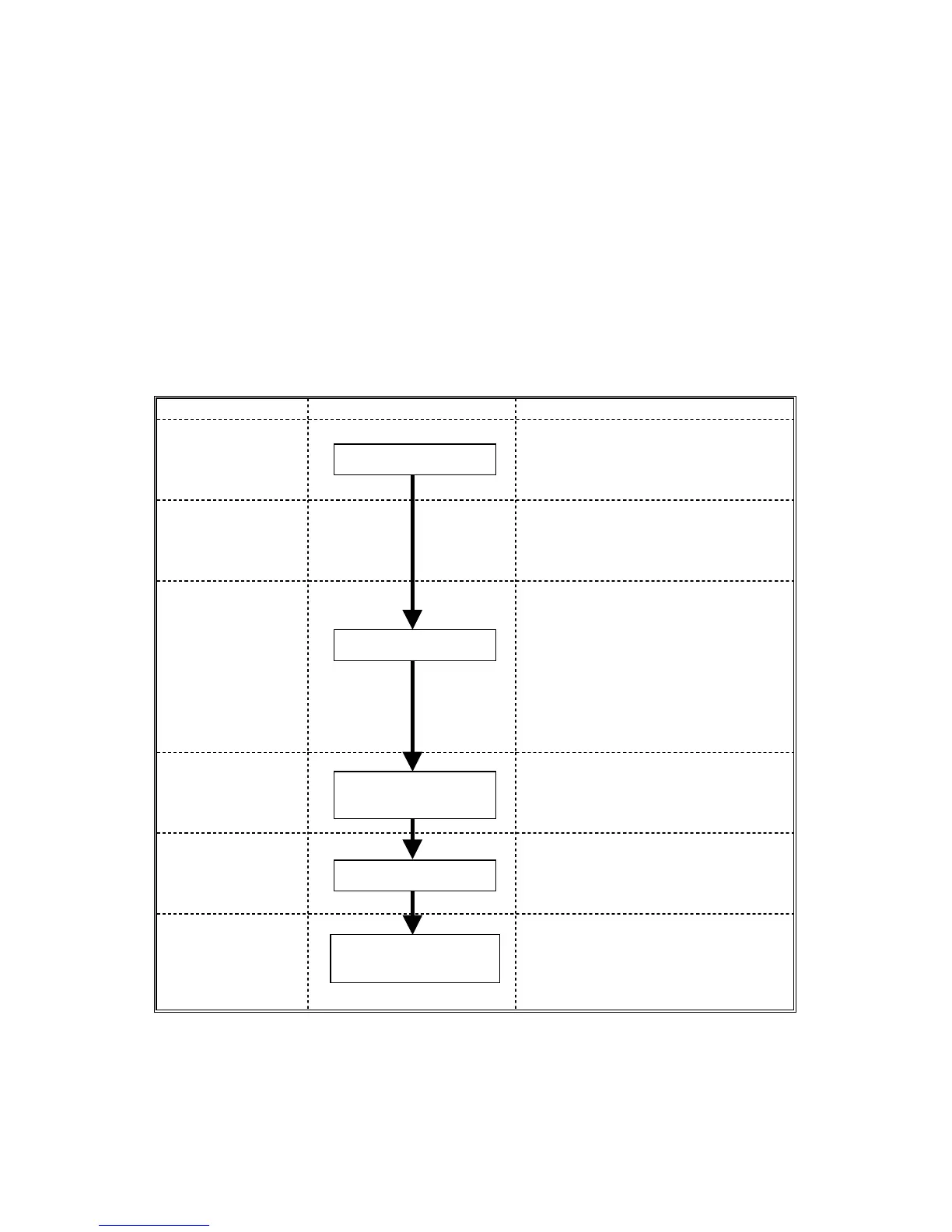
Image Processing Path Related SP Modes
Input
Correction 1
Input
Correction 2
Filtering
SP4904-003 *
(Filter Type Selection in Photo
Mode)
SP4903-016 *
(Smoothing Filter Coefficient Level in
Photo Mode)
SP4903-015 *
(MTF Filter Coefficient – Photo
Mode)
Magnification
SP2909-001
(Main Scan Magnification)
ID Control
Gradation
SP4904-024 *
(Grayscale Process Selection: Dither
or Error Diffusion)
SP4904-002 *
(Dither Matrix Size Selection)
Auto Shading
Smoothing/MTF
Main Scan
Magnification
γ Correction
Error Diffusion/
Dither Matrix









 To Next Page