IMAGE PROCESSING
2-27
SM A229
Detailed
Descriptions
Text/Photo Mode
When text/photo mode is selected, text/photo separation is done. A text filter or
photo filter is applied to each image area. The gradation process also depends on
whether the image area is text or photo.
With UP Mode (Copy Features – General Features – Original Mode Quality Level),
the user can select ‘Photo Mode’, ‘Normal’, ‘Text Mode’, and ‘SP Mode Changed’.
The settings of the SP modes indicated with an asterisk ( * ) are not used unless
the user selects ‘SP Mode Changed’.
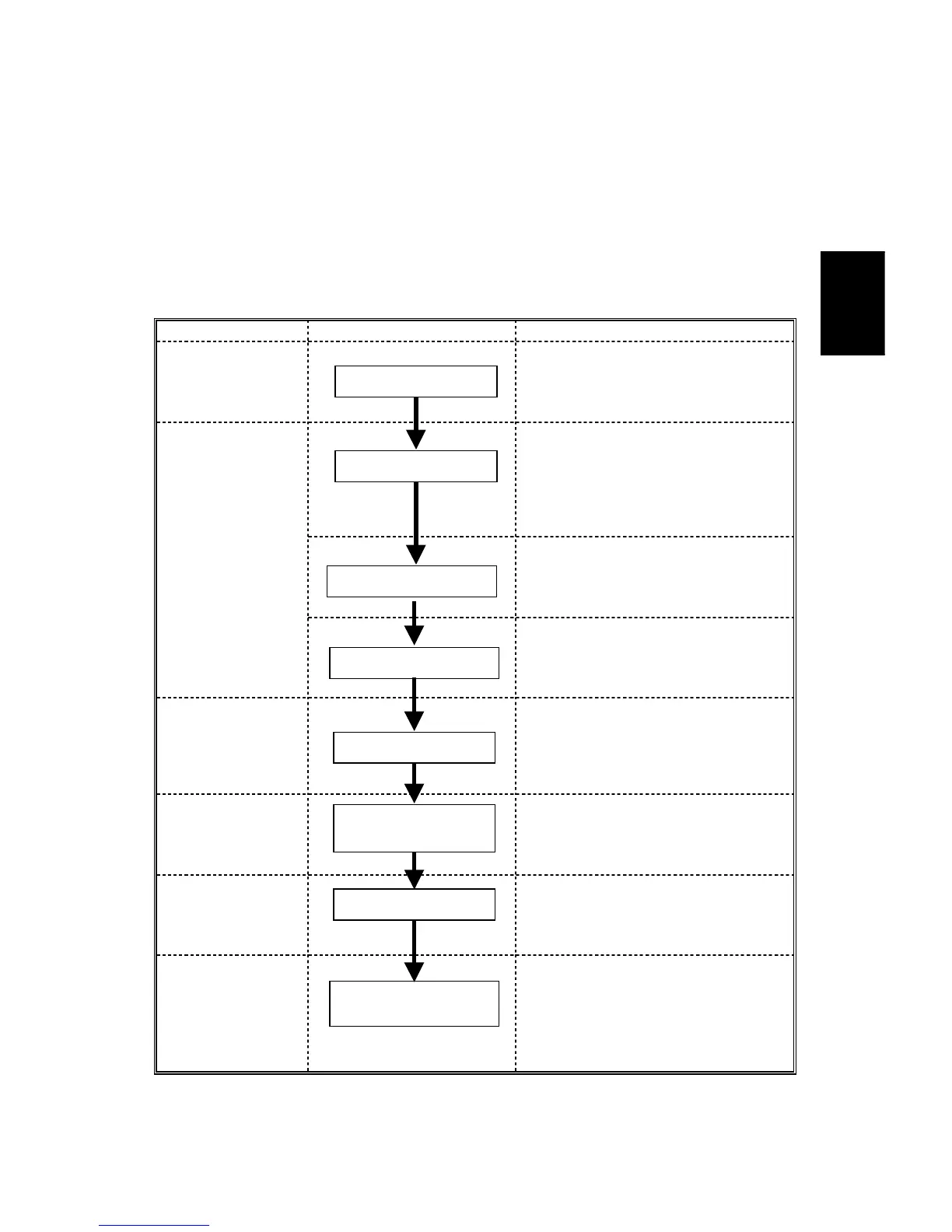
Image Processing Path Related SP Modes
Input
Correction 1
SP4912-001 to 005 *
Edge Detection Parameters
SP4912-017
(Text/Photo Separation Level)
SP4908 *
Text/Photo Separation Method
SP4903-034 *
(Background Erase Level)
SP4906 *
(Background Erase On/Off)
Input
Correction 2
SP4903-030
(Independent Dot Erase Level)
Filtering
SP4903-017 *
(MTF Filter Coefficient-Text Areas)
SP4903-047 *
(Filter Type: MTF or Smoothing -
Photo Areas)
Magnification
SP2909-001
(Main Scan Magnification)
ID Control
Gradation
SP4907 *
(Text/Photo Auto Separation)
SP4904-007 *
(Gradation Process in Text Areas)
SP4904-008 *
(Gradation Process in Photo Areas)
Auto Shading
Text/Photo Separation
Background Erase
MTF/Smoothing
Main Scan
Magnification
γ Correction
Error Diffusion and
Text/Photo Separation
Independent Dot Erase









 To Next Page