IMAGE PROCESSING
2-28
A229 SM
Pale Mode
The image processing for pale mode is basically the same as in text mode.
However, the contrast of the original is low. So, to preserve details, a stronger MTF
filter is used. Also, the independent dot erase level is set at a lower level, so that
only the faintest of dots are deleted; this ensures that dotted lines and periods are
not deleted.
With UP Mode (Copy Features – General Features – Original Mode Quality Level),
the user can select ‘Soft’, ‘Normal’, ‘Sharp’, and ‘SP Mode Changed’. The settings
of the SP modes indicated with an asterisk ( * ) are not used unless the user
selects ‘SP Mode Changed’.
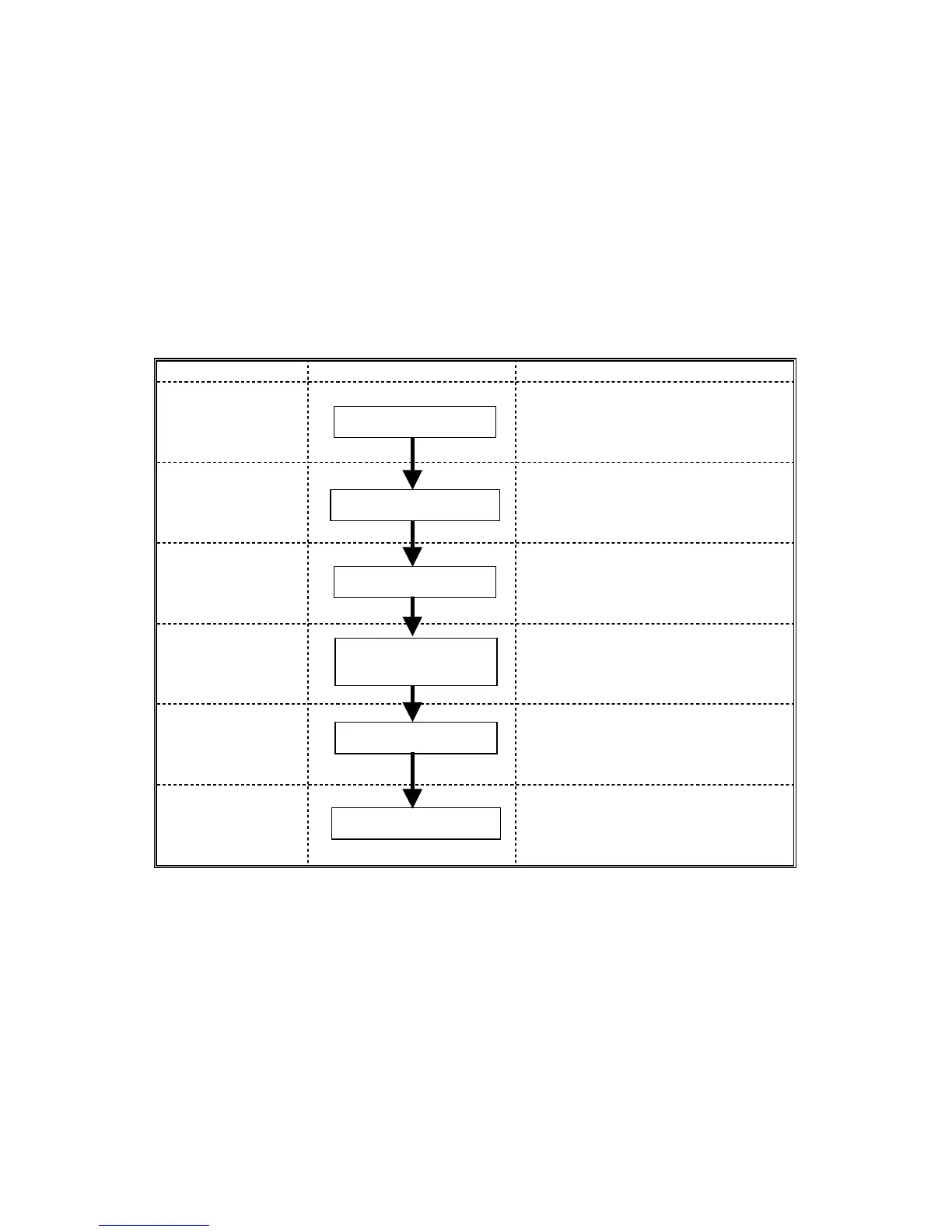
Image Processing Path Related SP Modes
Input
Correction 1
Input
Correction 2
SP4903-031
(Independent Dot Erase Level)
Filtering
SP4903-018 *
(MTF Filter Coefficient – Pale
Originals)
Magnification
SP2909-001
(Main Scan Magnification)
ID Control
Gradation
Auto Shading
Independent Dot Erase
MTF
Main Scan
Magnification
γ Correction
Grayscale Processing









 To Next Page