PROGRAM DOWNLOAD
4-62
A229 SM
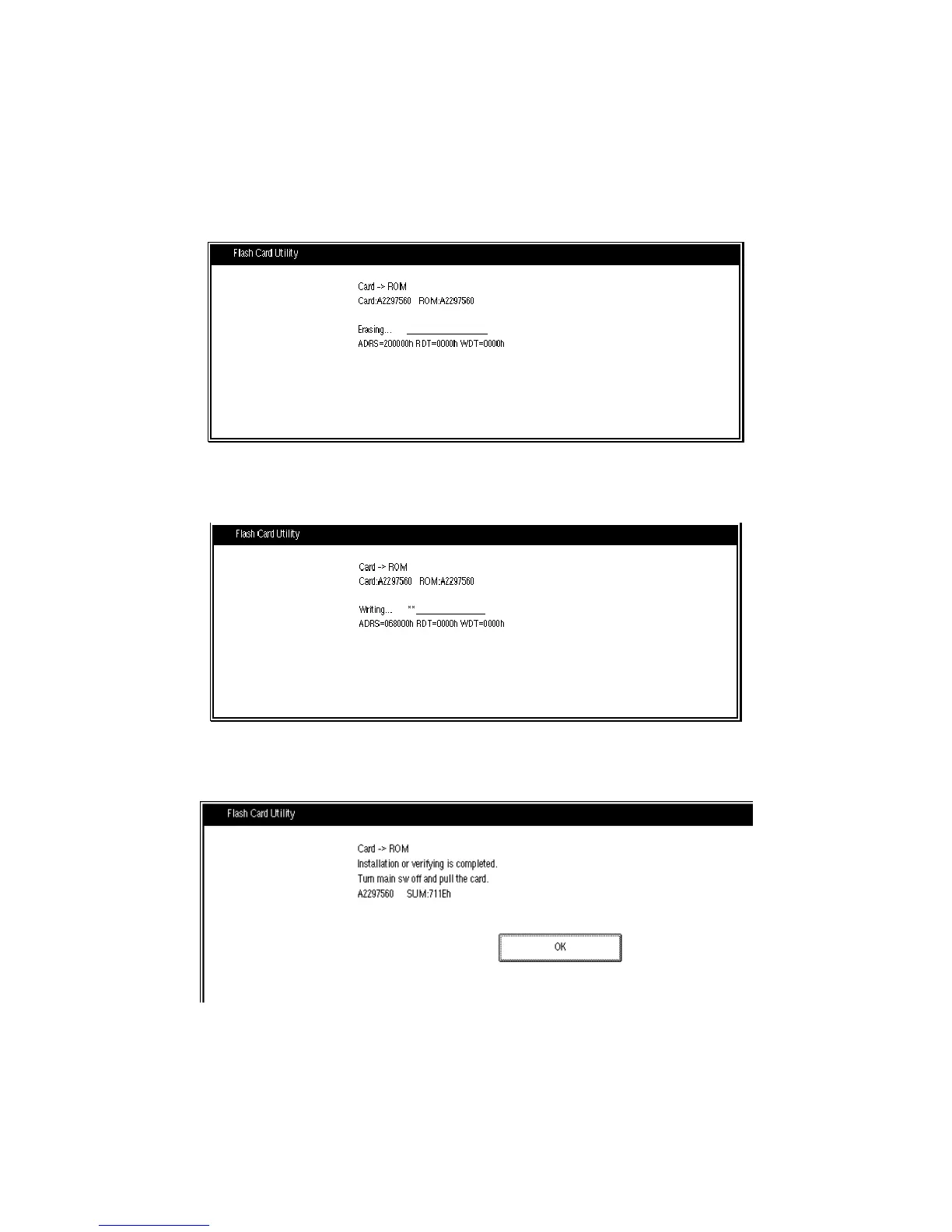
5. Touch “Install”. The machine erases the current software, then writes the new
software to the SBICU. This takes about 3 minutes.
Display during erasing
Display during writing
Display when the download is complete
If downloading failed, an error message appears on the display. At this time, touch
the “OK” key to re-try the download.
A229M508.TIF
A229M509.TIF









 To Next Page