PAPER FEED
A229 5-76 SM
5. Re-install the by-pass paper size sensor, then reassemble the by-pass feed
table.
NOTE:
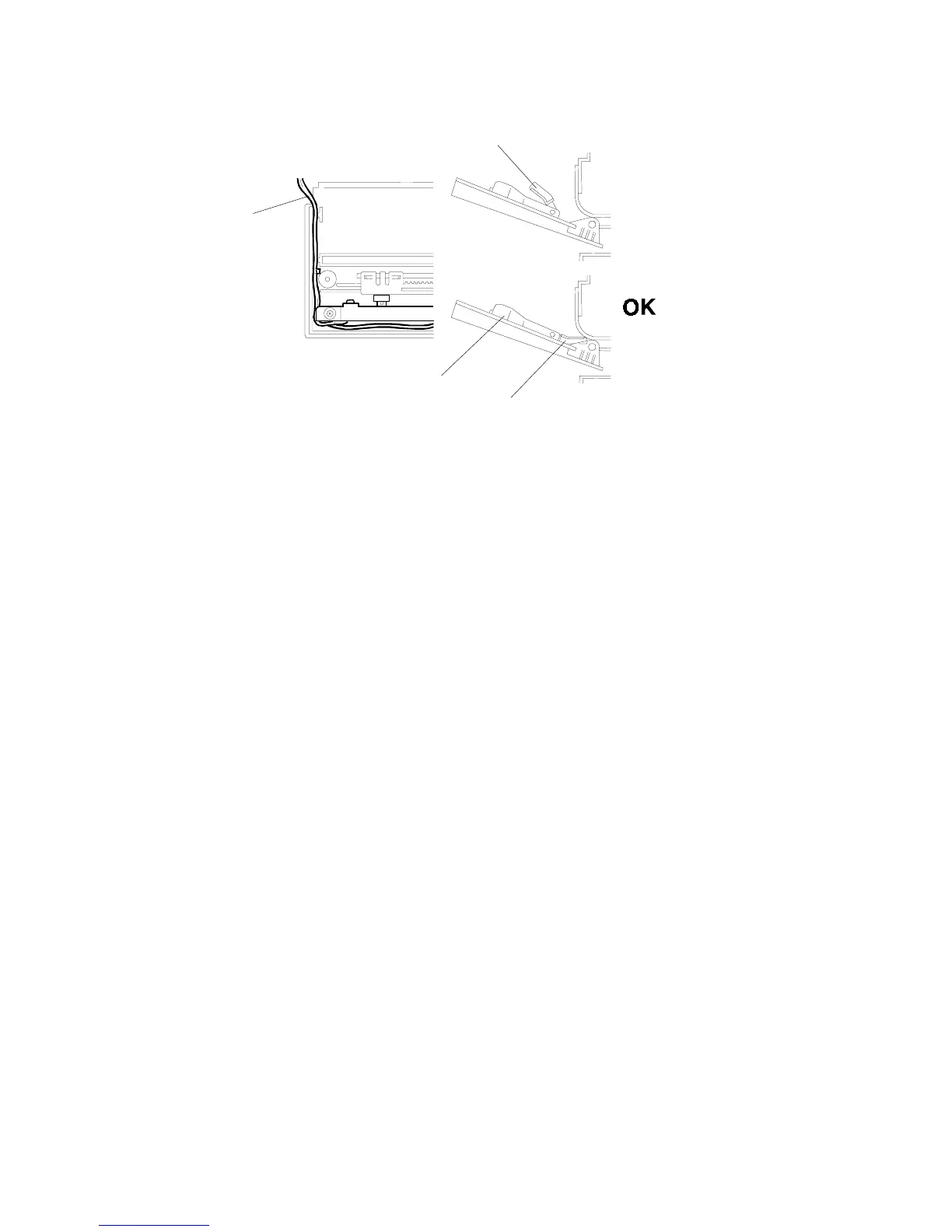
When installing the table assembly, route the wires [A] correctly as
shown.
The paper guides [B] must be in the lower position as shown.
6. Calibrate the by-pass paper size sensor using SP mode1-904 as follows.
1) Enter SP1-904-001 and place the side fence [C] at the A6 lengthwise
(100mm) sideways position on the paper size decal on the table. Then press
"Start" on the operator panel.
2) Enter SP1-904-002 and place the side fence [C] at the A4 sideways position
on the paper size decal on the table. Then press "Start" on the operator
panel.
No
Good
A229R616.WMF
[A]
[B]
[C]
[B]
Rev. 12/15/98









 To Next Page