BRIDGE UNIT FOR MAILBOX (G912)
A229 10-20 SM
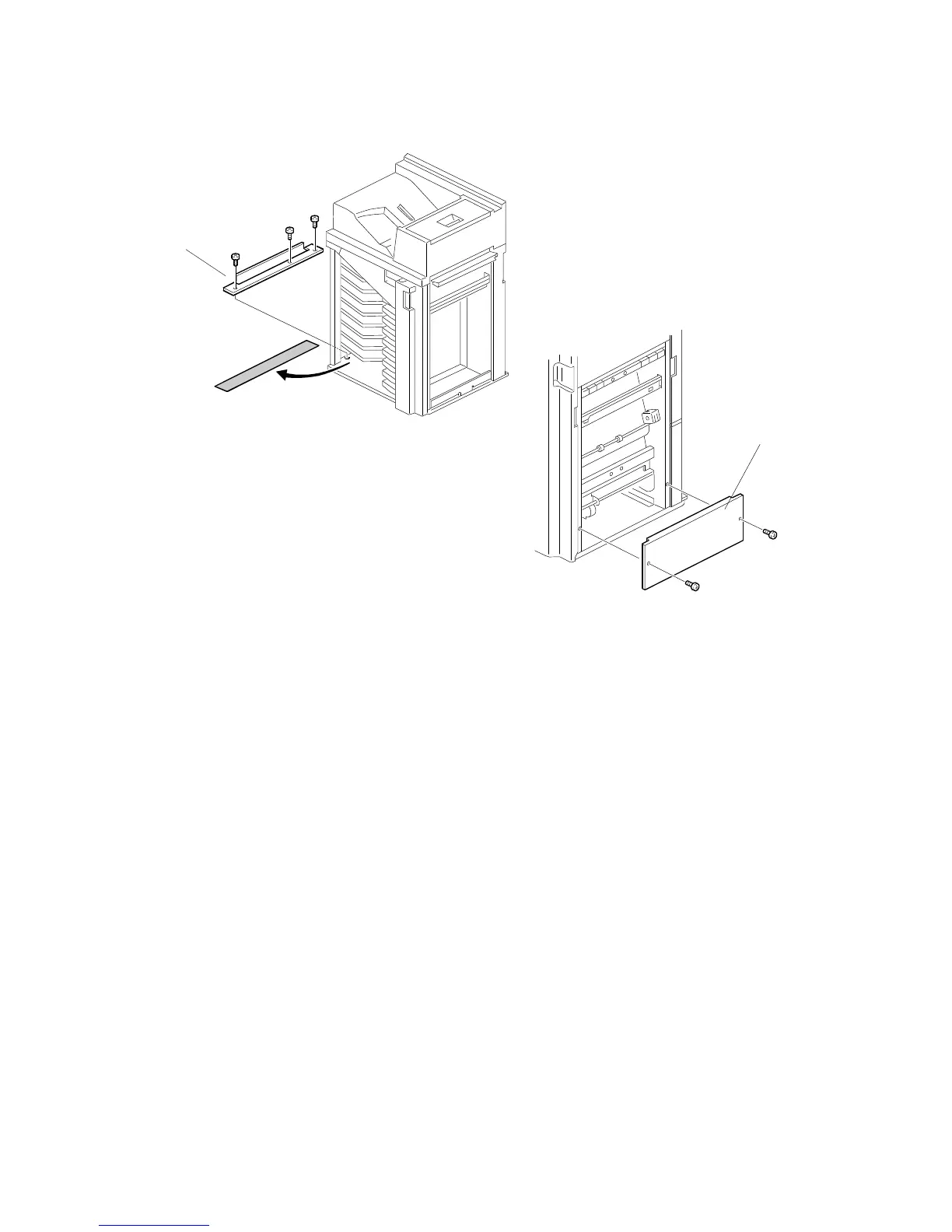
22. Remove the seal [A].
23. Attach the grounding bracket [B] (3 screws - M4 x 8).
24. Attach the shielding plate [C] to the finisher (2 screws – M3 x 8).
25. Attach the finisher to the mailbox (refer to the Finisher Installation Procedure).
26. Power-on the main switch of the main machine and check the bridge unit
operation. (Select a copy mode that uses the finisher.)
G912I512.WMF
G912I502.WMF
[A]
[B]








 To Next Page