G4 Family Data Book 51
&KDSWHU è
Generation 4 Digital I/O
Accessories
Overview of Accessories
Accessories for Generation 4 I/O include the following:
• Adapter card—see below.
• Cables and connectors—see page 53.
• Fuses—see page 54.
• Jumper strap—see page 54.
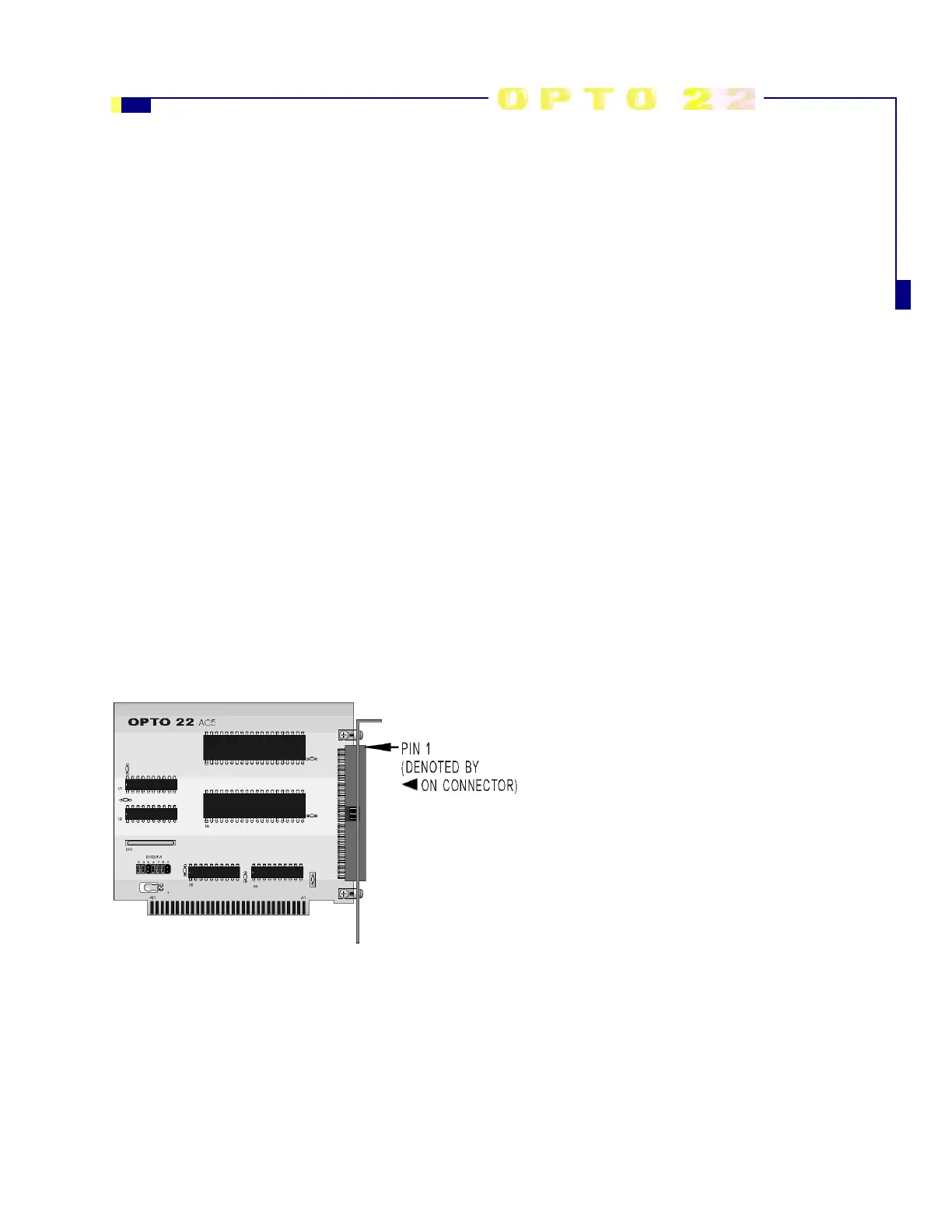
PC to I/O Mounting Rack Adapter Card (G4AC5)
Description
The G4AC5 adapter card provides an interface
between the PC and Opto 22 digital I/O mounting
racks. As many as four G4AC5 adapter cards can
be installed per PC.
A 50-conductor ribbon cable, supplied with the
adapter card, connects the adapter to an I/O rack
with header-style connectors
Requirements
• An external 5VDC power supply is required at the I/O mounting rack. This power cannot be provided by the
G4AC5. Opto 22 recommends the use of a linear power supply for this purpose.
• A software driver is required to access the G4AC5 from Windows NT or when using Visual Basic on any
operating system. For more information, contact Opto 22 Product Support. (See page 2.)



 To Next Page