Atmospheric Single-Arm Robot Manual
4000-0016 Rev A
77
Turn the vacuum valve on (open the valve) and put and remove an object
on the end-effector. The vacuum sensor should indicate On and Off
respectively. If the sensor remains on or off when the object is moved, the
sensor is set incorrectly. Refer to Adjusting the Vacuum Sensor in the
chapter on installation for instructions on adjusting the sensitivity.
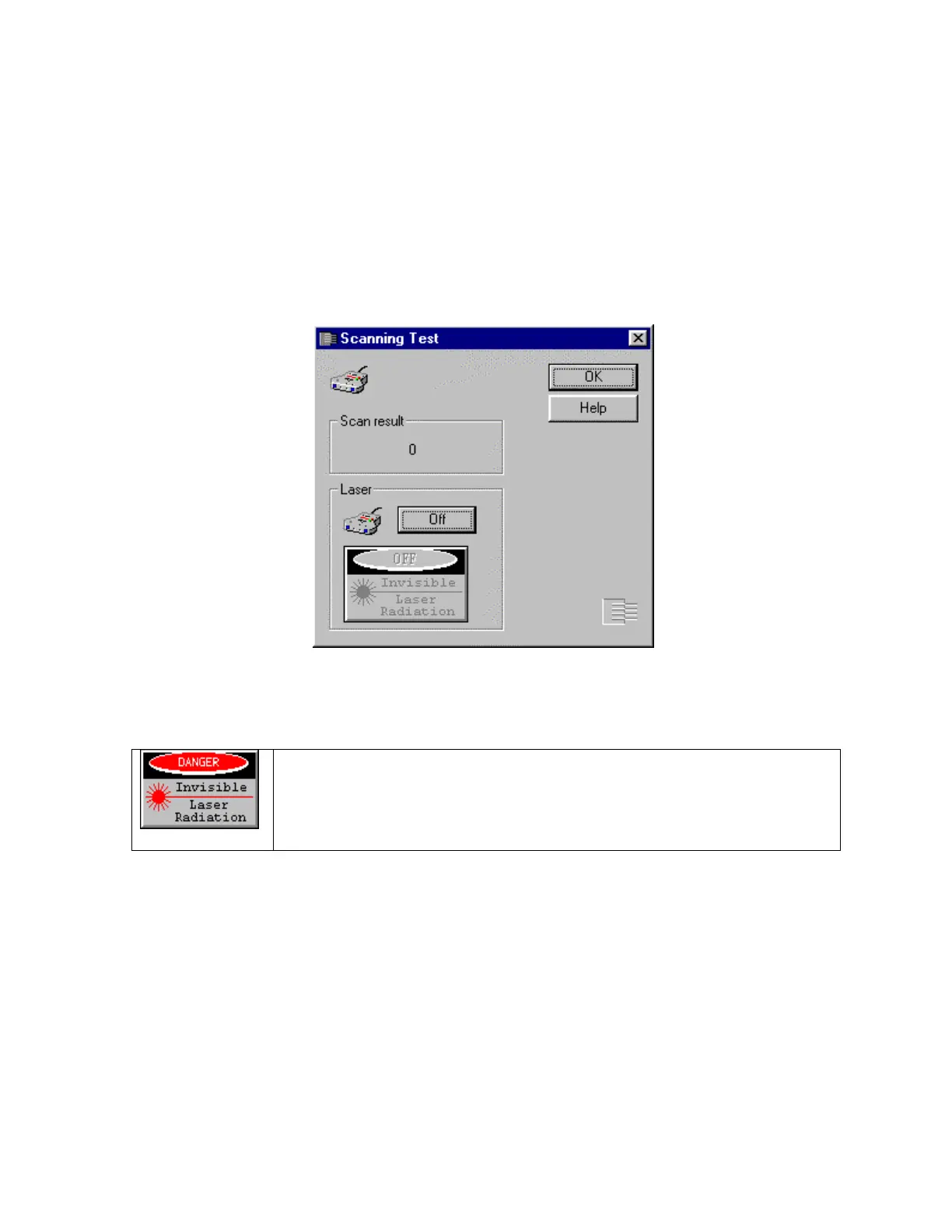
Scanning Test
This test is only for robots that have a laser scanner.
To verify the connection and functionality of the Laser Scanner, press the
Laser button to turn the laser on. Place an object two inches in front of
scanner. Scan result should change accordingly.
When running this test, do not look at the laser beam. The laser
radiates an invisible infra-red spectrum.



 To Next Page