Atmospheric Pre-aligner Manual
4000-0015 Rev 1
5
Aligning a Wafer
The three-axis pre-aligners have servo-driven mechanisms to rotate the
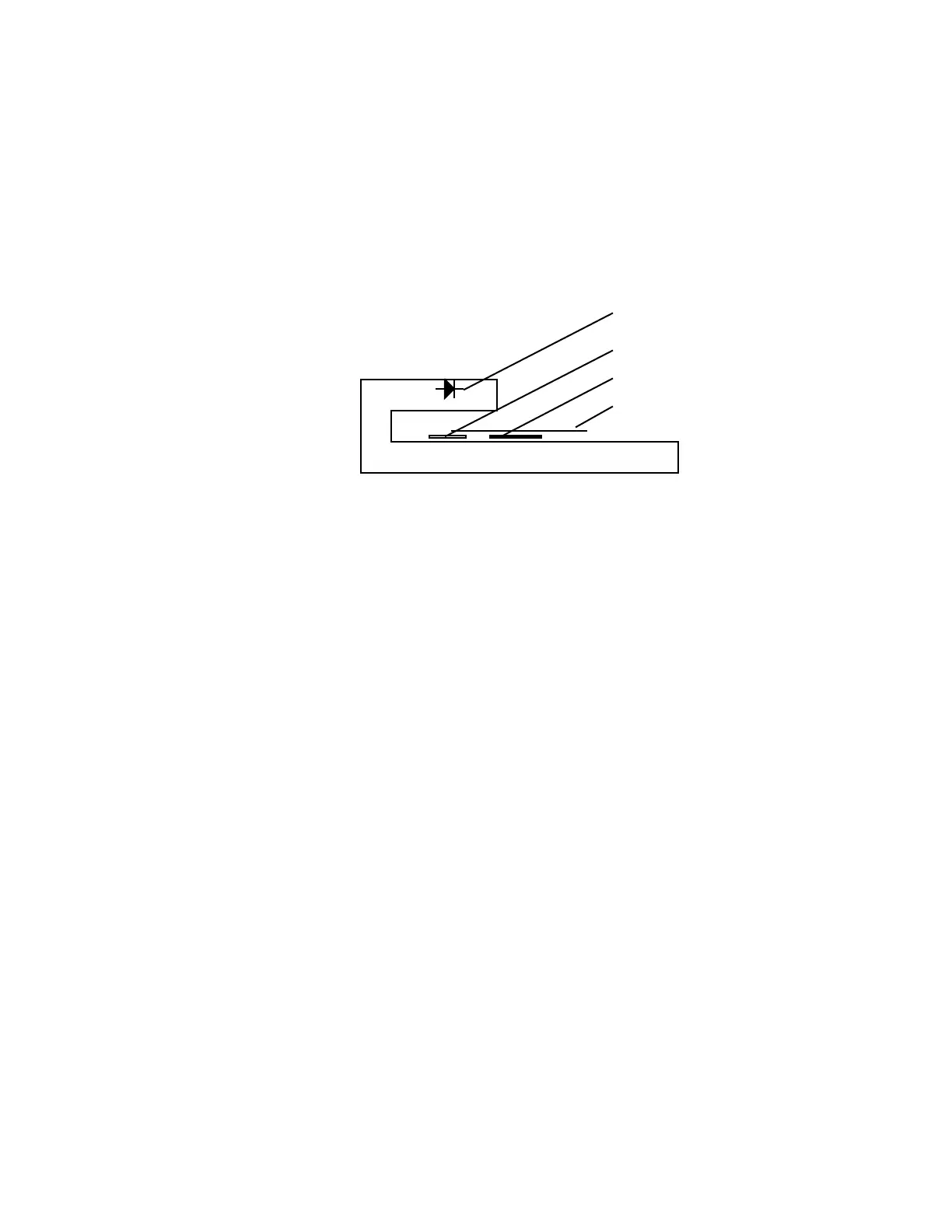
incoming wafer between the linear array CCD sensor and the LED array.
The single-axis pre-aligner moves the wafer in the theta direction only; the
robot moves it in the r and z directions. Except for that difference, the
aligning process is the same.
1. When you execute your alignment macro (ALIGN, AL, BAL, or PRL),
the controller opens the wafer chuck vacuum valve and checks the
status of the sensor. If it senses that a wafer is present on the chuck,
the alignment continues. If no vacuum is sensed, alignment stops.
2. Data from the CCD sensor is sent to the Pre-aligner I/O board over a
separate Data Cable. The CPU board plots the encoder count in
relation to the CCD count. A perfectly centered wafer would appear as
a straight line, while an offset wafer would appear as a sinusoidal
waveform. The flat or notch appears as a discontinuity in the data.
3. The CPU board analyzes the data and computes a correction vector and
a flat/notch rotation position. The wafer is then centered:
• A three-axis pre-aligner has three vacuum pins spaced around the
rotating wafer chuck. These pins shift the wafer to the center
position by aligning the offset with the r (horizontal) axis and then
lifting and shifting the wafer using the r axis and the z (vertical)
axis.
• A single-axis pre-aligner uses the robot radial and vertical axes to
center the wafer.
4. With the wafer centered in the r direction on the wafer chuck, the pre-
aligner moves the primary flat or notch to the user-specified position.
5. The controller sends a message to the host computer giving the status
of the alignment attempt.
LED
CCD array
chuck
wafer



 To Next Page