Atmospheric Single-Arm Robot Manual
4000-0016 Rev A
90
STEP #13 (SCANNING)
This test is only for robots that have a laser scanner.
To verify the connection and functionality of the Laser Scanner, turn on
the laser by pressing the number 2 key, which corresponds to the laser.
The OUT line displays the status for Output port A, bit 2. The AT line
displays the Z-axis position.
Place an object two inches in front of scanner. As you move the object,
the display indicates:
• Hi ➙ Lo Object not sensed
• Lo ➙ Hi Object is sensed
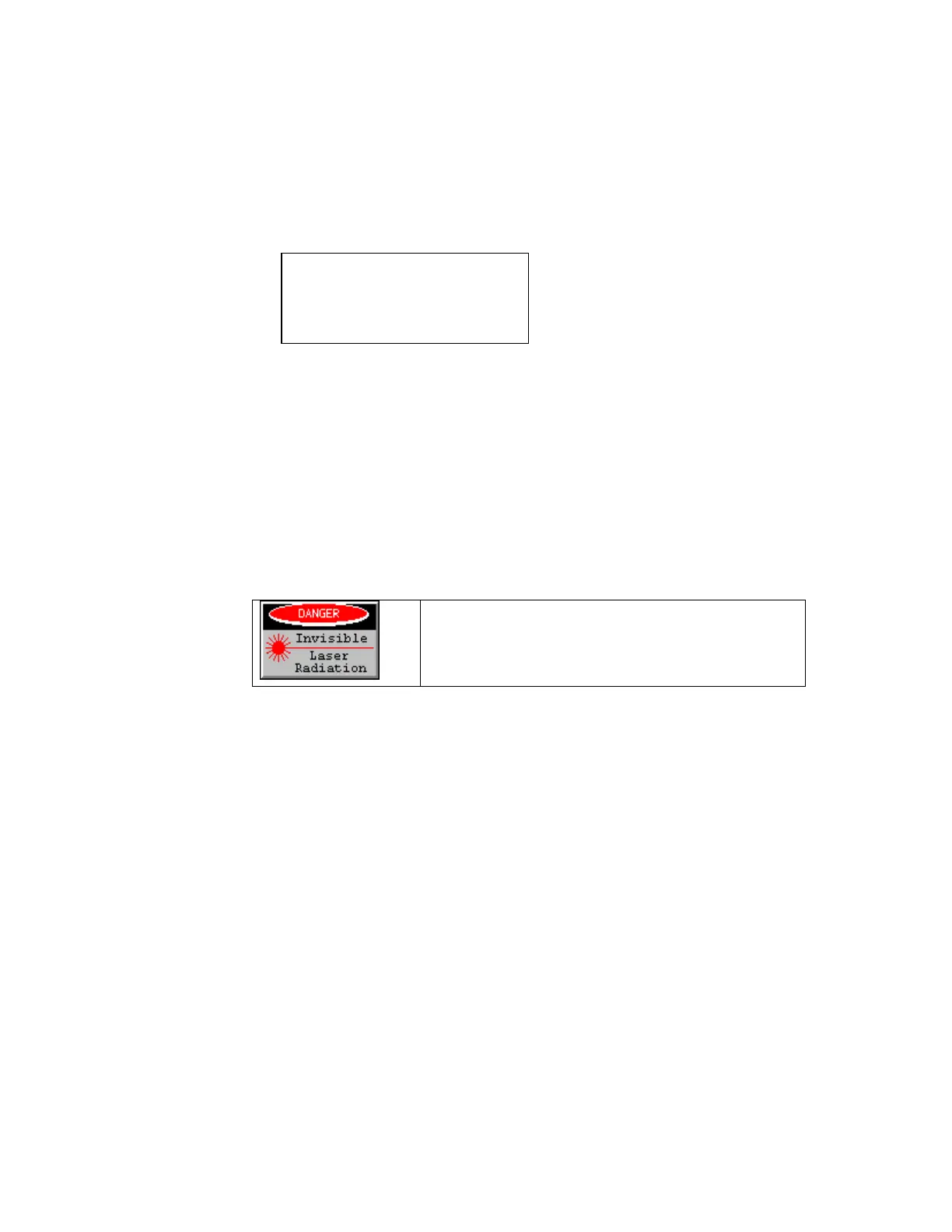
When running this test, do not look at the laser
beam. The laser beam radiates an invisible
infra-red spectrum.
To exit Diagnostics, press CTRL + ESC.
SCANNING
OUT: XXXXXXXX
AT: XXXXXXXX



 To Next Page