Strasbaugh nTellect (Model 7AF) Wafer Grinder
3 - 18 Version 1.2 - June 2004
CONTROL PANEL AND EMERGENCY OFF
BUTTONS
CONTROL PANEL
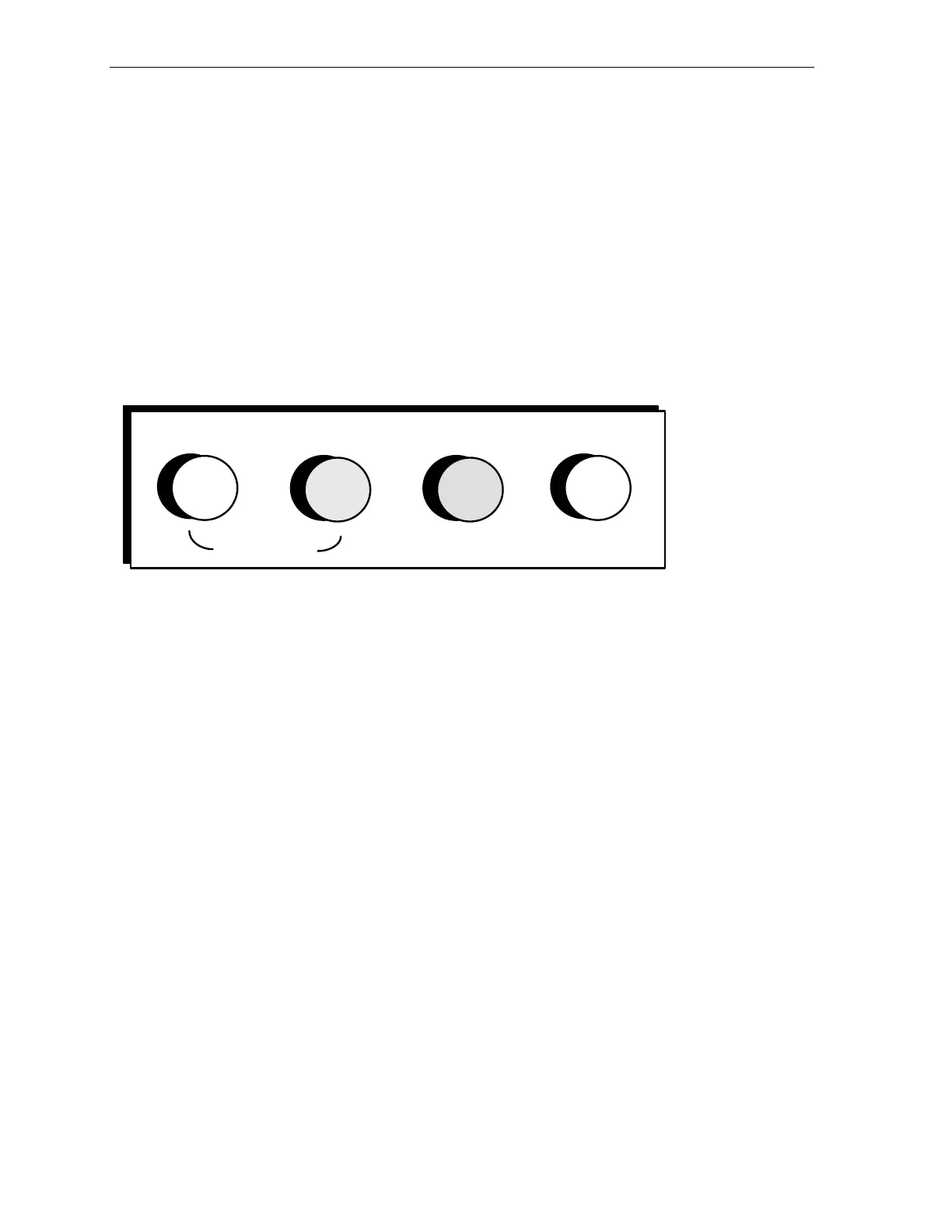
The control panel is located on the Model 7AF Wafer Grinder at the top front of the
monitor. Figure 3-6 shows the layout of the panel components. A description of each
component follows the figure.
Figure 3-6 Control Panel
MACHINE ON
EMERGENCY
OFF
POWER
ON
The white MACHINE ON lamp, located at the left side of the panel, glows when the
machine is on.
The green MACHINE ON push button is located next to the white MACHINE ON
lamp. Pressing this button turns the machine on-- provided all doors are in place and
the main power supply circuit breaker is on.
The red POWER ON lamp at the right side of the panel and the REAR POWER ON
lamp (located at the rear of the machine) will indicate if the supply power is on.
Pressing the MACHINE ON push button completes the path to power the machine's
controllers and subassemblies.
When pressed, the red EMERGENCY OFF push button instantly stops all machine
motion and turns off power to all subassemblies and controllers.



 To Next Page