Atmospheric Single-Arm Robot Manual
4000-0016 Rev A
44
Installing the EQT 32 Interface
You can install the EQT 32 interface to be used with Microsoft Windows
95 or Microsoft Windows NT 3.51 or later. Follow these steps to
install the EQT 32 interface:
1. With Windows 95 or Windows NT running, insert the EQT 32 Setup
Disk into your floppy drive.
2. Open the Windows Control Panel dialog box.
3. Open the Add/Remove Programs dialog box and click on Install.
4.
Follow the instructions displayed on the window.
You will be prompted for the previous location of your Eqt32
configuration file (Eqt32.ini). If you have parameters from a previous
installation that you want to save, enter the directory location of the
existing Eqt32.ini file. Your existing parameters will be combined
with the new parameters.
5.
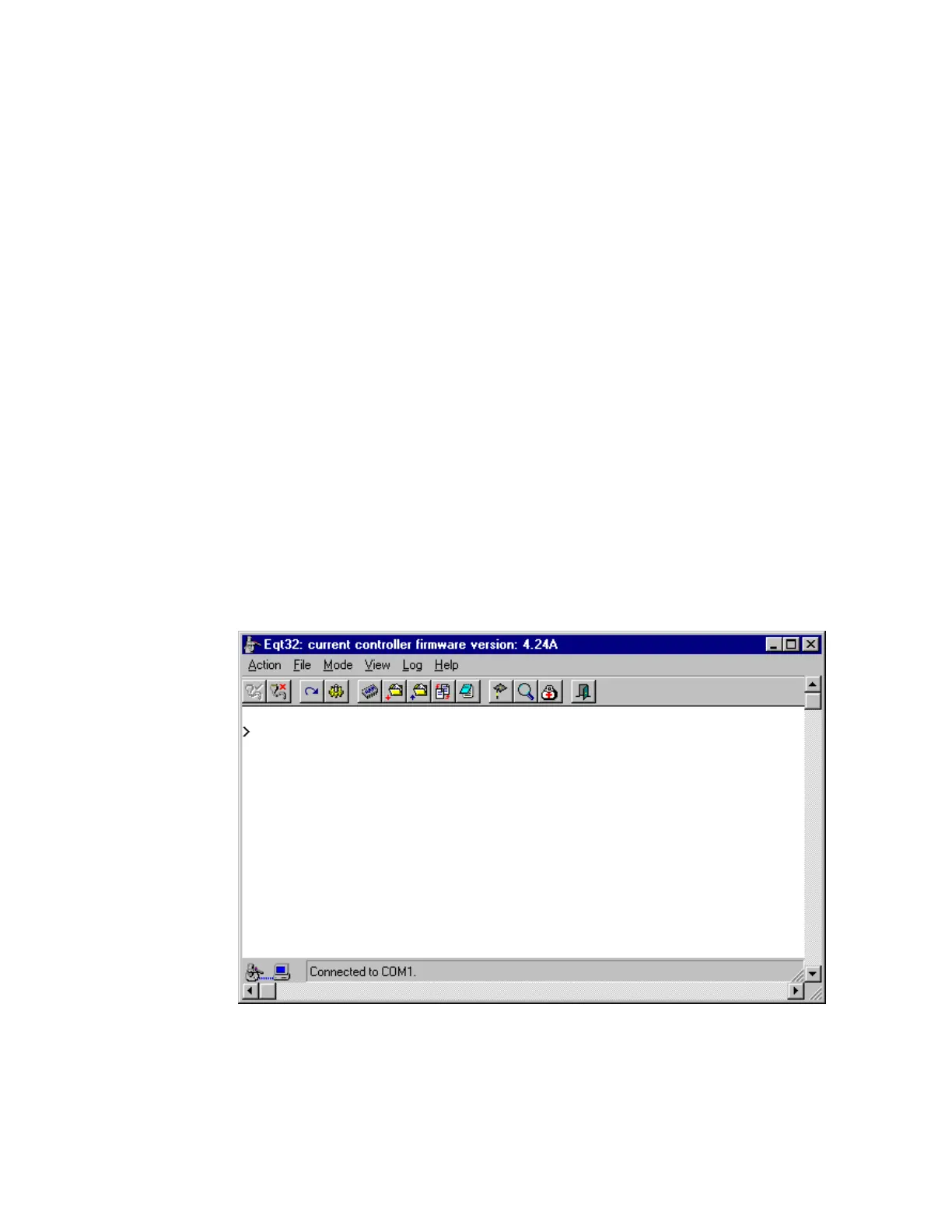
To execute EQT 32, click on the EQT icon. The Terminal mode is
displayed.
6.
At the cursor, type SVON and press Enter. This turns on all servo
motors. You should feel the torque on the robot axes.
7.
Type HOM and press Enter. This homes all axes of the robot and
optional components, such as track or pre-aligner. When all axes are



 To Next Page