Operations and Maintenance Manual Software Calibration
Version 1.2 - June 2004 12 - 39
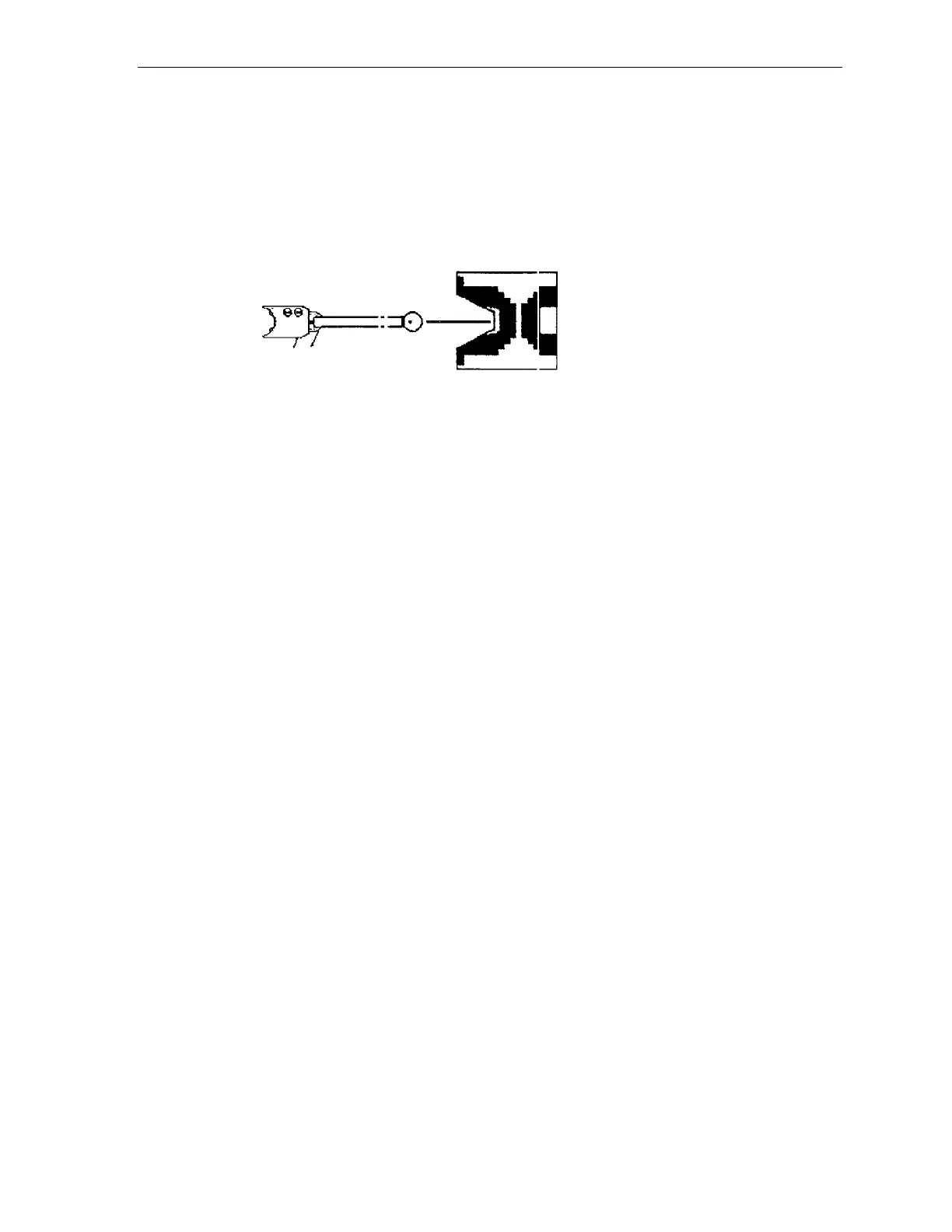
2. Manually place the robot in a position such that the end effector is pointing
directly at the center of the turret, as shown in the figure below.
Figure 12-4 Top View of Robot Theta Positioning at Cassette Turret
3. Using the "SVON" command, turn on the motors, and then read the robot's
current position using the "RCP" command.
4. Record the current theta position.
RADIUS
5. Use the "MOVA T,[VALUE]" command to rotate the theta axis to the turret's
theta coordinate.
Note: Use the information recorded in Step 4., above, or issue the "RCS
[STATION]" command.
6. Using the "MOVA Z,[VALUE]" command, move the robot up high enough
to permit the bottom of the end effector to clear the top of the turret.
7. Use the "SVOF R" command to turn off the motor for the radial axis.
8. Place an empty cassette on the turret.



 To Next Page