Operations and Maintenance Manual Software Calibration
Version 1.2 - June 2004 12 - 41
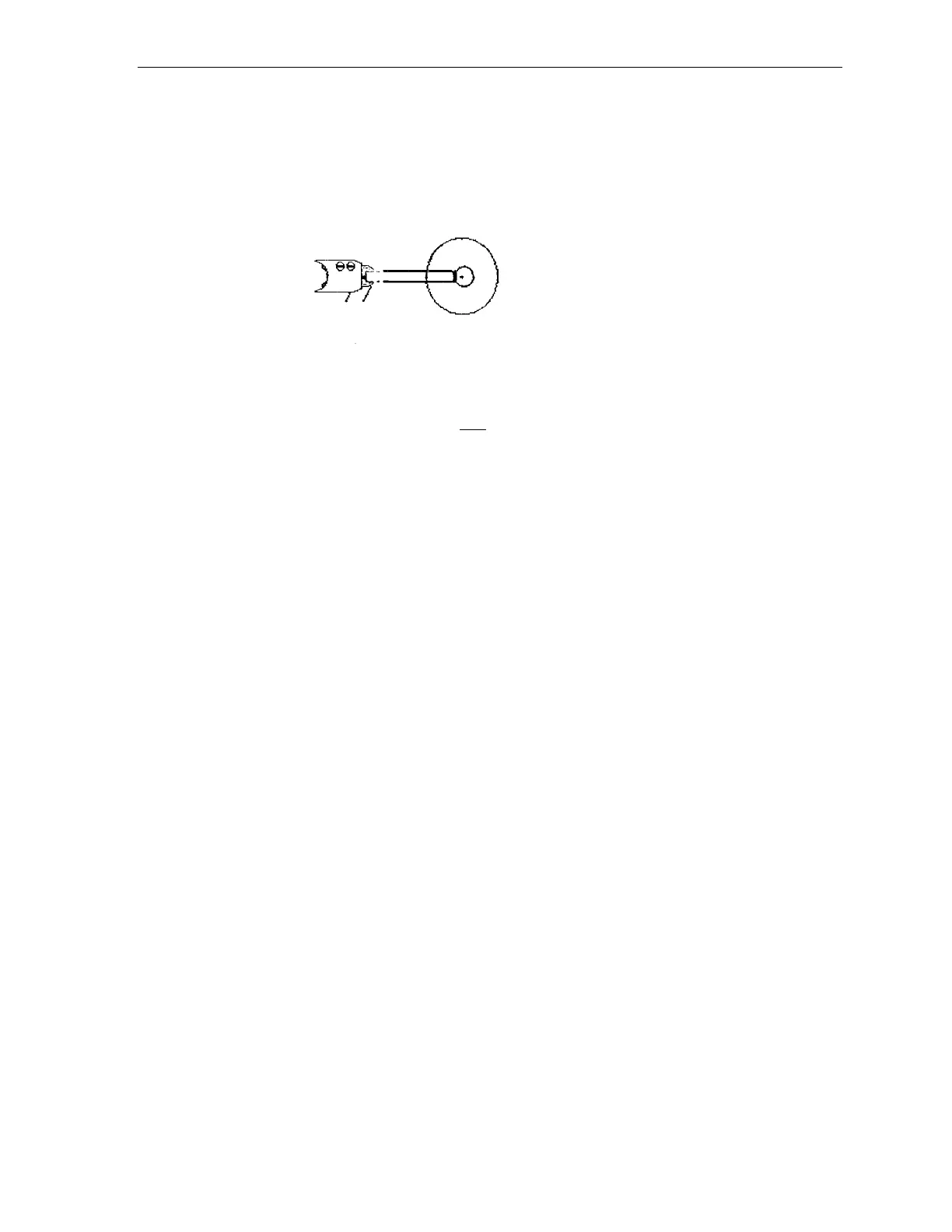
14. Using the "TGVAC" command, pull vacuum on a wafer such that it is centered
on the robot end effector as shown in the figure below.
Figure 12-6 Top View of Z-Axis Positioning of Robot
15. Place a cassette containing one 150 mm (6-inch) test wafer on the turret.
Note: Be sure to use a test wafer as a bubble level will be placed on the
wafer to determine if the cassette orientation matches that of the
end effector.
16. Using a bubble level and the three sets of jacking screws located on the bottom
side of the turret, level the turret (wafer) to the end effector.
17. Use the command "SVOF R" to turn off the radial extension motor.
18. Carefully move the arm such that the edge of the wafer is positioned just in
front of the cassette.
19. Determine if the wafer needs to be moved up or down in order to enter the first
slot directly in the center.
Use the "MOVR Z[VALUE]" to jog the arm into position.
If the wafer needs to move down, the [VALUE] will be negative; if the wafer
needs to move up, the [VALUE] will be positive.
The [VALUE] is represented in thousandth of an inch. Therefore a [VALUE]
of - 50 would move the wafer down 0.050 inches.
20. Use the "SVON" command to turn the motors on, and then read the robot's
current position using the "RCP" command.
21. Record the current Z-axis position.



 To Next Page