Atmospheric Single-Arm Robot Manual
4000-0016 Rev A
9
User Interfaces
You can interface with the ESC using a personal computer or a hand-held
Teach Pendant. With a PC, you have the advantage of a full screen for
editing macros or parameter files and the convenience of transferring files
between ESC and PC. The small size of the Teach Pendant allows you to
walk around the robot and observe closely as you command its movement.
Equipe Terminal Emulation
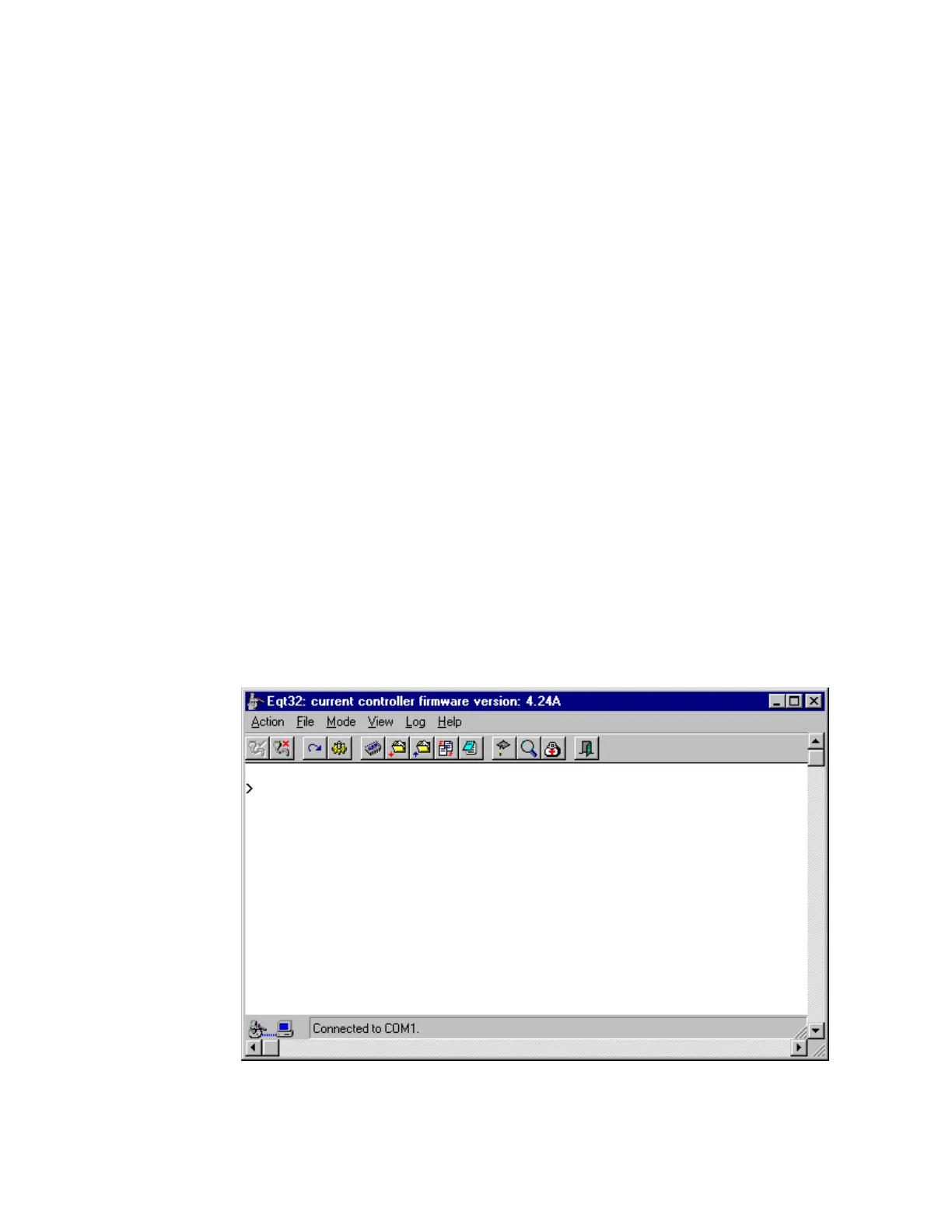
Equipe Terminal Emulation (EQT) is a user interface for communicating
with the ESC through your host computer or an external PC. EQT32 runs
on Windows 95 and Windows NT. You can communicate from your PC
with the ESC in three modes:
Terminal Mode: This is real-time, two-way communication. You can
execute commands and macros, write or edit macros, check ESC status,
upload files from the Controller and download files to the Controller.
Teach Mode: Like the Teach Pendant, you can teach and test robot and
scanner positions. Icons and selection lists enable you to work with fewer
keystrokes than on the Teach Pendant.
Diagnostic Mode: Use this mode for troubleshooting and diagnosing
robot problems.



 To Next Page