Vacuum Robot Manual
4000-0315 Rev 1
39
Using EQT to Run Diagnostics
Use the EQT Diagnostic mode to diagnose and locate problems with robot
and controller or when you are calibrating the robot after a repair or parts
replacement. In the Terminal-mode window, press the Diagnostics button.
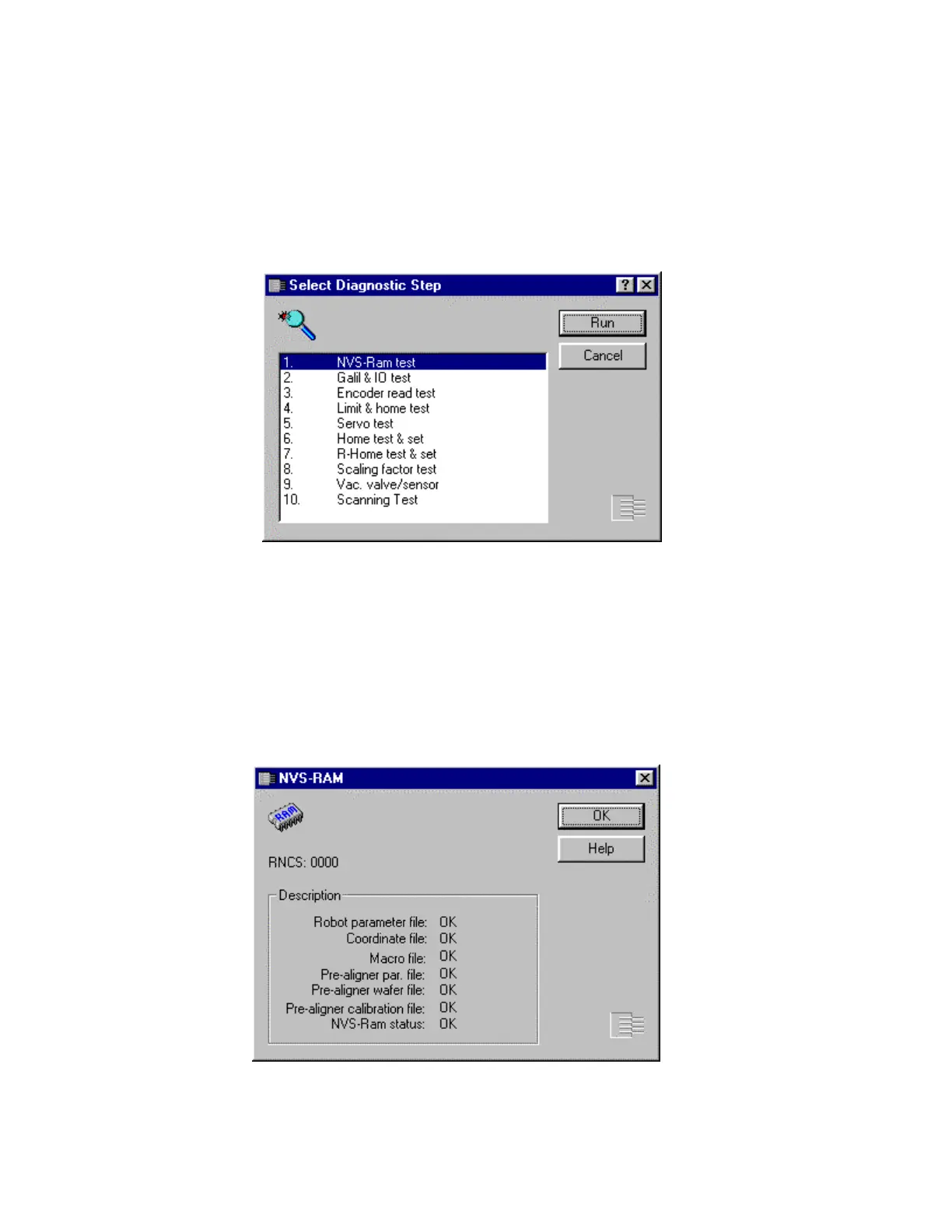
The Diagnostic window displays the available tests. Double-click the step
you need or select it and press the Run button.
The ten tests are discussed here in numerical order.
NVS-Ram Test
The NVS-Ram (Non Volatile Static Ram) test displays the status of
various files in the controller. The status can be OK, BAD or Not Open.



 To Next Page