Vacuum Robot Manual
4000-0315 Rev 1
12
2. Remove the controller from the shipping box. Remove the ESD bag.
3. Remove cables, floppy disk, and manuals from the shipping box.
4. Save the shipping materials for shipping or storing in the future.
Moving or Hoisting the Robot
A VAC400 robot weighs about 62 lb (28 kg). The VAC514 robot body
weighs about 92 lb (42 Kg) and the arm weighs 12 lb (5.4 Kg). The
VAC514 body is lifted up and placed within the chamber before the arm is
attached.
To lift the robot into the chamber, Equipe recommends using the
following lifting rings or a comparable load-rated substitute:
• Black Oxide-Coated Heat-Treated Alloy-Steel ¼ -20 Hoist Ring made
by American Drill Bushing Co. (P/N 23050). Three rings are required
to lift a robot. Each ring is load rated for 550 pounds.
• 304-Stainless Steel ¼ -20 Hoist Ring made by American Drill Bushing
Co. (P/N 23050-SS). Three hoist rings are required to lift a robot.
Each ring is load rated for 275 pounds.
Either type ring can swivel 360 degrees and pivot 180 degrees. To attach
the hoist rings and lifting device, follow these steps:
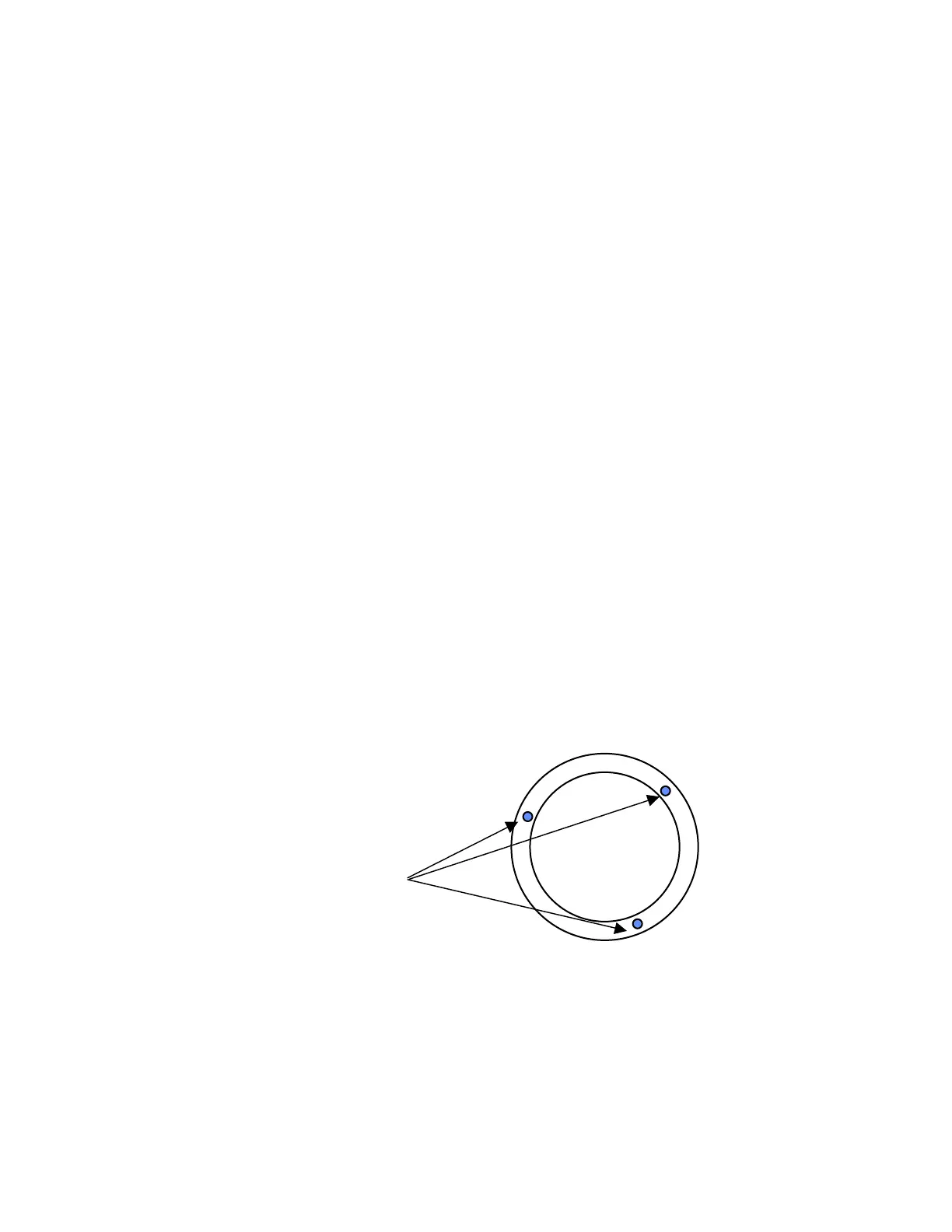
1. Remove any ¼-20 set screws or plugs on the top plate, if present.
2. Install lift rings in the lift-ring holes on the plate.
3. Install the robot using a lifting device centered above the robot and
attached to the lift points on the robot flange. Do not allow lifting-
device cables to contact or interfere with the robot arm while hoisting.
4. Place the robot body in a position that ensures easy access to the
connectors and the shortest distance between the controller and robot
connections (refer to the discussion on EMI interference in the next
section).
Lift points,
Three ¼-20 thread



 To Next Page