Atmospheric Single-Arm Robot Manual
4000-0016 Rev A
70
If all files and NVS-Ram are OK, click on the OK button to return to the
Diagnostic main menu.
If a file status is BAD or Not Open, download that file. Return to the
Terminal mode window and press the Download button.
If the NVS-Ram status is BAD, re-initialize NVSRAM and then download
all the files by accessing the Format NVSRAM dialog.
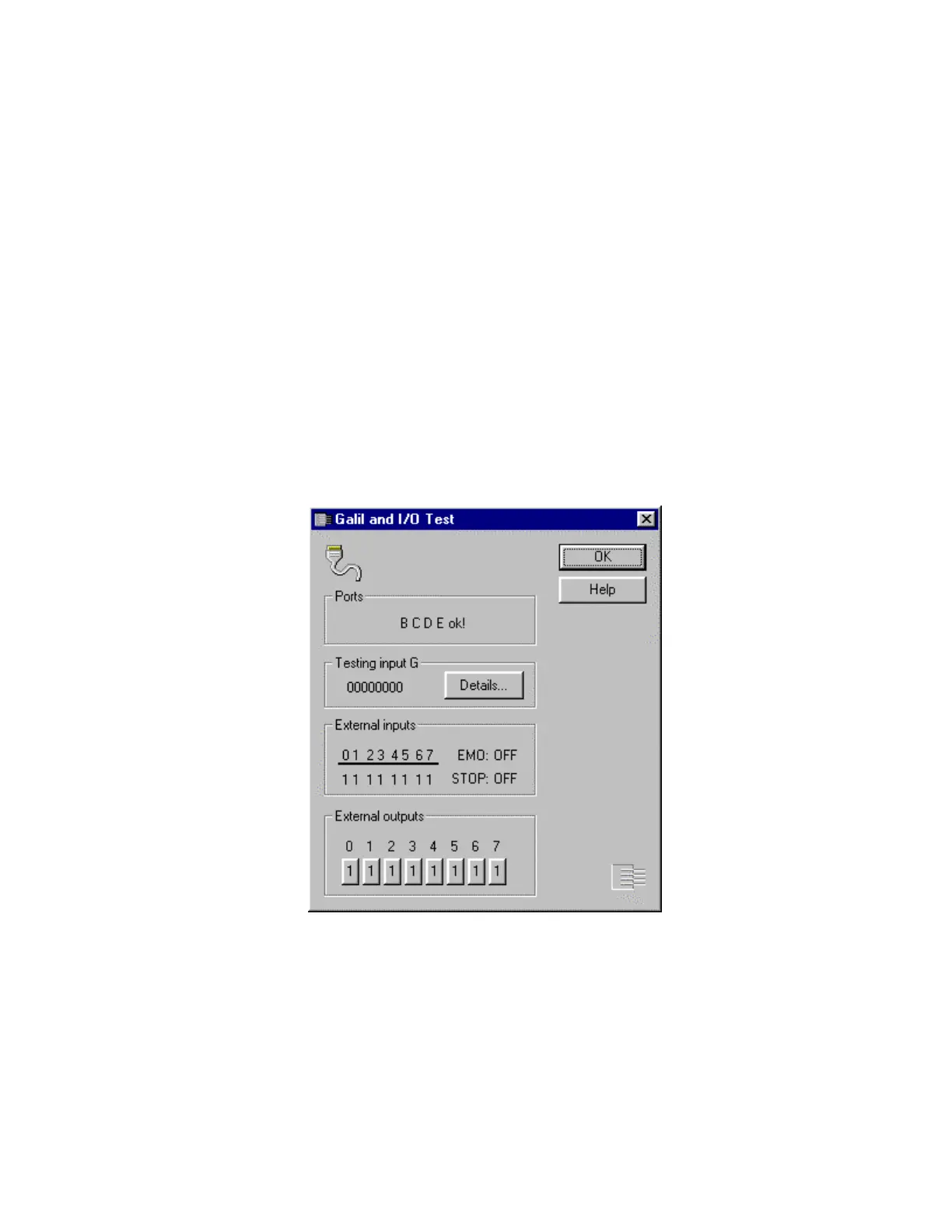
Galil and I/O Test
The Galil and I/O board test checks the Galil board and the I/O printed
circuit board (PCB). Use this test when you suspect a problem with the
servo motor. That is, if you cannot turn on the servo motors on the Teach-
mode window or if you execute the SVON command and the ? prompt is
returned, use this test.
The dialog is divided into four sections:
The Ports box displays robot I/O port status. If a port communication
fails, the message Port X BAD! is displayed, , where X is the port
designator. If
Port B Failed is displayed, it is probable that the signal
cable is loose. Ensure that all cables are correctly connected. The test
returns to Diagnostic Main menu. If that happens, repeat the test. If the



 To Next Page