Operations and Maintenance Manual Software Calibration
Version 1.2 - June 2004 12 - 27
Operator Action Explanation/Screen Display
Machine
Setup At the Machine Maintenance menu screen, touch the
"Machine Setup" button to select the Machine
(Calibration) Setup Entry menu.
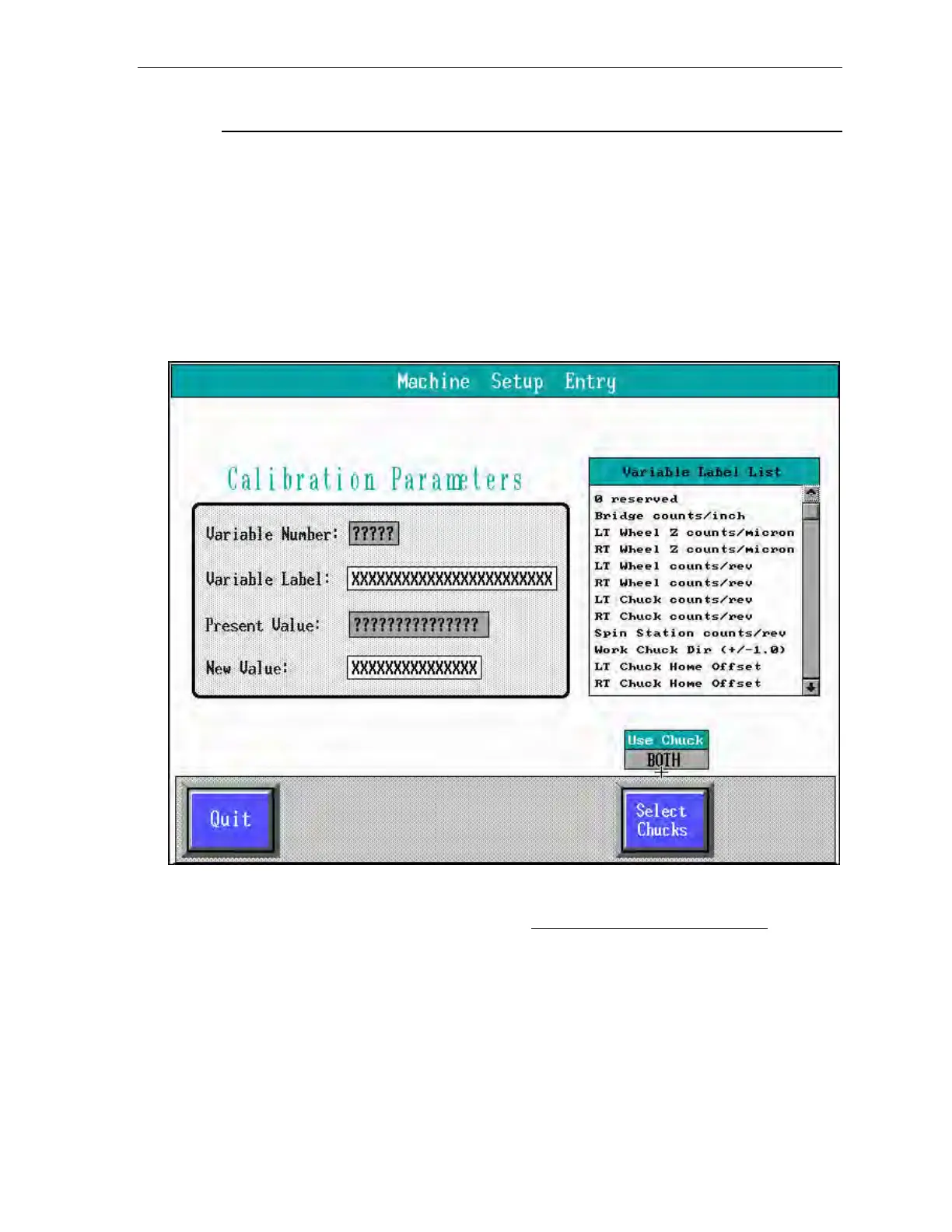
The screen displays the Machine Setup Entry menu,
shown below.
Figure 12-3 Machine Setup Entry Menu
The Machine Setup Entry menu lists the current values of the calibration list variables
and stores new variable values for all servos, except the robot and prealigner.



 To Next Page