Atmospheric Single-Arm Robot Manual
4000-0016 Rev A
85
4. If the Distance to Index is corrupt, you are prompted to move the axis
to a GOOD position. This is the position where you can release the
belt directly attached to the motor. Press ESC to start over or press
Enter to continue.
5. You are prompted to lock the axis so it cannot move. Release the belt.
When you are finished, press ESC to start over or press Enter to
continue.
6. While the motor is moved to position, the display reads MAKING
CORRECTION…
7. When the correction is done, you are prompted to replace the belt.
After the belt is replaced, press Enter.
STEP #9 (R-HOME TEST & SET)
Step #9 consists of three substeps:
• Fine-tune the physical position at the home switch
• Adjusting the physical position at the index
• Setting the home offset.
Use only the first two substeps to constrain the physical position at home
switch and at index. For example, you might want the R-axis retracted the
maximum of 5.0 in (127mm) from its center (5.0-in center-to-center) when
performing the first home motion, and a maximum of 0.5-inch forward for
the second motion.
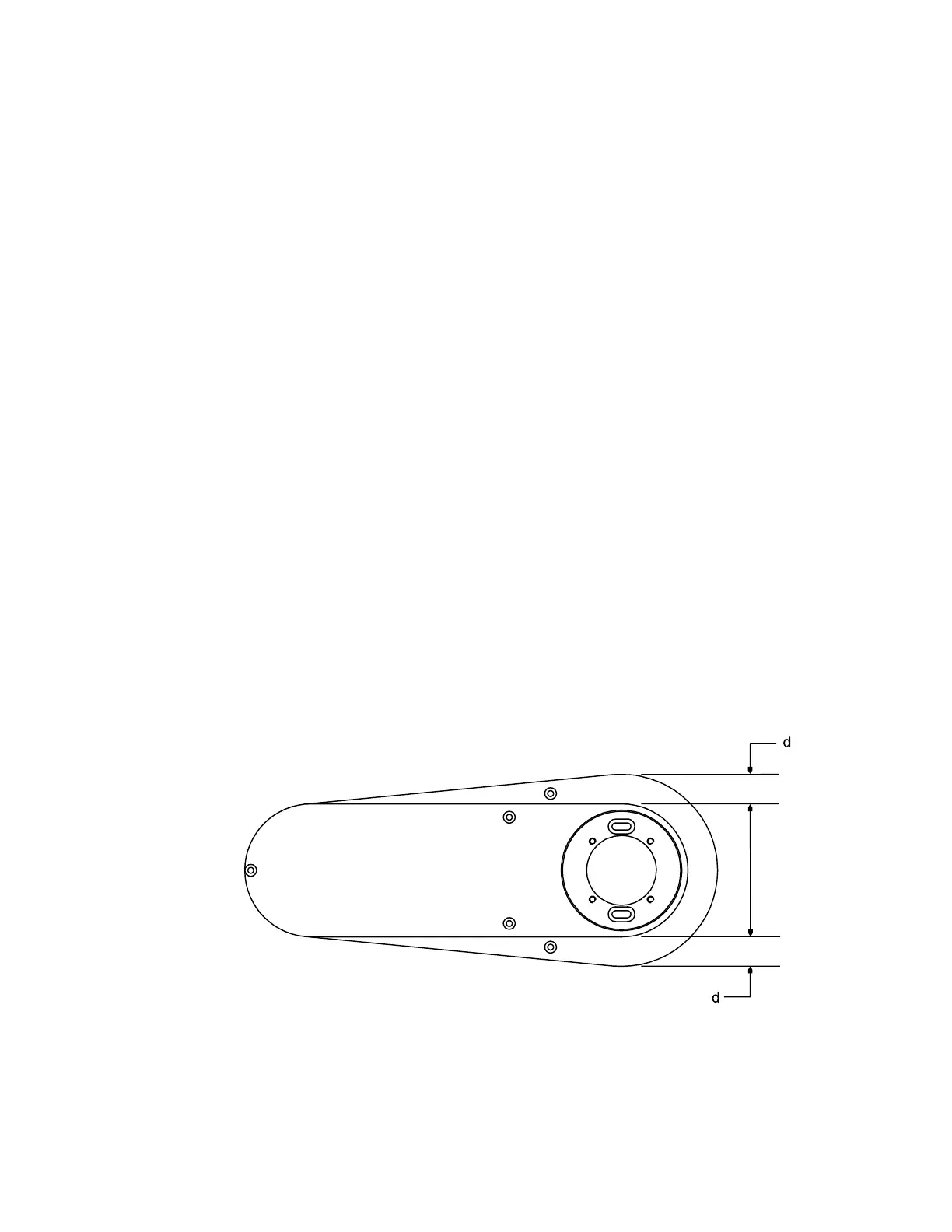
Adjust the Home Offset so that when the R-axis is at 0, the arm links are
in the Center Overlapping Position (COP). In the COP, the upper link
overlaps exactly over the center of the lower link.
Center Overlapping Position (COP)



 To Next Page