Atmospheric Single-Arm Robot Manual
4000-0016 Rev A
86
To adjust the physical position at the Home switch:
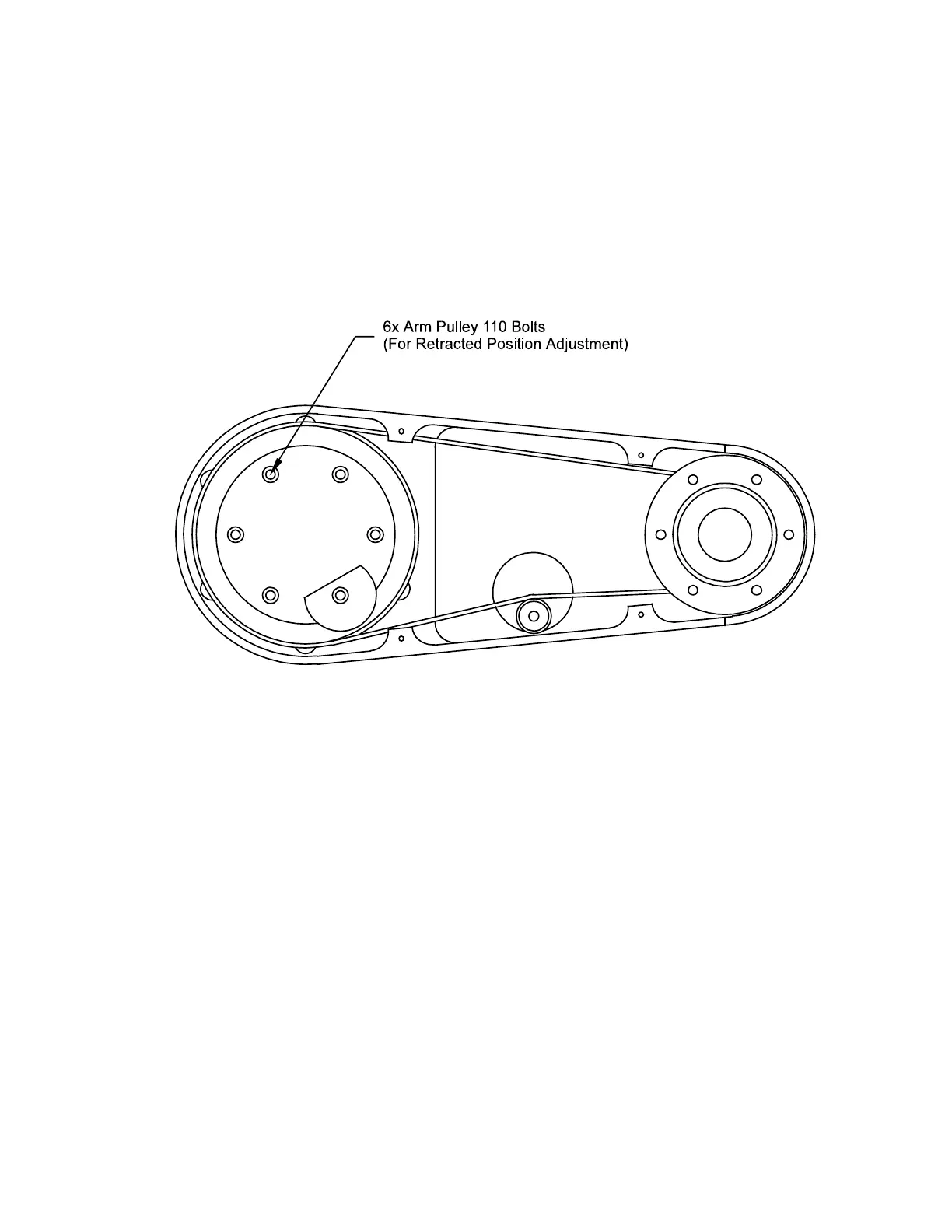
1. Loosen the screws on the big pulley inside the lower link of the R axis
shown:
2. You are prompted to adjust R at Home. Press the Y button. The robot
moves to the Home switch.
3. You are prompted to move the arm links to a position 5.0 in (127 mm)
behind the COP. Tighten the screws. Press Enter when you are
finished or ESC to start over.



 To Next Page