Atmospheric Pre-aligner Manual
4000-0015 Rev 1
45
aligner, proceed to the following steps. If your model is a PRE-300,
301, 350, or 050, you cannot access the pulley; report the problem to
Equipe Customer Support.
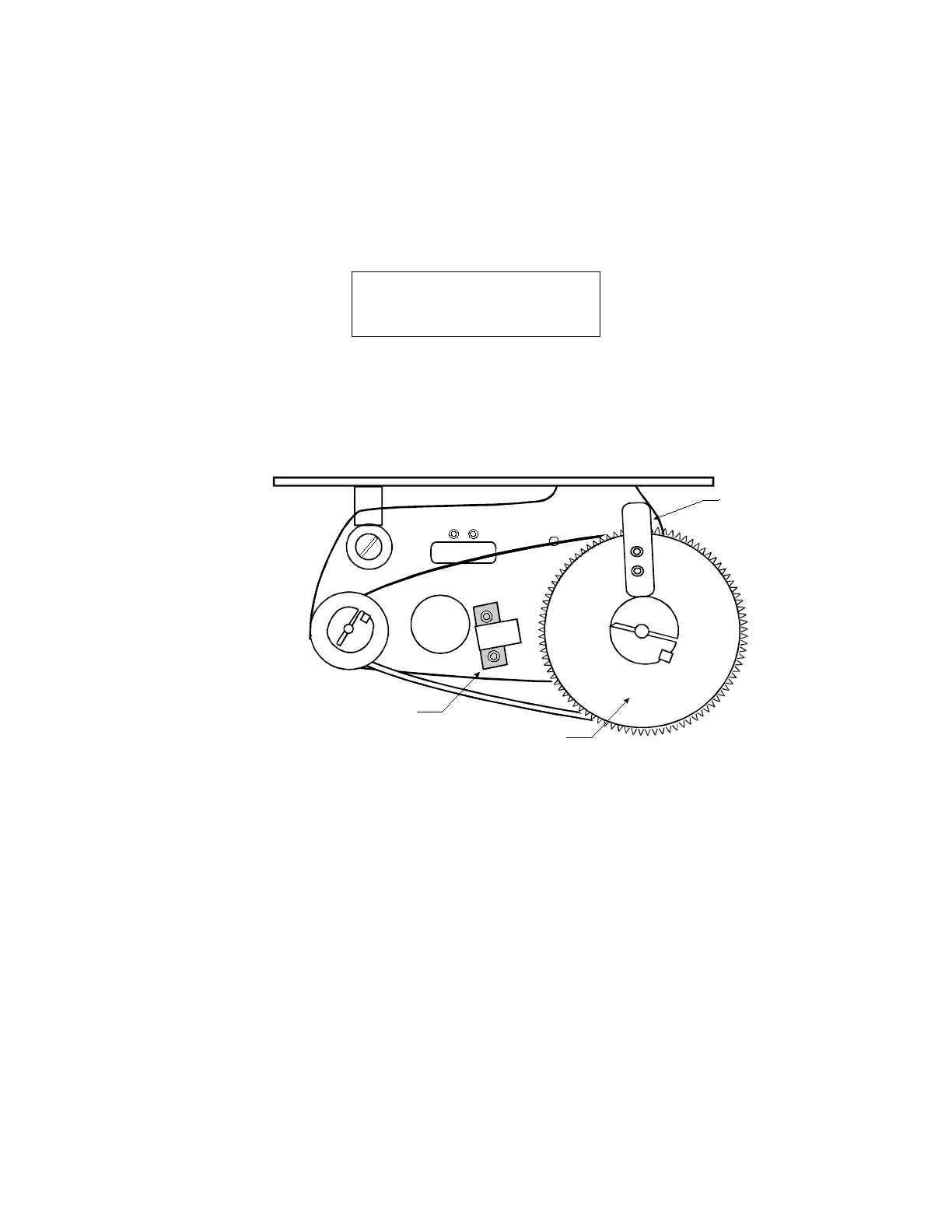
5. Remove the pre-aligner end cover, which is opposite the CCDs.
6. Press N to indicate the position is incorrect. The following message is
displayed:
SWITCHING OFF SERVO
Move Z axis to 0
and Here or Esc
7. Set the position by moving the big pulley manually by hand until the
pins are approximately 0.04 in (1 mm) below the underside of the
wafer. Hold the pulley, and then press the Enter key.
8. The screen prompts Home set. Press ‘Enter’. Press Enter.
9. Exit Diagnostics mode by pressing Shift/Esc.
10. Activate Terminal Mode by pressing Ctrl + T and then T again.
11. To restore operational speed and acceleration, use the RSA command
and then the SAV command.
12. Enter SVON and HOM to turn on servos and home the pre-aligner.
13. Check and set the Pin Load Position by using the RWU and SWU
commands, as described in Unloading or Up Position on page 33.
14. In Terminal Mode, use the SWL and RWL commands to read the
current value, which should be about:
• -2000 for a chuck-loaded PRE-200 pre-aligner
• 2000 for a pin-loaded PRE-201 pre-aligner
• -3000 for a chuck-loaded PRE-300 pre-aligner
• 3000 for a pin-loaded PRE-301 pre-aligner
Home
Sense
Flag
X
X
Home & Limit Switch
Big Pulley



 To Next Page