Operations and Maintenance Manual Troubleshooting
Version 1.2 - June 2004 14 - 11
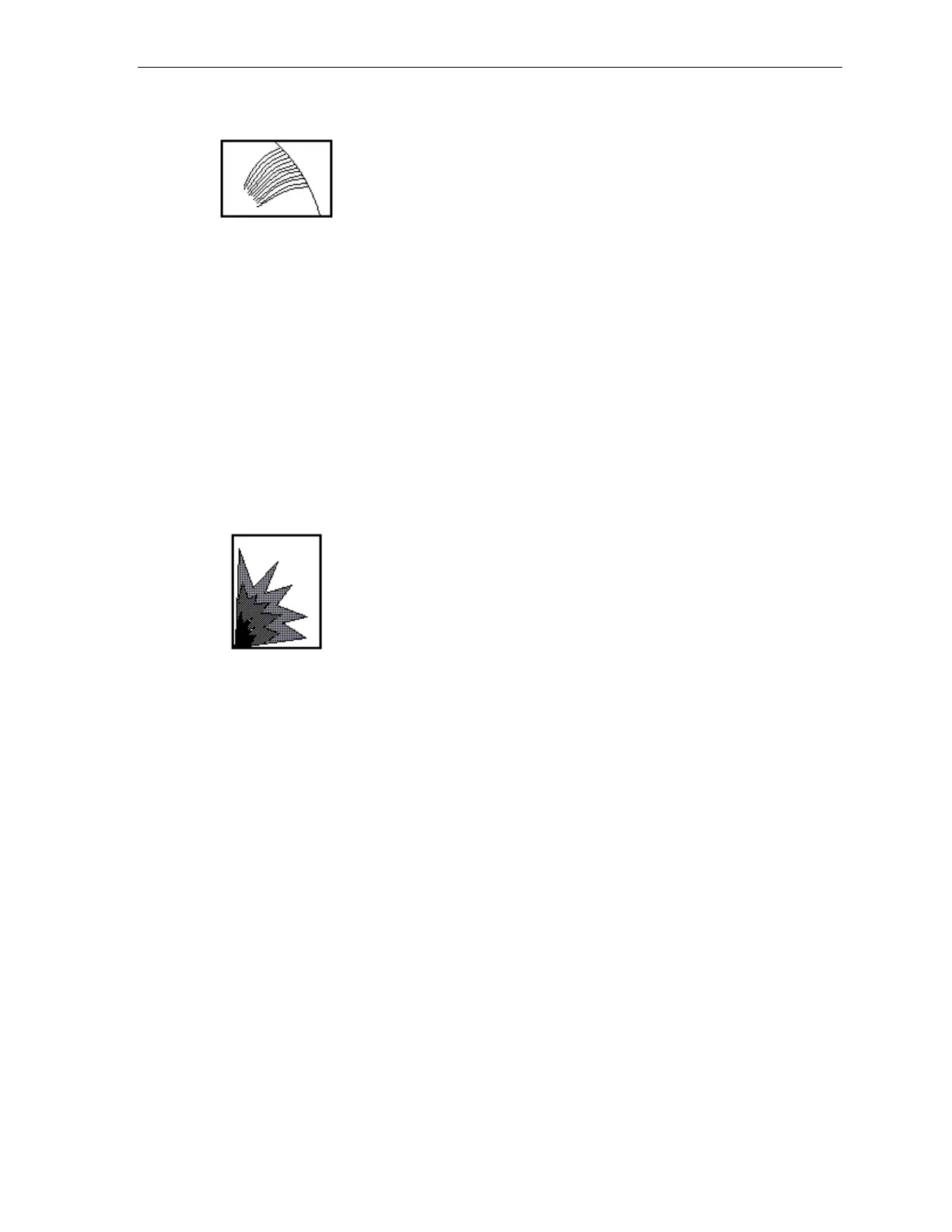
Figure 14-2
1. Cross-Hatching on the Wafer Edge
Description: Cross-hatching marks are located on the outer diameter of the wafer,
curving in the direction opposite the normal grind marks. The marks can range from
1/4 inch to 1 inch in length.
Corrective Action: Cross-hatching is usually caused by insufficient vacuum at the
wafer edge due to clogging in the work chuck. The work chuck should be dressed to
solve the problem. If dressing the work chuck does not solve the problem, further
investigation is necessary. Grind water can cause the adhesive on the outside edge of
the grind tape to lift.
Figure 14-3
2. Blue-Blacking or Burning
Description: The affected area will appear shiny and blue to black in color. The
burned area can range from only the center of the wafer to the entire wafer surface.
This problem is caused by heat building up on the wafer surface during grinding.
Corrective Action: Blue-blacking or burning can occur when the fine wheel becomes
loaded; therefore, dressing the fine wheel should solve the problem. If dressing the
fine wheel does not work, the coolant supply system may be at fault. Check the
coolant supply system for correct positioning and sufficient coolant flow.



 To Next Page