9980 Self-Propelled Peanut Combine CommandCenter Display
Diagnostic Readings, Tests
Tests
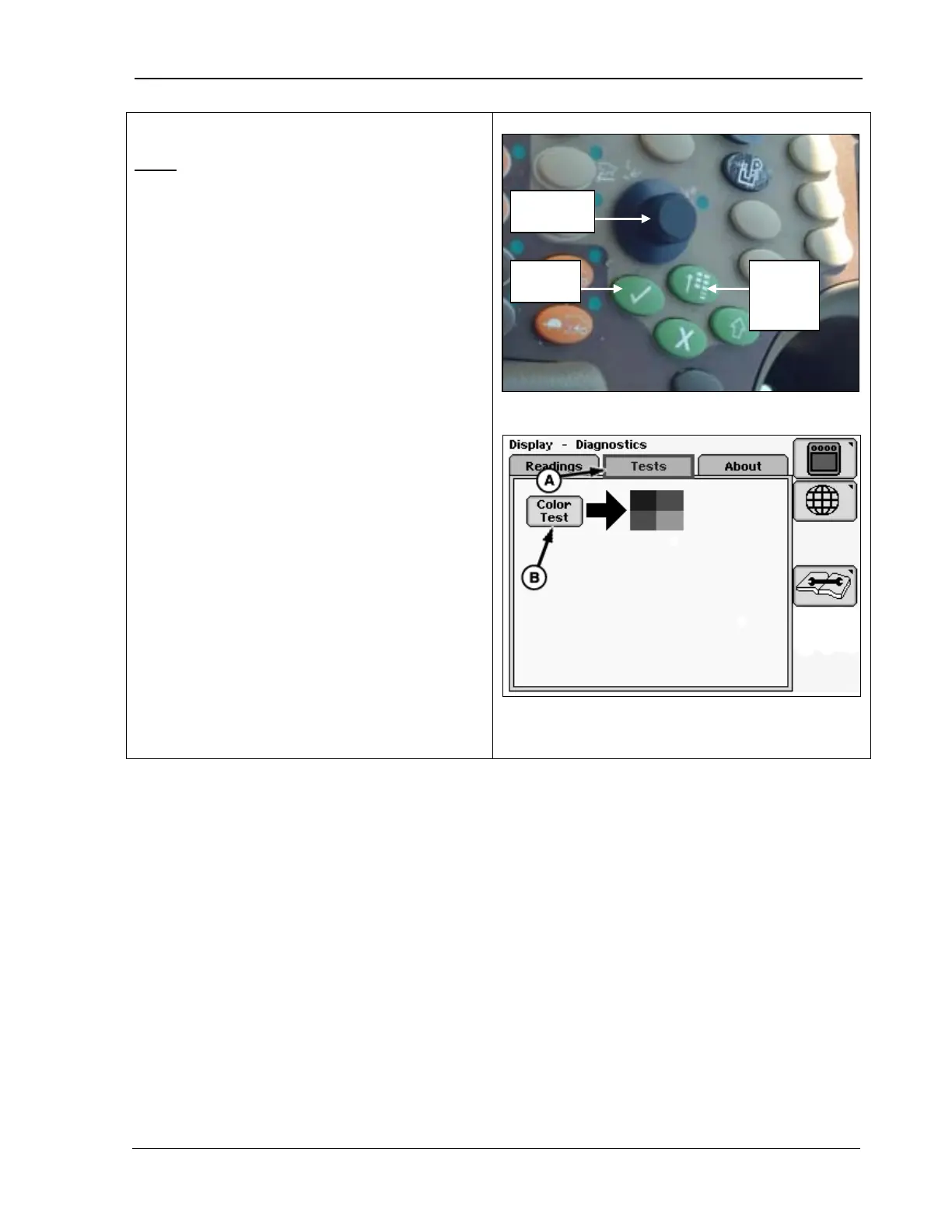
1. Rotate the Selection Dial and highlight:
Color Test
2.
Press Confirm when Color Test is
highlighted. The CommandCenter tests
the color of the display screen (a diagram
appears with blue, red, and green).
A – Tests Menu
B – Color Test
Menu
Button
MAN141 09/04/15 105



 To Next Page