9980 Self-Propelled Peanut Combine CommandCenter Display
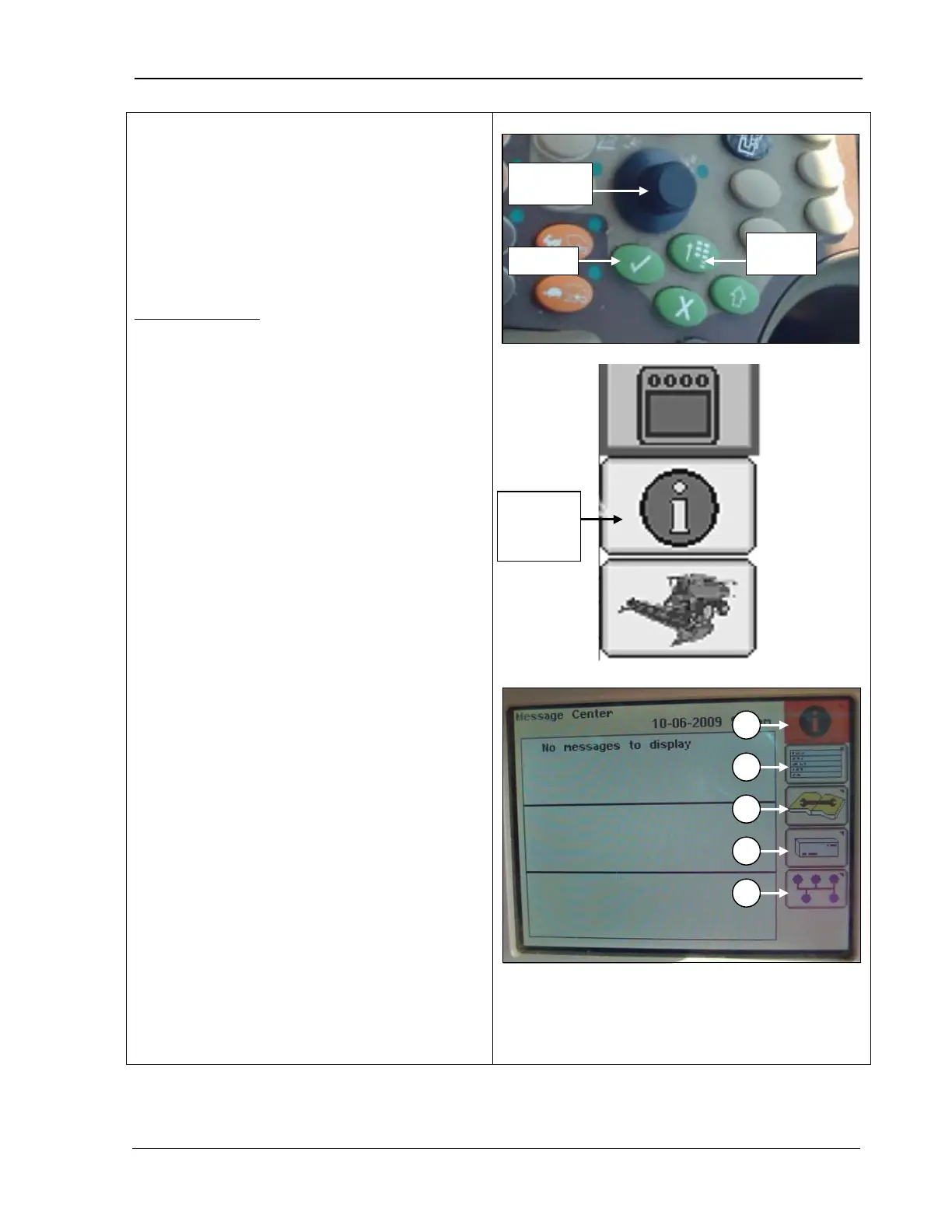
1. Press the Main Menu button.
2.
Rotate the Selection dial until the
Message Center icon is highlighted.
3. Press Confirm.
Message Center
1.
Rotate the Selection dial until the
message center icon is highlighted.
2. Press Confirm; the screen displays
messages to the operator if there are any
available.
A – Message Center Icon
B – Diagnostic Address Icon
C – Diagnostic Trouble Codes Icon
D – Electronic Control Unit Information Icon
E – CAN Bus information Icon
Center
Icon
MAN141 09/04/15 107



 To Next Page