9980 Self-Propelled Peanut Combine Electrical System Service
Turn Signal Indicator Lights
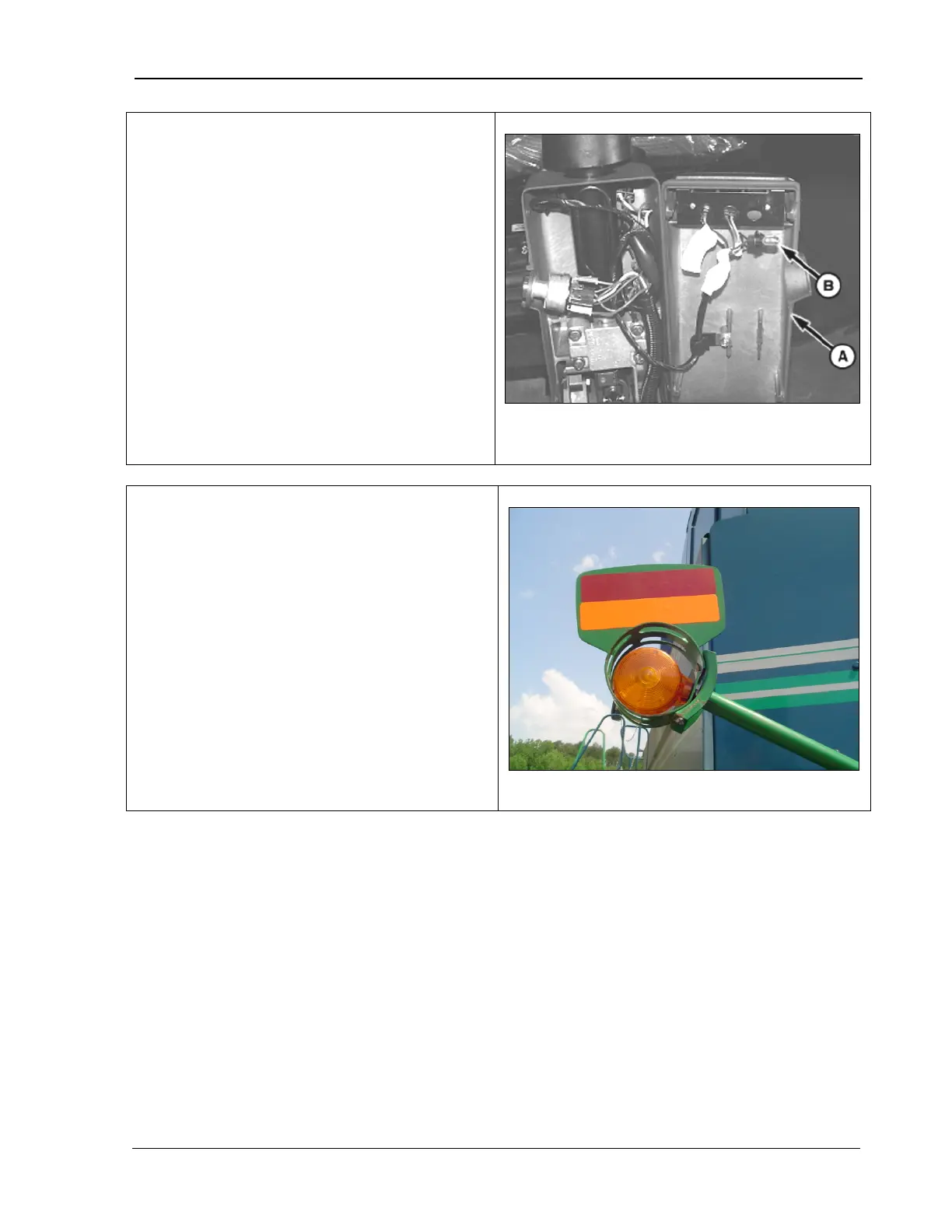
1. Tilt the steering column toward the driver’s
seat.
2. Remove the four screws and remove the
steering column cover (A).
3. Pull out the bulb socket (B).
A – Steering column cover
B – Bulb socket.
1. Pry off the lens cover (A).
2. Remove the light bulb by pushing in and
turning counterclockwise.
3. Install the bulb in reverse order.
A – Lens cover
MAN141 09/04/15 263



 To Next Page