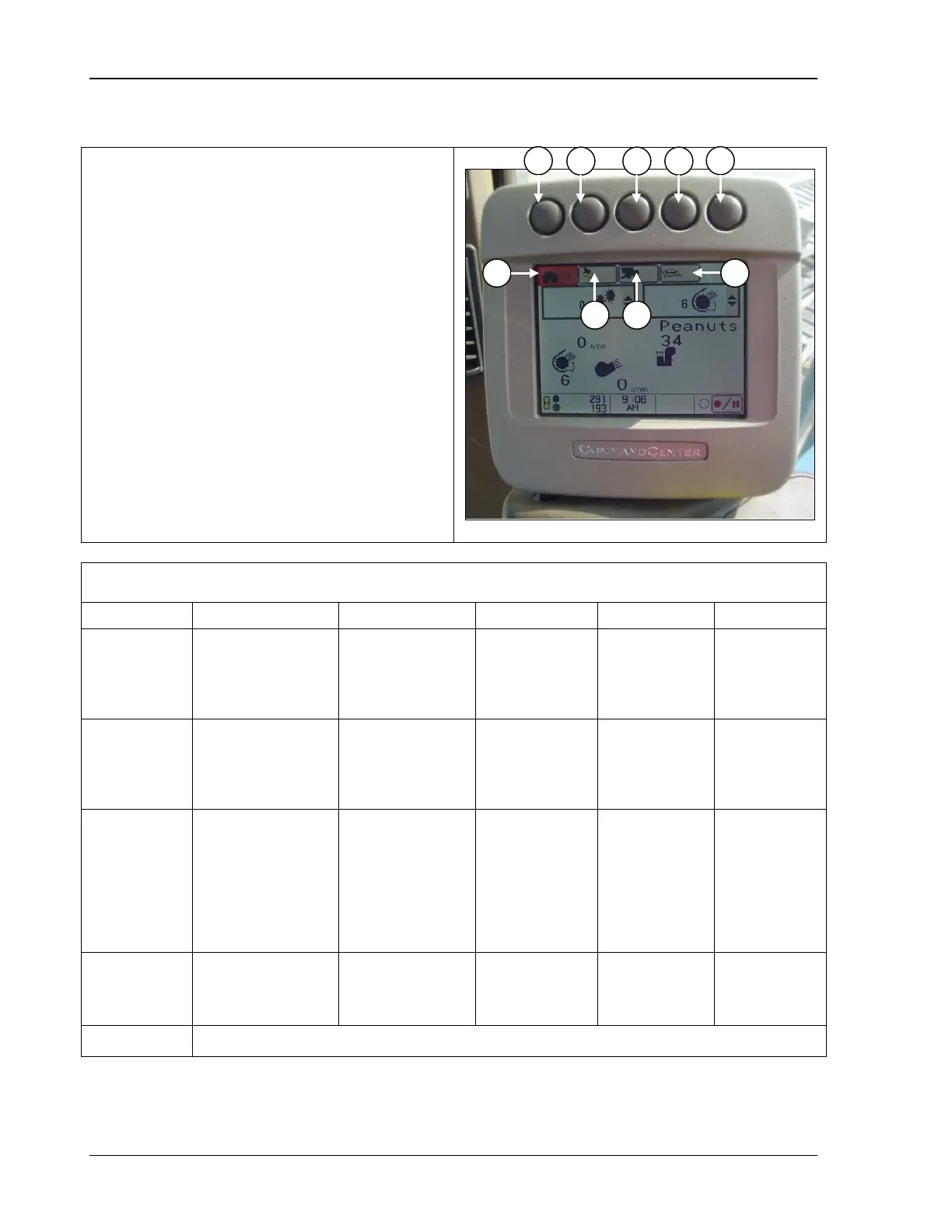
CommandCenter Display 9980 Self-Propelled Peanut Combine
Press button (A, B, C, or D) to select desired
type of i
nformation to view or change. The
corresponding icon (A, B, C, or D) on the
display screen is highlighted and show
s the
number of available pages within that
selection. Once the
selected, press the
through each available page.
Each page of display is described beginning
on page 88.
Display Navigation
Home
Monitor
information, crop
and machine
machine settings
(six reconfigure
windows)
Harvesting
Monitor
View yield, select
and change cut
width
values of fuel
use,
area/distance,
View and
change field
totals
View and
change crop
totals
Not used
C
Setup Pages
speed,
Cleaning fan
damper position,
cleaning fan
speed
Setpoint/automatic
Not used
Set: Header
width, change
in header
width, record
stop height
Not used Not used
Diagnostics
and
Active alarms Calibrations
Diagnostic
readings
Special test Not used
E Not currently used.
84 09/04/15 MAN141



 To Next Page