9980 Self-Propelled Peanut Combine Operator’s Controls
MAN141.rev1 08/05/16 61
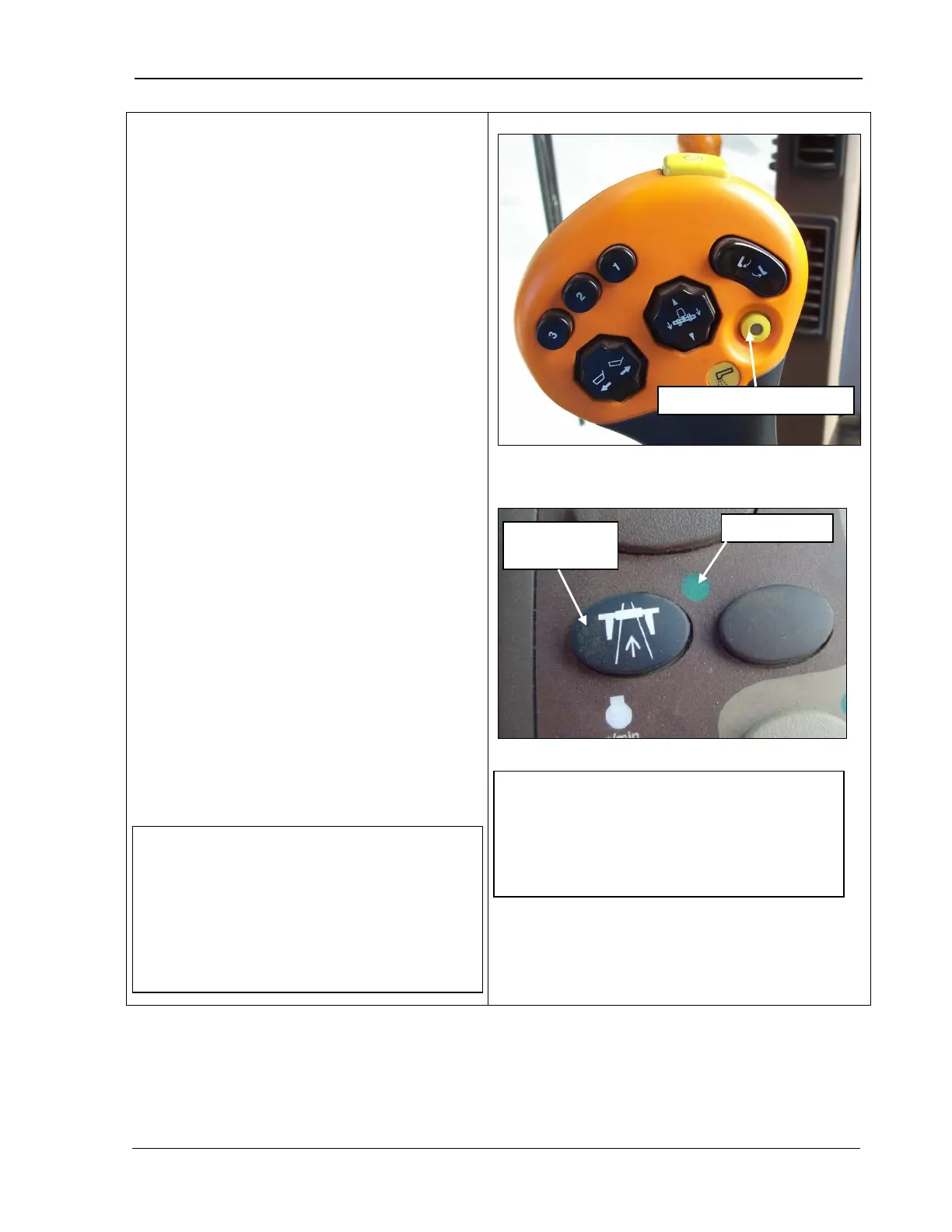
Button
(Off-load Conveying System (OCS) option
only)
The unloading conveyor drive switch is used
for combines equipped with the OCS
It is used to turn the unloading drive on the
conveyor on and off.
•
To start the unloading conveyor, press
the button. A light in the middle of the
button comes on to indicate the conveyor
is unloading.
• T
o stop the conveyor, press the button
again. The light goes out to indicate the
conveyor has stopped.
• If you need to stop the conveyor quickly,
you can also use the Quick Stop switch.
If you stop the unloading conveyor with
this switch, press the unloading button
once to start up the conveyor again.
• The unloading conveyor will engage only
while the button
is pressed if the
conveyor is less than 50% extended.
Once the conveyor has passed 50%
extension and the button is pressed, the
unloading conveyor drive will stay
engaged until the button is pressed and
released again or the quick stop button is
pushed.
NOTE! A five-second time lag is factory
set for the conveyor, which means the
unloading auger starts five seconds after
the conveyor. To change the lag time, see
Chapter 13, Unloading Conveyor.
disconnect
NOTE! For this switch to work:
•
The indicator light for the road
transport disconnect switch must be
OFF (bottom photo).
• The operator must be seated.



 To Next Page