9980 Self-Propelled Peanut Combine Lights and Signals
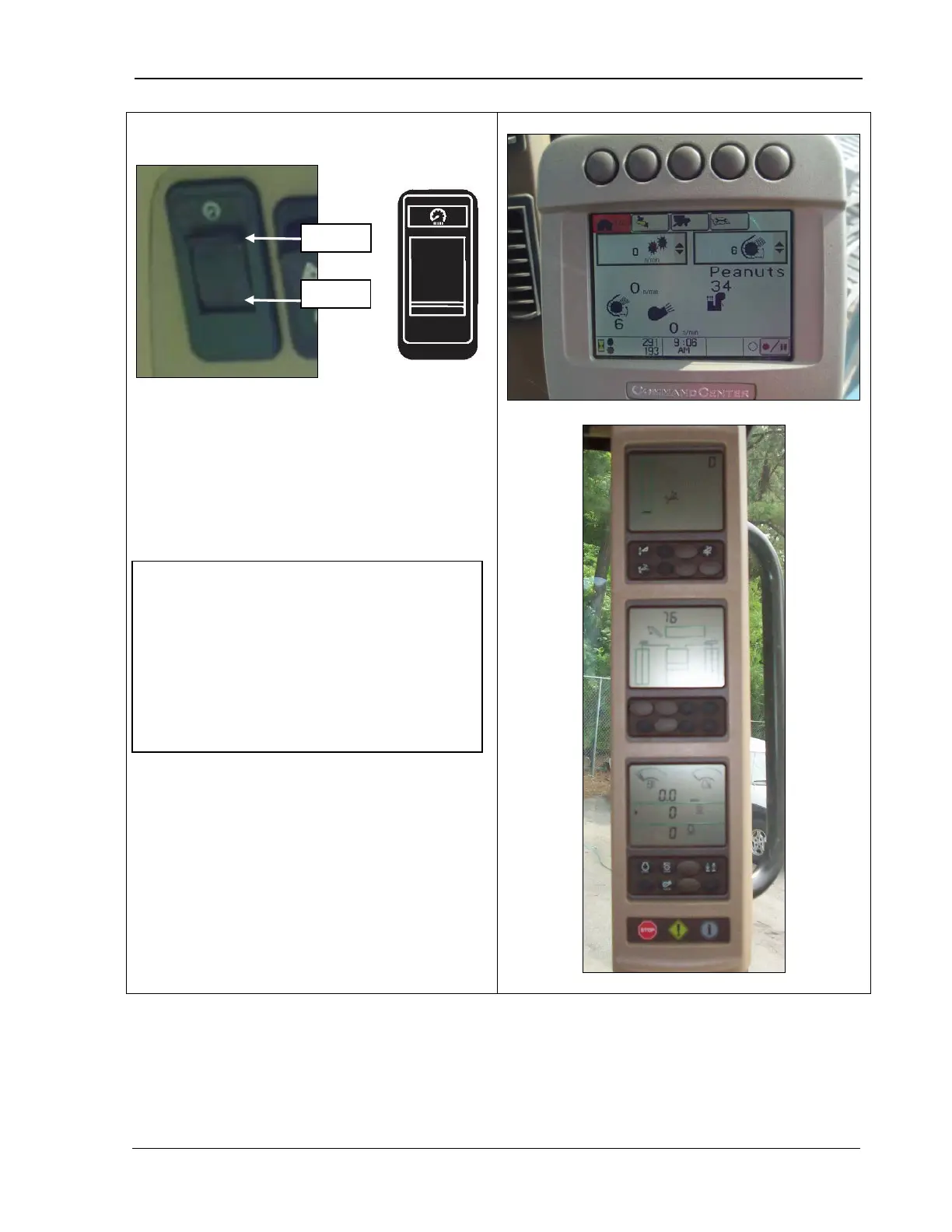
The dimmer switch controls the brightness of
the Cornerpost (top photo) and
CommandCenter (bottom photo) displays.
Move the switch toward the top for more light;
move toward the bottom for less light.
NOTE! The CommandCenter can be set
so that its brightness is not affected by the
dimmer switch. The combine arrives with
the factory setting, which is the option to
dim or brighten with the dimmer switch.
See Chapter 5, CommandCenter Display,
“Backlight Level Control and Boundary Box
Color” to change the setting.
MAN141 09/04/15 145



 To Next Page