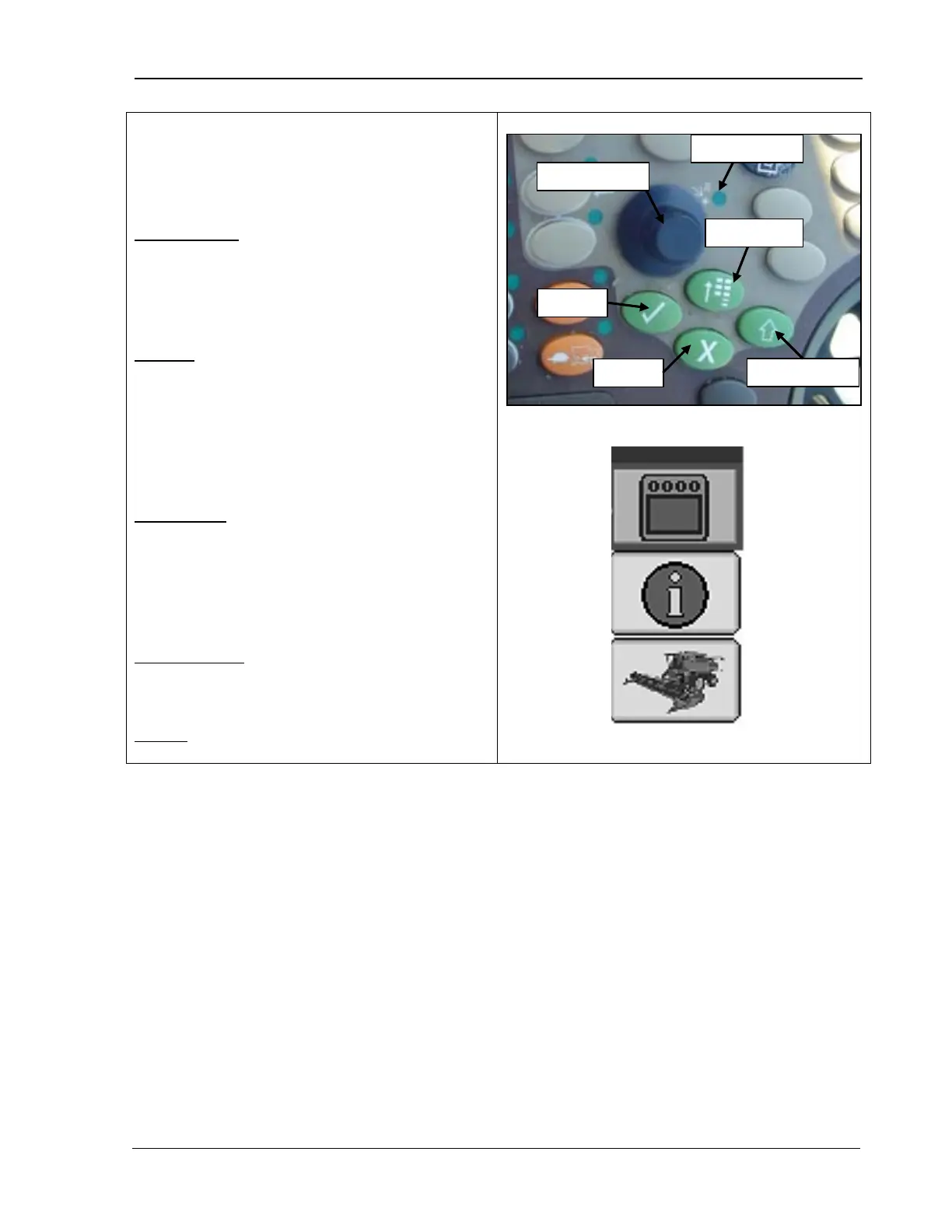
9980 Self-Propelled Peanut Combine CommandCenter Display
Display Controls
Once you have selected a CommandCenter
display page, move through the display as
follows:
Selection Dial: Rotate the dial to:
•
Scroll through the available items on the
selected page.
•
Increase or decrease the values in a
selected item.
Confirm
: Once you have used the selection
dial to highlight an item on the display, press
Confirm to:
• Select that item.
•
Toggle between available selections
within that item.
• Enter/save a value.
Main Menu
: Press to change the active
application that the display is running. Items
or applications in the menu include:
• Combine
• On Board Diagnostics Tool (OBDT)
• Display Settings
Display Select: Press to toggle Selection Dial
control between the CommandCenter display
or the GreenStar display (if equipped).
Cancel: Press to cancel a current selection.
MAN141 09/04/15 85



 To Next Page