9980 Self-Propelled Peanut Combine Operator’s Controls
MAN141.rev1 08/05/16 51
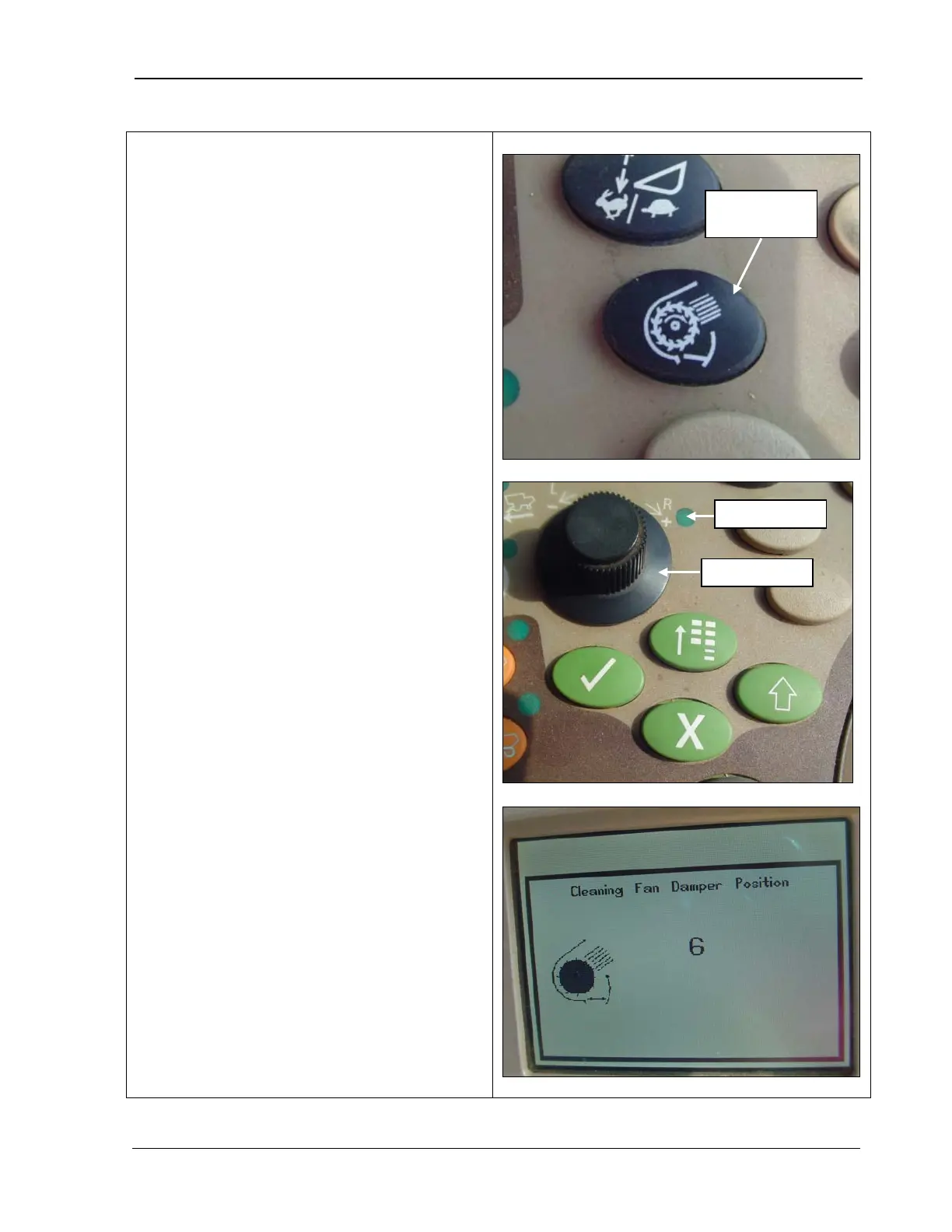
The cleaning fan damper switch controls how
far open or closed the clean fan damper is.
The position is shown as a number.
1. Press the cleaning fan damper button (top
photo). The selection dial indicator light
turns ON (middle photo).
2.
Use the selection dial (middle photo) to
turn the speed up (+) or slow it down (-
The CommandCenter displays adjustment
to the cleaning fan damper (bottom
photo).



 To Next Page