Software Reinitialization
Software Installation & Configuration
6-5
Software Reinitialization
Step 1. Modify the hostname and/or IP Address (via Control Panel -> Network) if necessary.
Reboot the PC.
Step 2. On the Database Server only: when the Server comes back online, double-click the
IIS Configuration icon on the desktop.
Step 3. Insert the Application Software CD ROM containing Release E.01 software into the
CD ROM drive of the device.
With the application software CDROM inserted, Philips application software can be installed.
Step 4. Double-click the mastersetup icon.
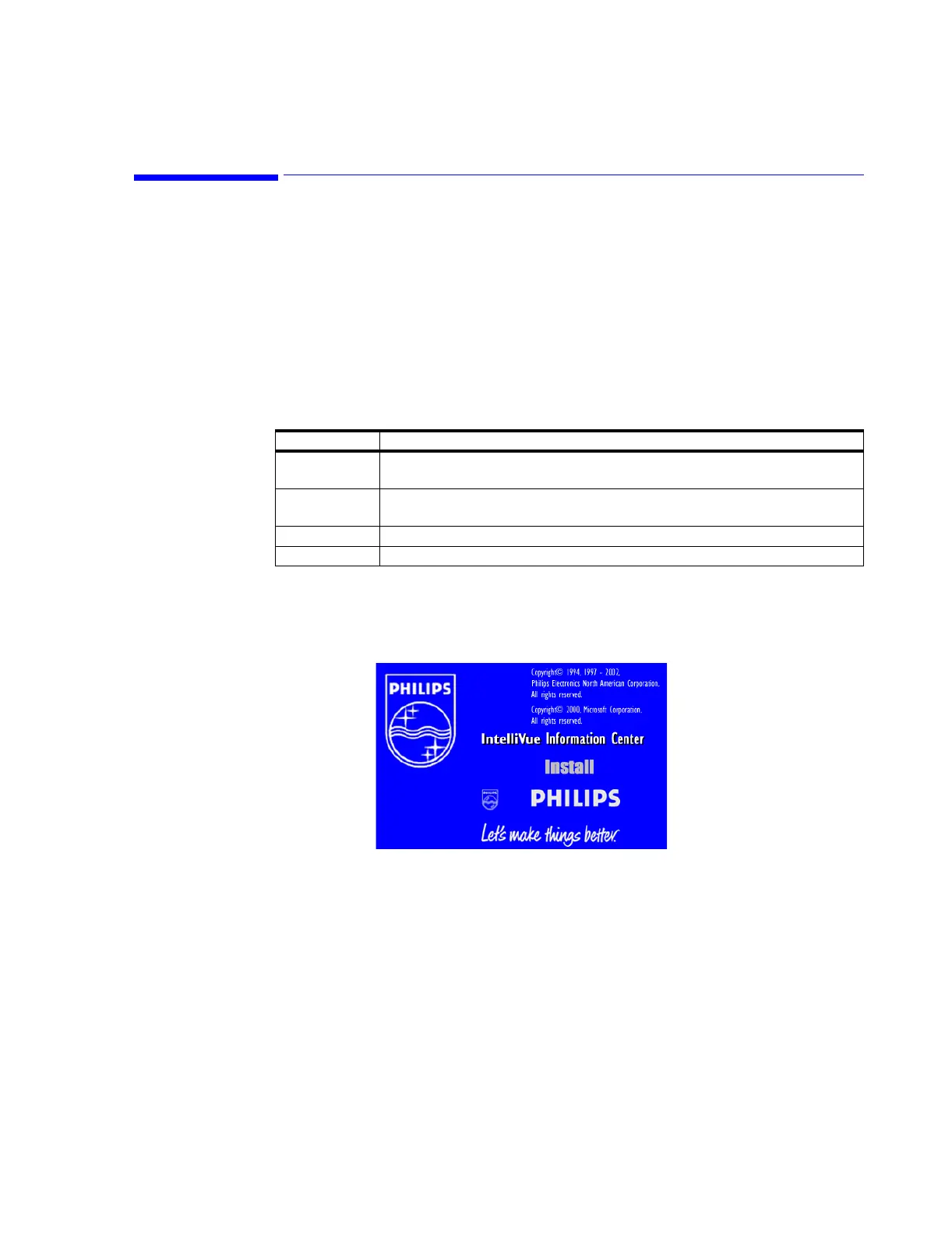
Step 5. The Software Installer splash screen opens (see Figure 6-1).
Figure 6-1 Software Installer Splash Screen
Step 6. Press the Install link to initiate the software. A second splash screen opens and
launches the software installation.
Table 6-1. Software CDROM Identification
Disk Label Description
A Operating System Software for PC Based devices: Information Centers, Clients,
Patient Link, Small Database Server
B Application Software for PC Based devices: Information Centers, Clients, Patient
Link, Small Database Server
C Operating System Software for M3154 Database Server
D Application Software for M3154 Database Server



 To Next Page
 Loading...