Operations and Maintenance Manual Operator Functions
Version 1.2 - June 2004 8 - 63
COMPARE THE STORED RECIPE VALUES WITH THE PARAMETER VALUES RECEIVED FROM
THE PROCESS SUPERVISOR
Operator Action Explanation/Screen Display
6. SHOW RECIPE Touch the "SHOW RECIPE" button to display
the Show Recipe submenu.
Note: The selections you have made (Chuck, Left, Dressing) will now be
displayed in the boxes located just above the Stop Cycle button.
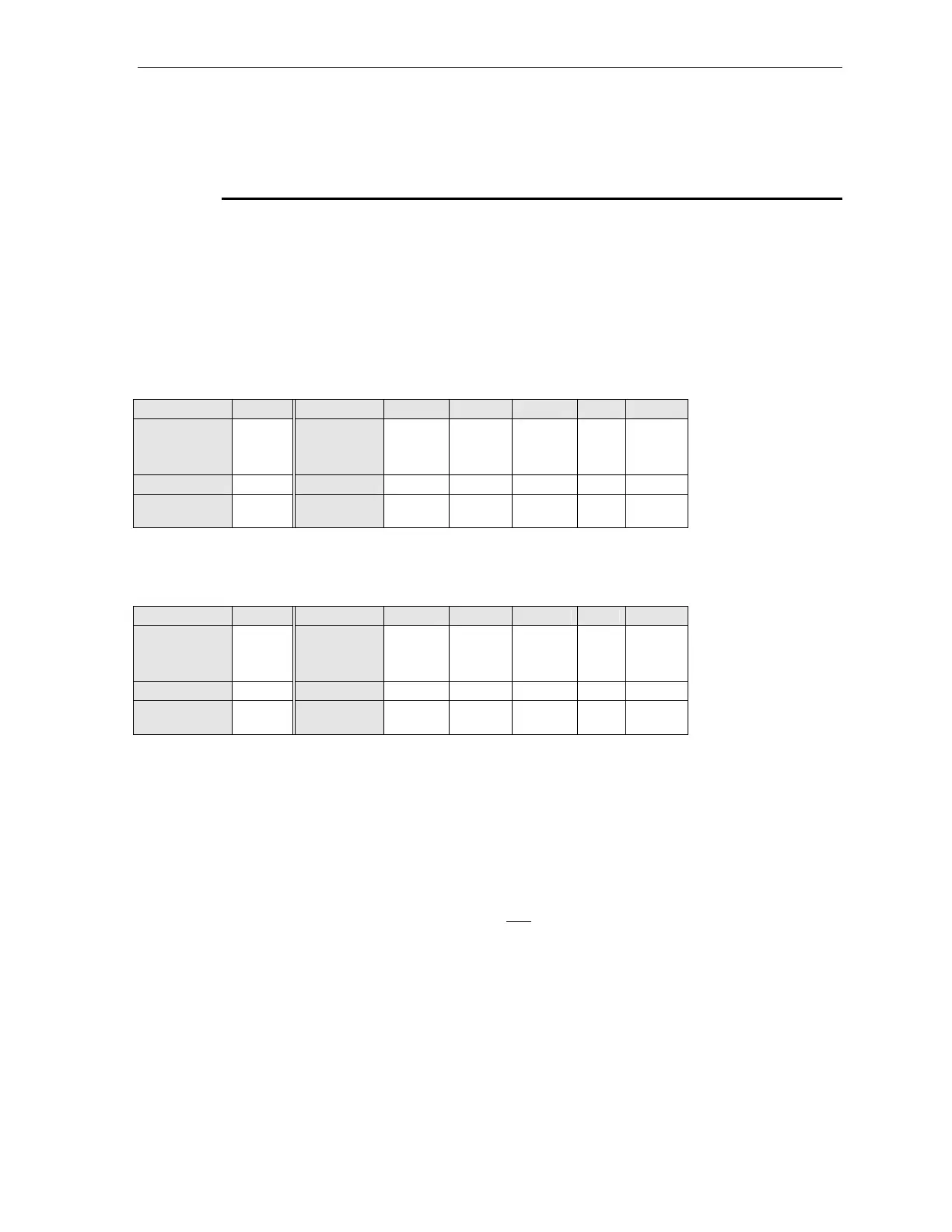
Figure 8-16 Example of a Work Chuck Dressing Recipe
Step 1 Step 2 Dwell Lift
Coarse
Wheel
RPM
2500
Removal
40 10 30 revs.
20 µm
Feed rate
2 1 @ 2 µm/sec.
Chuck
Speed
60 60 60 60 RPM
Figure 8-17 Example of a Work Chuck Truing Recipe
Step 1 Step 2 Dwell Lift
Coarse
Wheel
RPM
2500
Removal
190 10 30 revs.
20 µm
Feed rate
2 1 @ 2 µm/sec.
Chuck
Speed
60 60 60 60 RPM
7. Compare the values of the process parameters shown in the recipe
displayed on the screen with those provided to you by the process
supervisor:
a. If the parameter values match, go on to Step 8., below.
b. If the parameter values do not match, contact your process supervisor.



 To Next Page