D950/Vista Digital Mixing System
4-46 GC Operation SW V3.3 Date printed: 05.08.03
Now You Can: Recall a Snapshot • Select a Snapshot from the List, and
• Click on the Recall button, or
• Simply double-click on the Snapshot you wish to recall.
Clicking on the Next button will recall the currently selected snapshot and
automatically move one line down within the Snapshot list and recall the
next Snapshot.
The Snapshot that was recalled last is marked with a small triangle. If the
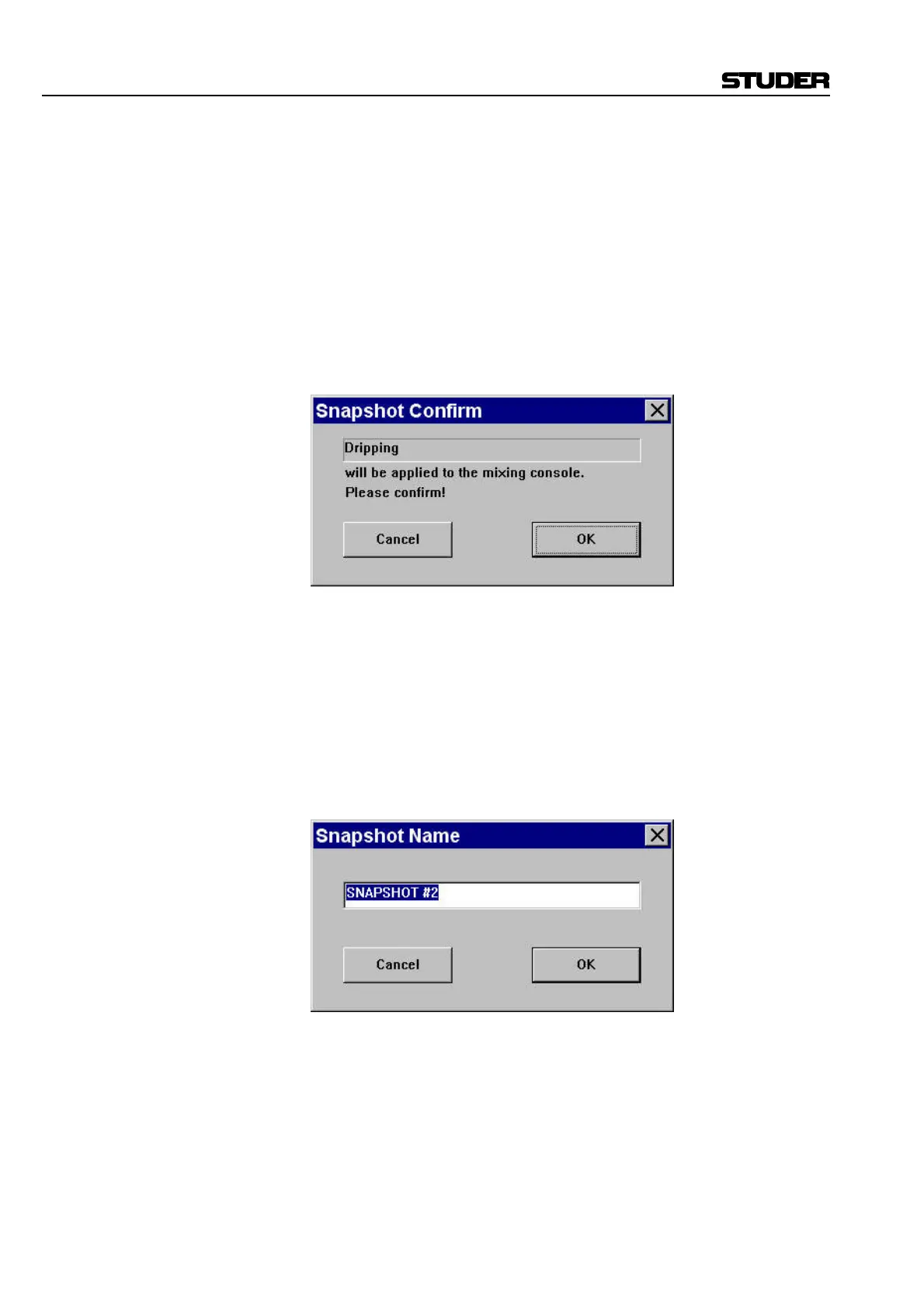
Snap Confirm option in the Options menu (refer to chapter 4.6.5.6) is
checked, there will be a pop-up dialog requiring confirmation of Snapshot
Recall. This capability is useful for live environments, where you may not
wish to delete or overwrite too easily what you are doing.
Note: Once a Snapshot or Preset is applied, the existing parameter settings are
replaced by those contained within the Snapshot or Preset. If the previous
settings have not been stored, there is an Undo button available, in order to
go back to the last settings before recalling the Snapshot or Preset.
Name a Snapshot • Select a Snapshot from the List, and
• Click on the Name button.
This action will bring up an editing window that allows the user to enter
the new name. Since Snapshots are listed in alphabetical order, by care-
fully naming you can arrange them exactly as you wish.



 To Next Page