D950/Vista7 Digital Mixing System
5-104 AutoTouch+ SW V3.3 Date printed: 27.08.03
5.13 Mix Protection
Mix Protection allows individual controls or sets of controls to be “Pro-
tected” or locked out from changes. Mix Protection may also be applied to
the General Patch.
When Protected, a control is essentially in a “read only” mode. The Read
Mix data for the Active Pass will be heard for all Protected controls. All
the READ LOCK conditions apply to Protected controls (just not on a
global basis).
Controls and the General Patch may also be isolated from the mix using
Mix Protection techniques.
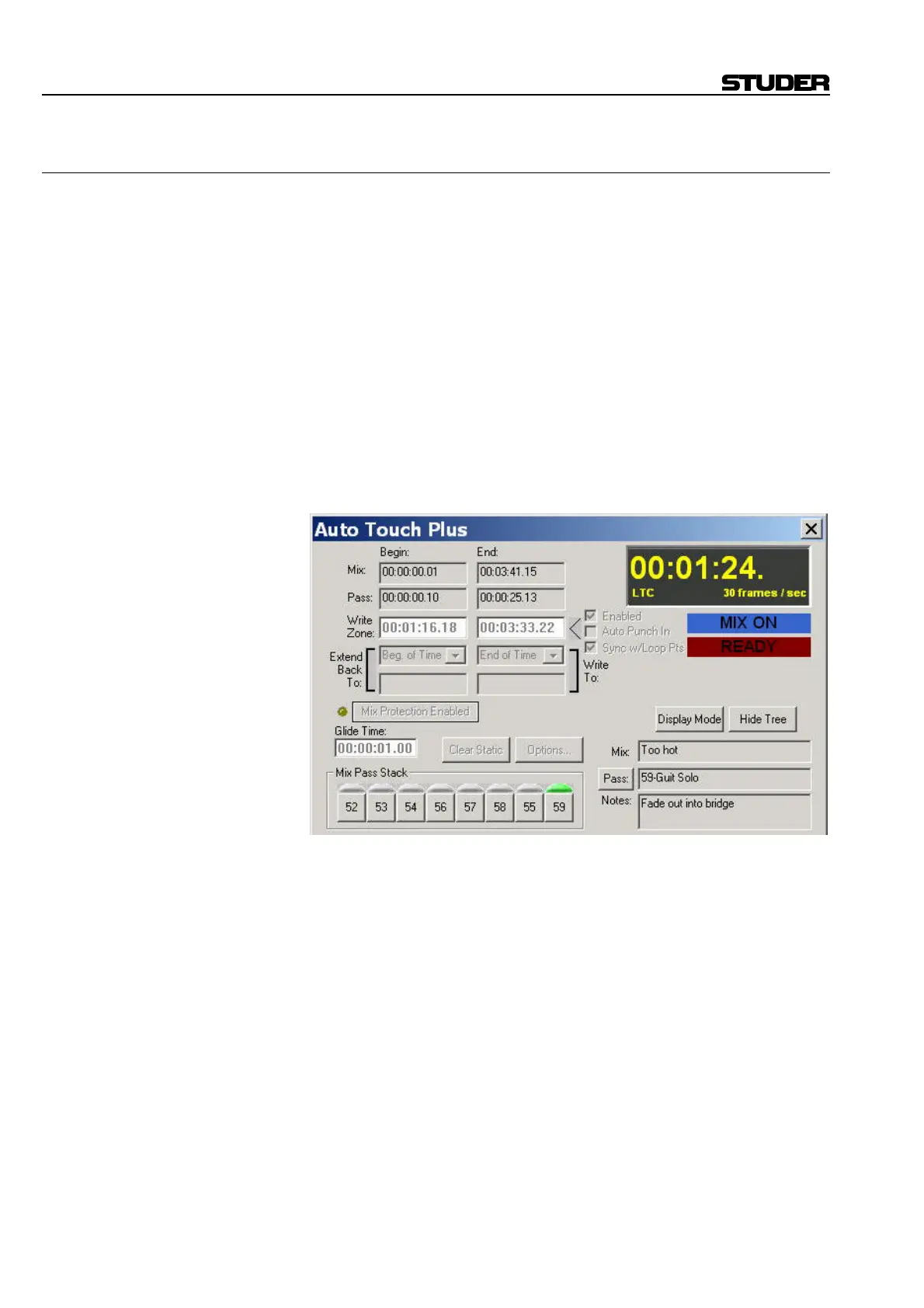
Mix Protection Enabled Button: The Mix Protection Enabled button opens the “Automation Protection”
window. The yellow LED symbol to the left of the button illuminates when
any controls are in a Protected State. The Mix Protection Enabled button is
located in the AutoTouch+ window.
The Automation Protection window can also be opened by selecting “Pro-
tection” from the GC Automation menu.
<Option> • With <Protect Static For Protected Controls> checked on the Misc Op-
tions page (also refer to chapter 5.21.8), the values of Static controls are
replayed, but changes to those values are not allowed.



 To Next Page