D950/Vista Digital Mixing System
Date printed: 05.08.03 SW V3.3 GC Operation 4-111
4.7.1.1 Setting the Subclass Labels
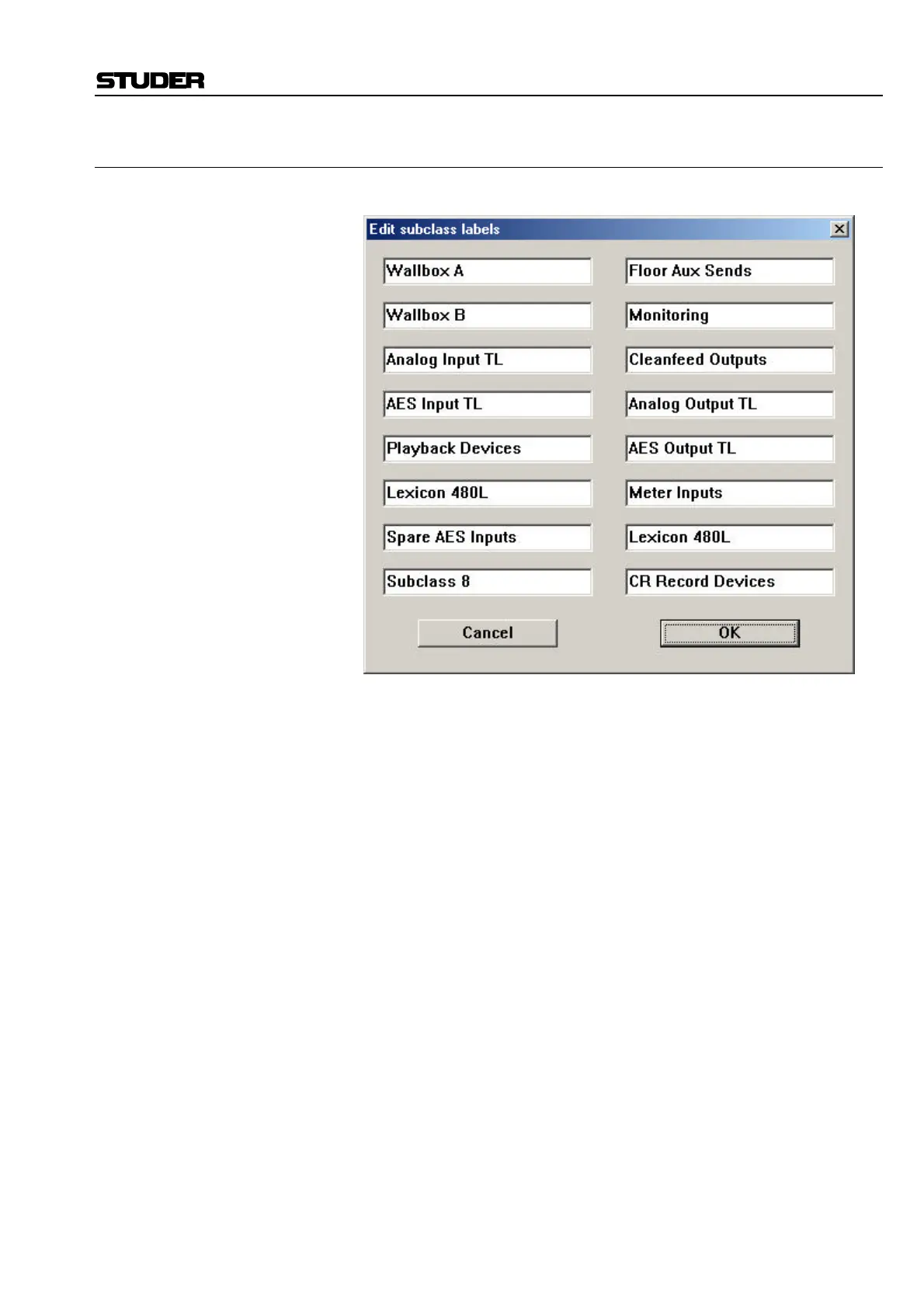
Click on the “Edit labels...” button to open the Subclass Label editor.
Within the editor page, enter the names you wish to appear for each of the
Subclasses in the Patch Lists. Confirm with OK, otherwise any changes
will be lost.



 To Next Page