D950 Digital Mixing System
Date printed: 03.09.03 SW V3.3 Desk Operation 3-3
3 DESK OPERATION
3.1 Introduction
Within the D950 Digital Mixing Console, the following input and output
channel configurations are available:
• Mono input channel
• Stereo input channel
• Mono multitrack input channel
• Mono multitrack monitor channel
• Mono group channel
• Stereo group channel
• Mono master channel
• Stereo master channel
• Mono AUX channel
• Stereo AUX channel
• Mono control master channel (for VCA-like control, no audio function).
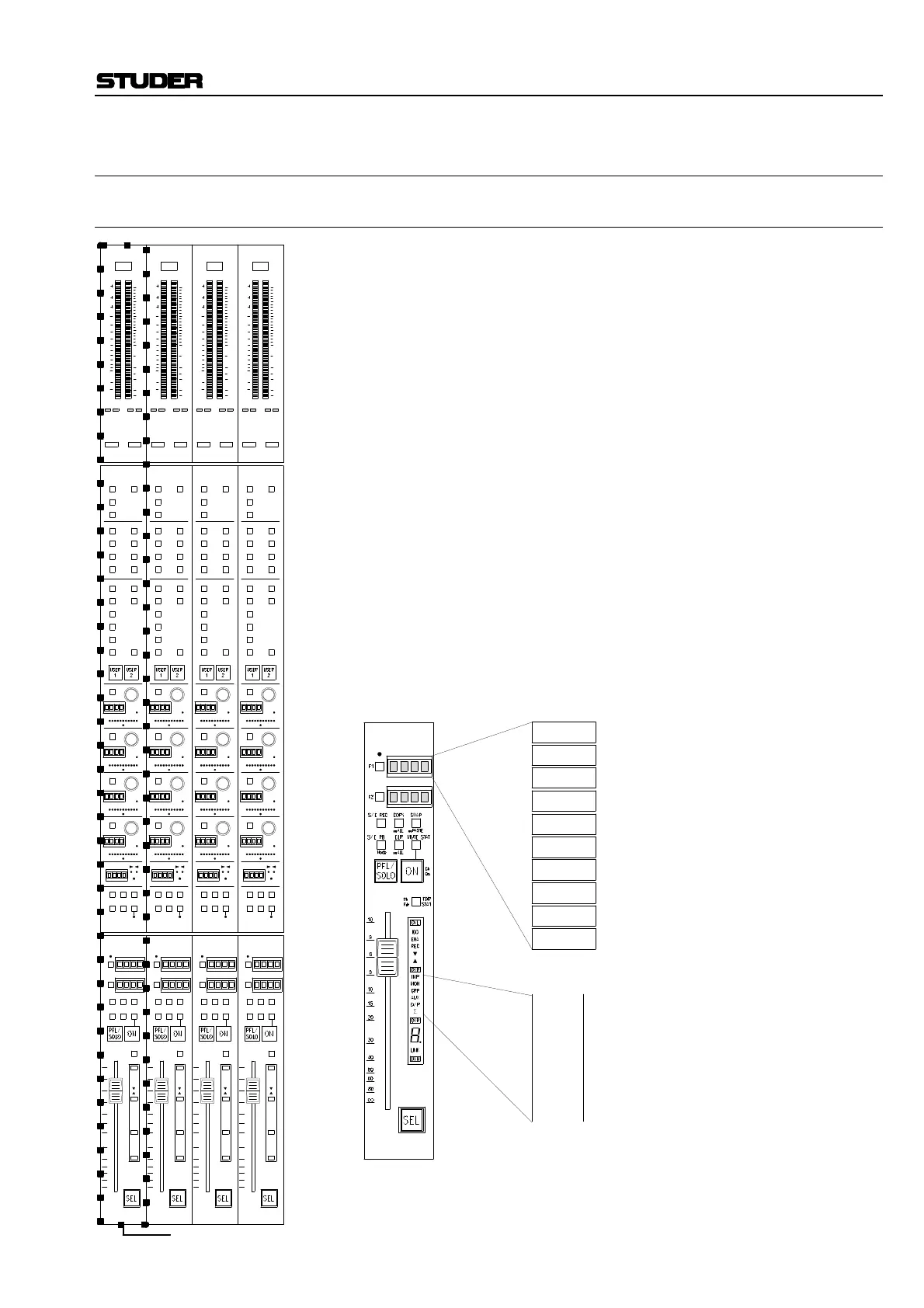
The operating desk is subdivided into mechanical frames, each of which is
subdivided again into four channel strips. These can be regarded as similar
to the channel modules of a conventional analog mixing console. All
channel strips – inputs and outputs – feature identical controls. The draw-
ing to the left shows a complete four-channel strip with meter unit, in-
put/output unit, and fader unit.
Although input and output channels look identical, the function of the
channel strip can be easily identified by the fader module’s display ele-
ments (see below).
Each of these input/output channel strips features its own particular set of
audio processing functions, depending on the assigned DSP channel.
I m
I
s
G
m
G
s
M
m
M
s
A
m
A
s
Mono Input channel
Stereo Input channel
Mono Group channel
Stereo Group channel
Mono Master channel
Stereo Master channel
Mono AUX channel
Stereo AUX channel
Input channel (mono or stereo)
M ultitrack monitor channel
Group channel (mono or stereo)
AUX master channel (mono or stereo)
Master output channel (mono or stereo)
INP
MON
GRP
AUX
Σ
T
i
T
m
Multitrack Input channel
Multitrack Monitor channel
One channel strip



 To Next Page