D950/Vista7 Digital Mixing System
Date printed: 27.08.03 SW V3.3 AutoTouch+ 5-169
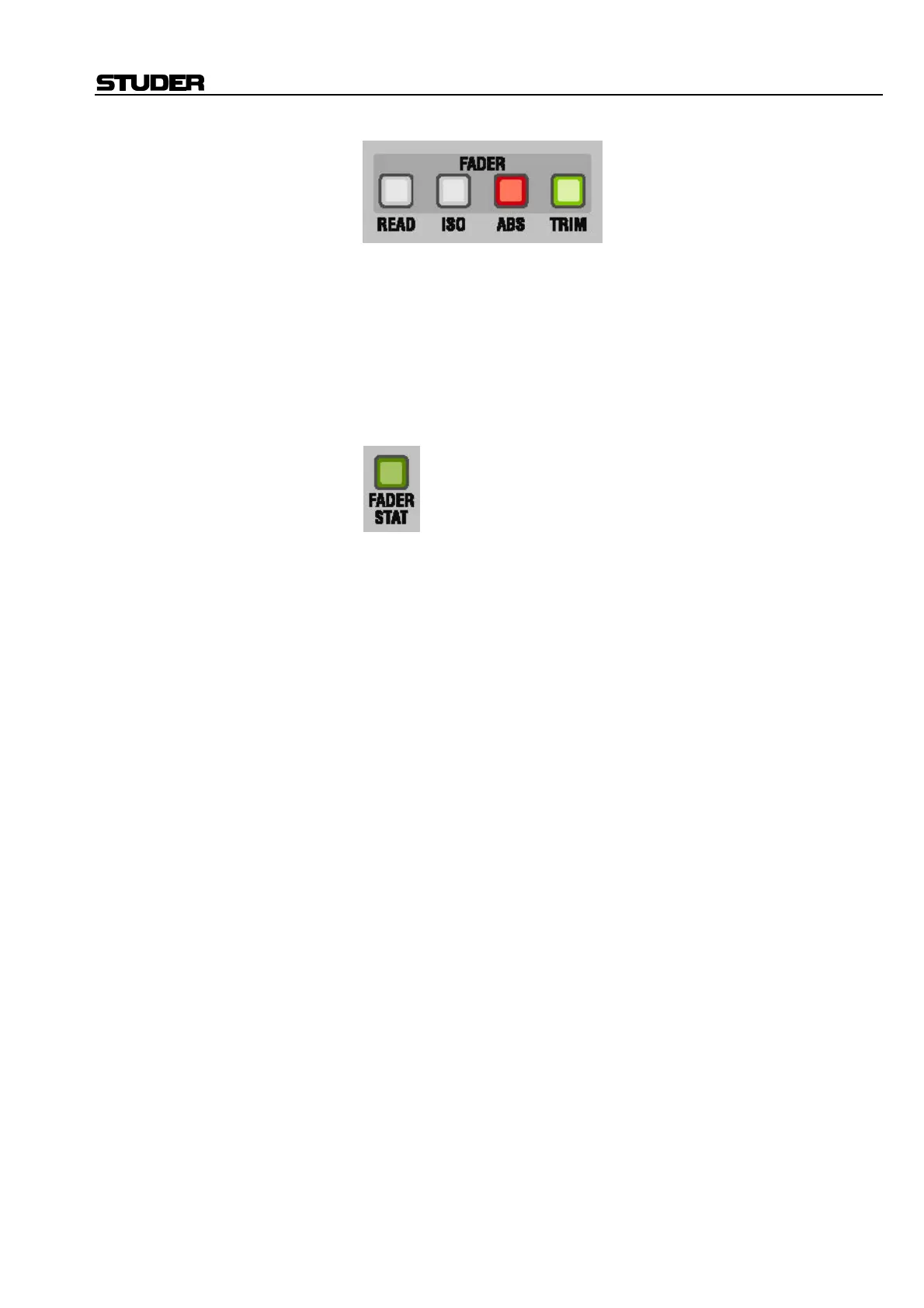
CAS FADER Control Mode Activators:
• READ: READ
• ISO: ISOLATE
• ABS: WRITE ENABLE (ABS is a legacy of AutoTouch 2.5)
• TRIM: TRIM ENABLE
The Control Mode activator for the current fader mode will illuminate.
FADER STAT Key: The FADER STAT key is the primary control for automating the CAS fader.
Single Press Functions: • A single press punches the CAS fader in or out of RECORD if it is en-
abled.
Status Indications: FADER STAT key provides information about the automation status of the
CAS fader:
• Continuously lit: The fader is in WRITE or TRIM enable.
• Flashing: The fader is in RECORD.
The FADER Control Mode is indicated by the illuminated Control Mode
activator:
• READ: READ
• ISO: ISOLATE
• ABS: WRITE ENABLE
• TRIM: TRIM ENABLE
Fader Null Indicators: Up and down arrow lights indicate the difference between the current fader
value and the Active Pass Read Mix data. When the values match both
lights are extinguished. An exception is to show the offset from the Trim
Null point when in TRIM (this is always the absolute position of the fader
from 0 dB). The fader null indicators are located next to the fader.
Fader Value: The current value of the last CAS control to be used is shown in the Func-
tion Value display at the top of the CAS.



 To Next Page